Workflow Automation Guide for 2025
Find out what is workflow automation and how it can simplify tasks, boost productivity, and help you launch your first automated workflow today.
At its core, workflow automation is about using technology to take over the repetitive, predictable tasks that clog up your day. Think of it as building a digital assembly line for your work—one that handles things like data entry, sending standard follow-up emails, or updating a project status, so you don't have to.
Unlocking Your Productivity with Workflow Automation
Imagine looking at your to-do list and seeing a bunch of tasks you do the exact same way, every single time. Now, picture a personal digital assistant that just… handles them. Instantly, and without a single mistake. That's the magic of workflow automation. This isn't about needing a computer science degree; it's simply about working smarter.
Most automation works on a simple "if this, then that" principle. When a specific event happens (the trigger), a pre-defined sequence of tasks (the actions) kicks off automatically. This simple logic connects your different apps and tools, letting them talk to each other to create a smooth, hands-off process. It's a game-changer for everyone, from freelancers juggling clients to large agencies trying to keep projects on track.
To make this crystal clear, here’s a quick breakdown of the fundamental concepts.
Workflow Automation at a Glance
| Concept | Simple Explanation |
|---|---|
| What It Is | Using software to automate repetitive, rule-based tasks. |
| Primary Goal | To free up human time and brainpower for more creative and strategic work. |
| Who It's For | Anyone looking to be more efficient—freelancers, agencies, students, creators, and businesses of all sizes. |
This table shows just how straightforward the idea is. It's not about complex systems; it's about creating simple, reliable processes.
Why It Matters Now More Than Ever
The move toward automation isn't just a fleeting trend; it's a real shift in how modern work gets done. You can see this clearly in the market's explosive growth. The global workflow automation market was valued at around USD 21.17 billion in 2025 and is expected to skyrocket to USD 80.57 billion by 2035.
This isn't just a bunch of numbers—it shows that people and businesses everywhere are desperately looking for ways to get rid of manual grunt work. Today, you don't even need to know how to code to build powerful systems.
Workflow automation isn't about replacing people; it's about empowering them. By delegating mundane tasks to technology, you reclaim valuable time for creativity, strategic thinking, and high-impact work that truly moves the needle.
Ultimately, bringing automation into your work is about building dependable systems that run quietly in the background. They ensure tasks are done consistently and correctly, freeing up your mental energy for the kind of problems that actually require a human touch.
How Does Workflow Automation Actually Work?
So, how does this all work behind the scenes? The easiest way to think about workflow automation is to imagine you're teaching a very literal, very fast digital assistant how to do a simple, repetitive job for you.
At its heart, any automation software operates on a basic but powerful logic—a kind of digital chain reaction. A specific event happens, which sets off a pre-planned sequence of tasks. This is what allows all your different apps and tools to talk to each other and get work done without you having to jump in and do it manually.
The whole point is to turn those tedious, repetitive tasks into free time you can use for more important work.
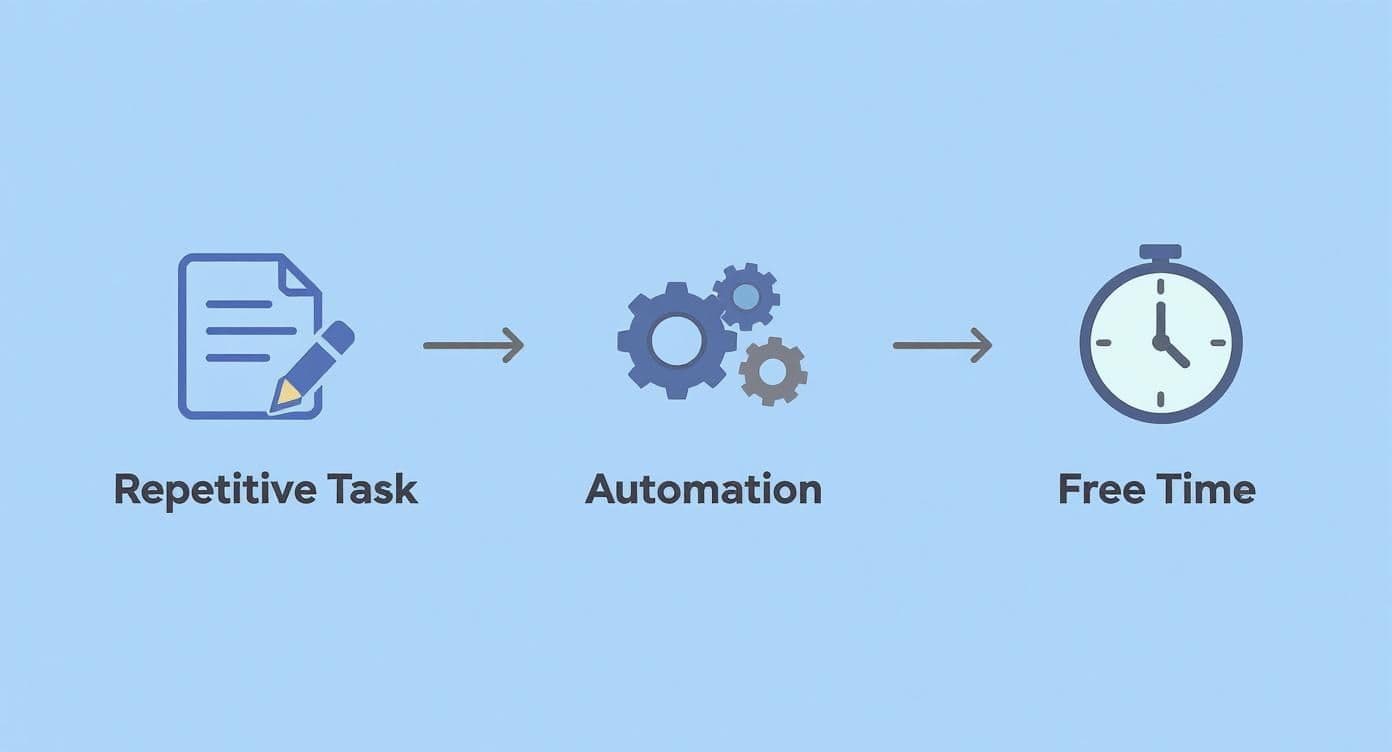
This simple diagram perfectly captures the end goal: converting manual effort into productive freedom. Let’s pull back the curtain and look at the mechanics.
The 3 Core Building Blocks of Automation
Every single automated workflow, no matter how simple or complex, is built from the same three fundamental parts. Once you get these, you can start seeing how to automate just about anything.
-
Triggers: This is the starting gun. A trigger is the specific event that kicks off your automated workflow. It could be anything—getting a new email with a specific subject line, a potential client filling out your contact form, or a task in your project manager being marked as "Done."
-
Actions: These are the jobs your automation actually does once it's been triggered. Think of them as the individual steps in your process. An action might be sending a Slack notification, creating a new folder in Google Drive, adding a row to a spreadsheet, or updating a client's status in your CRM.
-
Conditions: This is where your automation starts to feel smart. Conditions add basic "if-then" decision-making to the mix. For example, if a new lead's budget is over $5,000, then assign it to a senior sales rep. Otherwise, it goes into a nurturing sequence.
You can think of a workflow as a scripted conversation between your apps, guided by triggers, actions, and conditions. It makes sure the right things happen at the right time, every single time.
Let's look at a real-world example. A new client fills out the inquiry form on your website. Without automation, you’d have to manually copy and paste their information into your project management tool, create a new folder for them, draft and send a "welcome" email, and then add a "follow-up" task to your calendar. It's a lot of clicking.
With automation, the form submission itself is the trigger. It instantly sets off a workflow that performs all those actions for you in a matter of seconds. This hands-off approach not only saves a ton of time but also gets rid of the risk of typos or missed steps.
If you're looking for more ideas on how to polish your own internal systems, you can learn how to streamline business processes in our more detailed guide.
The Real-World Benefits of Automating Your Work
It’s one thing to understand the theory behind workflow automation, but it’s another to see how it actually changes the way you work. When you cut through the jargon, you find real, tangible advantages for everyone, from solo freelancers to entire agencies. At its core, the biggest benefit is simple: automation buys back your time, freeing you up for the strategic and creative work that truly needs a human touch.
Think about an agency’s client onboarding process. When a new contract is signed, an automated workflow can spring into action—instantly creating a new project folder, sending out a welcome packet, and assigning the first round of tasks to the team. This process runs flawlessly every single time, making a great first impression and eliminating the risk of embarrassing mistakes.
For a freelancer, automation can mean reclaiming dozens of non-billable hours each month. Instead of manually chasing down late invoices or piecing together weekly progress reports, you can set up a system to handle it all for you. That’s more time to focus on what you’re actually paid to do, find new clients, or even just take a well-deserved break.
Drive Growth and Eliminate Errors
One of the most immediate and powerful results of automation is a drastic reduction in manual mistakes. Let's be honest, repetitive tasks like data entry are a breeding ground for human error—typos and oversights that can cause miscommunication, inaccurate reports, and hours of wasted time trying to fix them. Automation handles these jobs with perfect accuracy, every single time.
By taking human error out of the equation for routine processes, workflow automation builds a more stable and reliable foundation for growth. It lets you trust your systems so you can focus on the bigger picture.
This newfound reliability has a direct impact on your team's output. When people aren't constantly double-checking their work or correcting tiny errors, they can move forward with more confidence and speed. If you want to dive deeper into this, we explore similar strategies in our guide on how to improve work efficiency.
Embrace a Modern Business Necessity
At this point, adopting automation is less about gaining a competitive edge and more about keeping up. The shift is already well underway. According to recent research, 66% of businesses were already automating at least one process in 2024. That figure is projected to jump to 85% by 2029, showing a clear trend toward smarter operations across the board.
Ultimately, the benefits of automation don't just add up; they compound over time, creating significant improvements in a few key areas:
- Increased Productivity: Your team can achieve much more when software handles the grunt work.
- Enhanced Scalability: Automated systems easily handle a growing workload without needing more people to manage it.
- Improved Employee Satisfaction: Taking tedious tasks off your team's plate lets them focus on more engaging and valuable work, which is a huge morale booster.
- Better Consistency: Automation ensures processes are followed to the letter, every single time, leading to predictable, high-quality outcomes.
Practical Examples of Workflow Automation in Action
Theory is great, but seeing workflow automation in the real world is where the lightbulb really goes on. These systems aren't just for massive companies with huge IT budgets. They're practical, everyday tools for anyone who wants to get more done with less grunt work.
Let’s look at a few scenarios where automation completely changes the game.
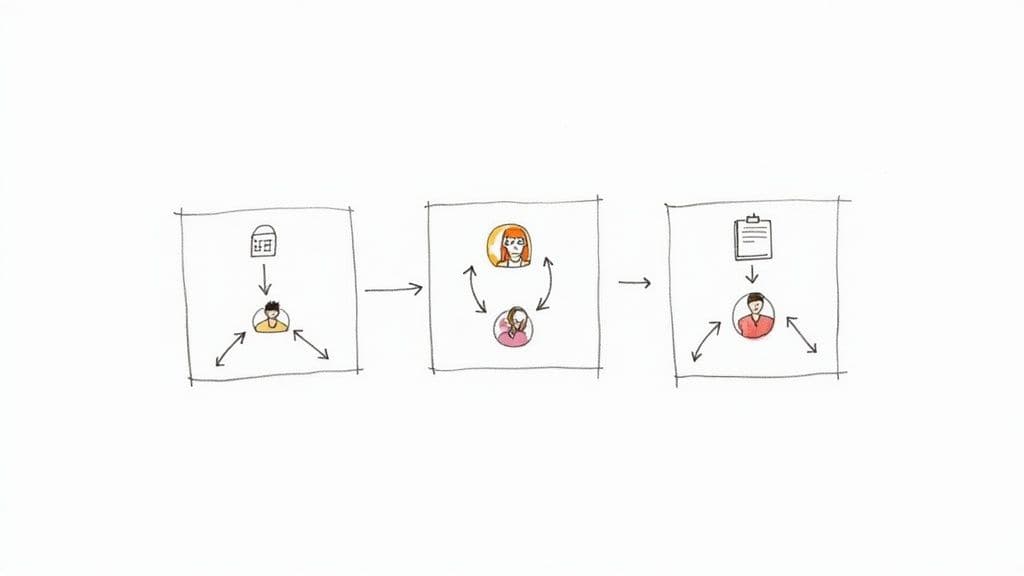
Imagine you're a freelance designer. When a potential client fills out the inquiry form on your website, an automated workflow kicks in. Instantly, it creates a new client folder in your Google Drive, adds their details to your project board in Notion, and sends them a polished, personalized welcome email with your service packet attached. This whole sequence unfolds in seconds, creating a killer first impression.
That’s what good workflow automation is all about—taking a clunky, multi-step process and making it run like clockwork, all on its own.
Automating Your Marketing and Sales Funnel
For any business that's serious about growth, marketing and sales are bursting with repetitive tasks just begging to be automated. A smart workflow can smoothly guide someone from a curious visitor to a happy customer, making sure no one slips through the cracks.
Think about a content creator offering a free guide to build their email list.
- The Trigger: Someone enters their email to download the guide.
- The Automated Actions: The system immediately adds them to the right email list, tags them based on their interest, and delivers the guide to their inbox.
- The Outcome: The creator’s list grows automatically, and the new subscriber gets what they wanted right away. No waiting, no manual forwarding.
The same principle works wonders for sales teams. When a new lead is marked as "qualified" in the CRM, an automation can instantly assign it to a sales rep, pop a follow-up task on their calendar, and ping the team's Slack channel. This gets rid of the manual hand-off, dramatically cutting down response times and boosting the odds of closing the deal.
Let's look at the difference this makes in a side-by-side comparison for processing a new lead.
Manual vs Automated Workflow Comparison
| Task Step | Manual Process (Hours/Effort) | Automated Process (Minutes/Effort) |
|---|---|---|
| New Lead Form Submitted | 15-30 minutes (Check email, copy/paste data) | Instant (Data captured automatically) |
| Log Lead in CRM | 5-10 minutes (Manual data entry) | Instant (Zapier/Make integration) |
| Send Welcome Email | 10-20 minutes (Find template, personalize, send) | Instant (Automated email sequence) |
| Assign to Sales Rep | 5-15 minutes (Check availability, send email/Slack) | Instant (Round-robin assignment rule) |
| Schedule Follow-Up Task | 5 minutes (Create task in project tool) | Instant (Task created and assigned) |
| Total Time/Effort | ~1-1.5 Hours (per lead, prone to error) | ~1 Minute (per lead, consistent) |
As you can see, the time savings are staggering. More importantly, automation frees up your team to focus on building relationships and selling, not on administrative busywork.
Streamlining Project and Team Management
Workflow automation isn't just for engaging with customers; it's a powerhouse for making your internal operations run smoothly. It builds consistency, cleans up communication, and keeps projects on track without you having to constantly chase people for updates.
Picture an agency juggling a dozen client projects. A simple status update can set off a helpful chain reaction.
- The Trigger: A project manager in a tool like Asana changes a task's status from "In Progress" to "Ready for Review."
- The Automated Actions: The client gets an automatic email letting them know a deliverable is ready for feedback. At the same time, a new task is created for the account manager to follow up in two days if they haven't heard back.
- The Outcome: The review cycle moves faster, every client gets the same clear communication, and nothing gets buried in a crowded inbox.
The real value here is reliability. Automation makes sure the right information reaches the right person at the right time, every single time. It becomes the dependable backbone of your entire operation.
The financial upside can be pretty impressive, too. Technologies like Robotic Process Automation (RPA), which often drive these workflows, can deliver a return on investment between 30% and 200% in the first year. If you want to dive deeper, you can explore more facts about workflow automation). These examples show that truly understanding workflow automation is about building smarter, more resilient ways to get things done, no matter what kind of work you do.
How to Build Your First Automated Workflow
Jumping into workflow automation can feel like a massive undertaking, but getting started is way easier than you think. The secret? Start small. Pick one single, high-impact task and automate it. This way, you get a quick win, build momentum, and see the benefits right away, turning a fuzzy concept into a real-world productivity boost.
The goal isn't to automate your entire life overnight. It’s simply to find one annoying, repetitive thing you do and teach a machine to do it for you. This builds confidence and gives you a clear, repeatable process for every automation you build from here on out.
Step 1: Identify the Perfect Task to Automate
First things first, you need to find the right candidate for automation. The best tasks are simple, follow clear rules, and happen all the time. Just think about the little things you do every single day or week without much thought—those are your prime targets.
Look for processes that are:
- Repetitive and Frequent: Think sending the same follow-up email, copying data from one app to another, or creating standard project folders.
- Rule-Based: The process follows a clear "if this, then that" logic. It doesn't require complex human judgment or creative problem-solving.
- Time-Consuming but Low-Value: These are the activities that eat up your time but don’t actually use your unique skills.
A perfect example is handling new client inquiries. You do it often, and the steps are almost always the same. Choosing a process like this ensures your very first automation delivers a noticeable impact from day one.
Step 2: Map Out the Manual Steps
Okay, you've picked your task. Now, grab a notebook or open a doc and write down every single step you take to get it done. I mean every step. Be ridiculously detailed.
Don't just write "send welcome email." Instead, break it down like this: "Open Gmail, find the 'New Client' template, copy the client's name into the greeting, attach the services PDF, and hit send."
This detailed map is your blueprint. It shows you exactly what you need to tell your automation tool to do, making sure you don't miss a single crucial action.
Step 3: Choose Your Tool and Build the Workflow
Now for the fun part: bringing your map to life with an automation tool. There are tons of user-friendly platforms out there like Zapier or Make, and many project management tools have automation built right in. They all operate on a simple "trigger-and-action" model that mirrors the map you just made.
Your trigger is the event that kicks everything off (e.g., "a new form is submitted"). Your actions are all the steps that follow (e.g., "create a new row in a spreadsheet," "send an email," "add a task to a project board").
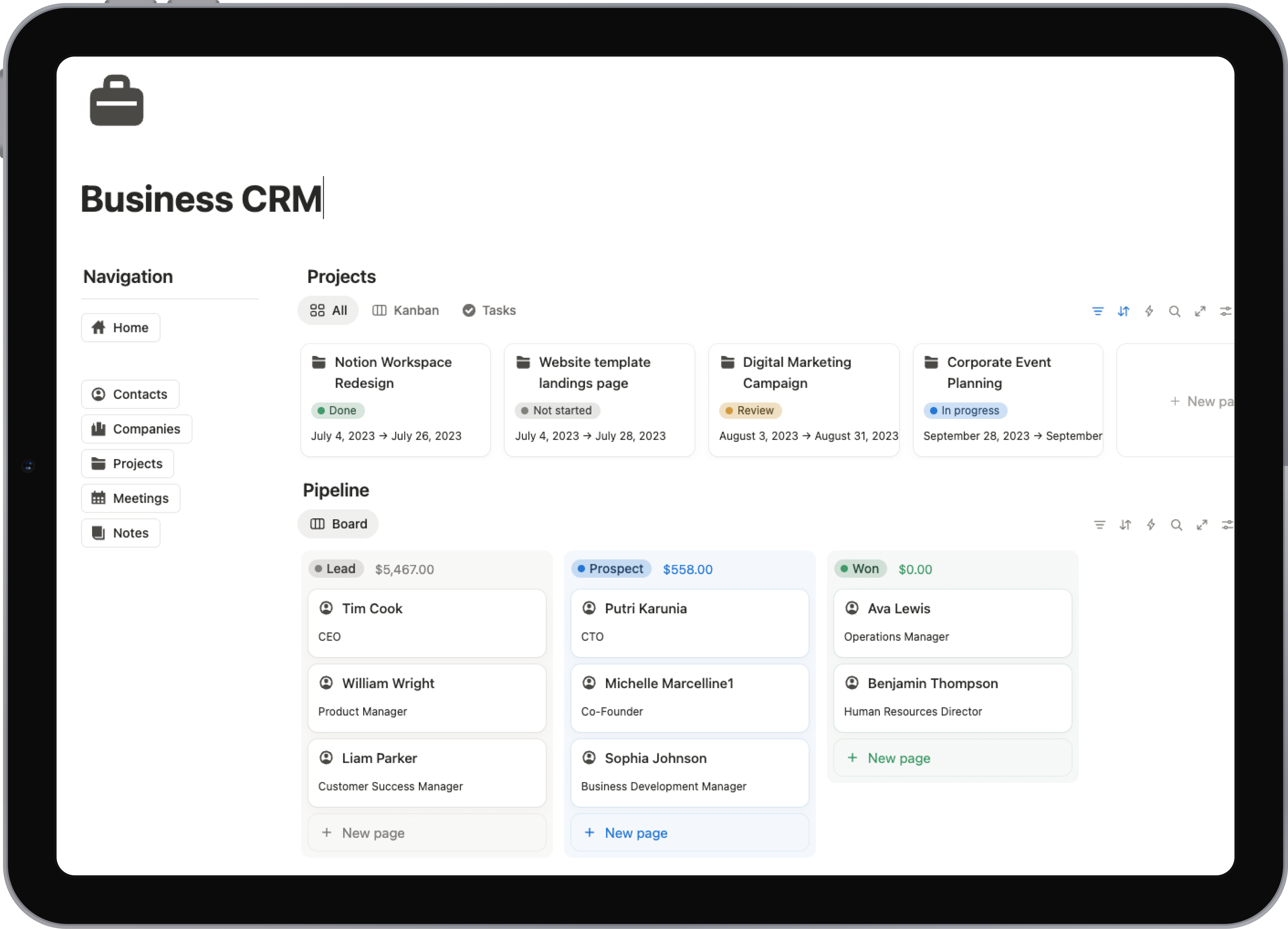
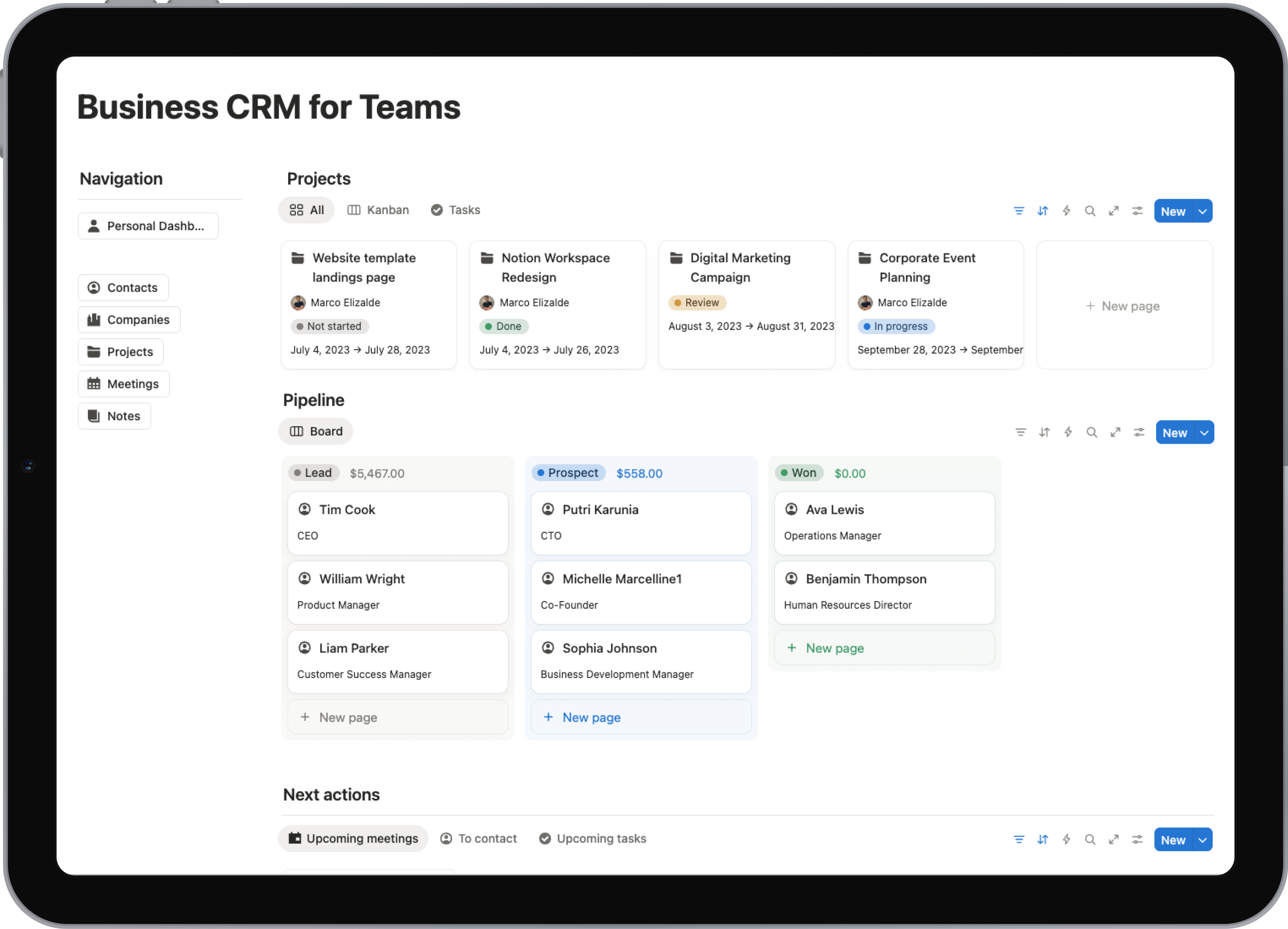
If you organize your work in a central hub, using a pre-built system can make this even simpler. For instance, many Notion productivity templates are designed with automation in mind, giving you a structured foundation to build upon from the start.
The most effective first workflow is one that solves a real, recurring frustration. Don't aim for complexity; aim for immediate relief from a tedious task.
Step 4: Test and Refine Your Automation
Finally, before you let your new automation run wild, you have to test it. Use some dummy data to trigger the workflow and watch it go from start to finish. Check every single step to make sure it works exactly as you planned. Did the email send? Was the data put in the right place?
You'll almost always find little things to fix. Maybe an email needs a small wording change, or a task should be assigned to someone else. This refinement process is completely normal—and absolutely essential. It’s what turns a functional workflow into a reliable one that’s perfectly dialed in for you.
Common Mistakes to Avoid When Automating
Diving into automation is exciting, but it's easy to get tripped up. A few common missteps can turn a promising time-saver into a massive headache. Knowing what not to do is just as important as knowing what to do, especially when you're just starting out.
The biggest mistake I see? Trying to automate a process that's already broken. If your manual workflow is a mess of confusing steps and bottlenecks, putting it on autopilot just creates a faster, more efficient mess. Think of it like putting a supercharged engine in a car with a bent frame—all that power isn't going to get you where you want to go.
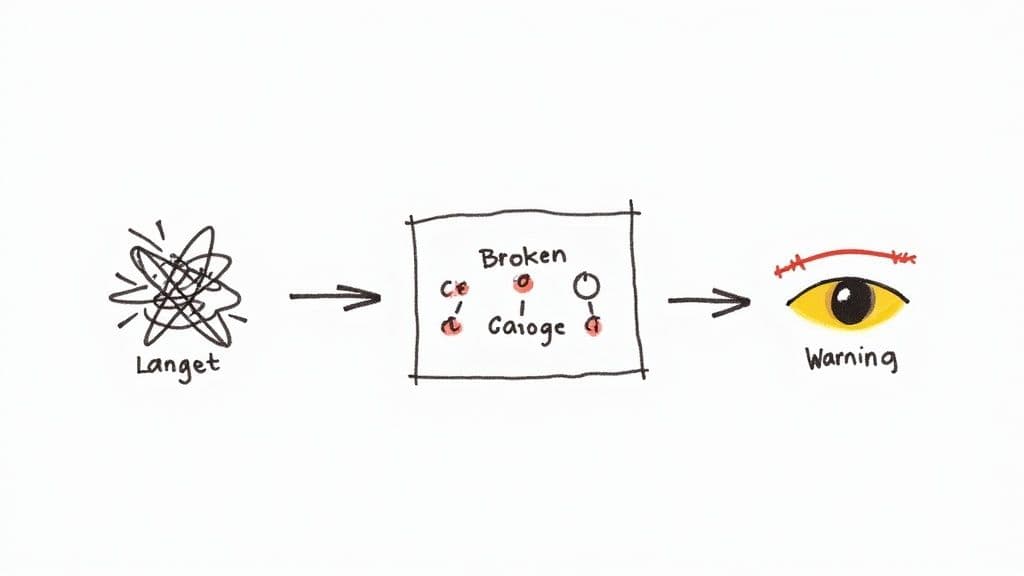
The first rule of any technology used in a business is that automation applied to an efficient operation will magnify the efficiency. The second is that automation applied to an inefficient operation will magnify the inefficiency.
Before you even think about building a workflow, take a hard look at the manual process. Tidy it up, document it, and make sure it actually works. This prep work is non-negotiable; it's the foundation for everything else.
Overlooking Simplicity and Monitoring
Another classic rookie error is trying to build a monster automation right out of the gate. It's tempting to design one massive, all-encompassing workflow to solve a dozen problems at once, but this usually ends in a system that's a nightmare to build and even worse to fix.
Instead, start small. Pick one simple, high-impact task that drives you crazy and automate just that. A quick win builds momentum and gives you a clear return on your time, making it much easier to justify tackling bigger projects down the road.
Finally, you can't just "set it and forget it." That's a recipe for disaster. Workflows break. Software gets updated, APIs change, and things just go wrong. If you aren't keeping an eye on your automations, you won't know there's a problem until an angry client calls or you miss a critical deadline.
To keep yourself out of trouble, remember these ground rules:
- Start with a Solid Process: Never, ever automate a broken system. Fix the manual workflow first.
- Embrace Simplicity: Your first automation should solve one small, annoying problem perfectly. That's it.
- Monitor and Maintain: Check in on your automations regularly. Make sure they're still doing what you expect and tweak them as needed.
Avoiding these traps is the key to building a reliable workflow automation strategy that actually saves you time instead of causing new problems.
Got Questions About Workflow Automation? We've Got Answers.
As you start to see the possibilities with workflow automation, a few common questions always pop up. Let's tackle them head-on so you can feel confident taking the next step.
What's the Real Difference Between Task and Workflow Automation?
It's easy to get these two mixed up, but the distinction is pretty straightforward. Think of it like this:
Task automation is about making a single action happen on its own. A perfect example is scheduling a social media post to go live at a specific time. You’re automating one isolated job to save yourself a click.
Workflow automation, on the other hand, is the bigger picture. It’s about connecting a whole chain of tasks to manage a complete process from beginning to end. It’s like setting up a digital assembly line where one thing automatically triggers the next. A great example is onboarding a new client—from the moment they fill out your contact form to the final project kickoff email, the entire sequence runs itself.
Isn't Automation Super Expensive for a Small Operation?
Not anymore. While massive, enterprise-level systems can definitely come with a hefty price tag, the world of no-code tools has changed the game completely. Powerful automation is now incredibly accessible.
Many of the best platforms, like Zapier or Make, offer generous free plans or affordable subscriptions that are perfect for freelancers, small agencies, and even students.
The question isn't really about the monthly cost, but the return on that investment. If a $20/month tool saves you five hours of boring admin work, it pays for itself almost instantly. That's five more hours you can spend on creative work, finding new clients, or just unplugging.
Okay, I'm In. What Should I Automate First?
The best way to start is by picking something that drives you crazy. Look for a process that is:
- Repetitive: You do the exact same steps over and over.
- Rule-Based: It follows a clear "if this, then that" logic and doesn't need human judgment.
- Time-Sucking: It eats up way more of your day than it should.
A fantastic first target is often your client intake process, sending out payment reminders, or automatically sorting new files into the right project folders. Nailing just one of these small but tedious processes will give you an immediate win and show you just how powerful this can be.
Ready to build smarter systems without the headache of starting from scratch? Flowtion offers professionally designed Notion templates to help you organize your work and life instantly. Explore our templates and find your perfect workflow today.