How to Improve Work Efficiency with Simple Wins
Discover how to improve work efficiency with practical, actionable strategies. Stop being busy and start being productive with our step-by-step guide.
Boosting your work efficiency isn't just about a new to-do list app. It's about building a solid system to audit your current workflows, zero in on what actually moves the needle, and put the boring, repetitive stuff on autopilot. The real goal is to shift from being busy to being productive. That's where you save time, cut down on stress, and actually see meaningful results.
Moving Beyond Just Being Busy
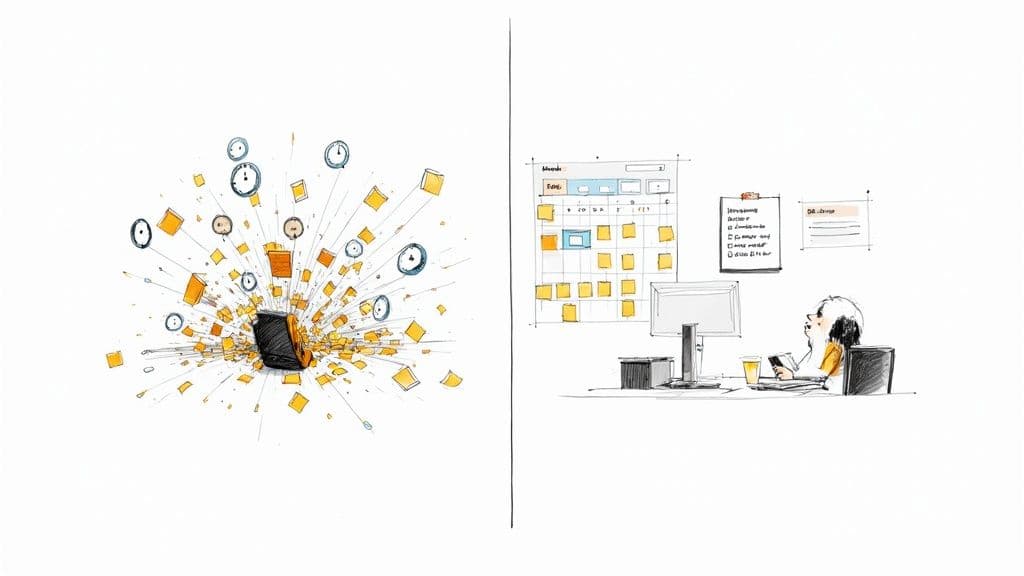
Before you jump into a bunch of new productivity hacks, it’s critical to get a handle on what inefficiency is truly costing you. It’s more than just a frustrating afternoon or a few wasted hours. The real price is paid in missed deadlines, blown budgets, and that slow, creeping burnout that kills team morale and suffocates creativity.
I see it all the time. Take a marketing team stuck in a chaotic content creation cycle. The writer is constantly waiting for last-minute feedback, the designer is scrambling to find the right brand assets buried in some forgotten folder, and the social media manager is just pushing content out without any real strategy. Everyone is busy, but the process itself is fundamentally broken.
These seemingly minor bottlenecks have a way of snowballing into major business hurdles, like inconsistent brand messaging and delayed campaign launches. This isn't about pointing fingers; it’s about changing the conversation entirely.
The True Cost of Inefficiency
Learning how to improve work efficiency is a massive strategic advantage, not just a nice personal goal. When your workflows are clogged and communication is a mess, the consequences ripple through the entire organization.
- Decreased Profitability: It's simple: wasted time is wasted money. Every hour your team spends on rework or digging for information is an hour they're not spending on activities that generate revenue.
- Lower Team Morale: Constant chaos is exhausting. People who feel like their efforts are being wasted will eventually check out. It's a fast track to disengagement.
- Stifled Innovation: When everyone is stuck putting out fires, there’s no mental bandwidth left for proactive, big-picture thinking. The focus shifts from "what's next?" to "what's on fire right now?"
Employee engagement is a huge piece of this puzzle. Gallup's State of the Global Workplace Report found that only 21% of employees worldwide were engaged at work, costing the global economy billions in lost productivity. On the flip side, the report showed that companies with highly engaged teams see up to 21% higher profitability and 17% higher productivity.
The goal is to create a system where work flows smoothly, not just one where everyone is constantly running. It’s the difference between a finely tuned engine and one that’s sputtering along, burning way more fuel than necessary.
Reframing Efficiency as a Strategic Imperative
At the end of the day, improving efficiency is about creating an environment where people can do their best work. It takes a conscious, deliberate effort to find and remove the friction that’s holding your team back.
Once you understand the true impact of these seemingly small issues, you'll see why making a change isn't just a 'nice-to-have'—it's absolutely essential for sustainable growth and your team's well-being. These strategies are the building blocks for a more resilient, creative, and successful team.
Finding Your Hidden Time Sinks
You can't fix a leaky pipe if you don’t know where the hole is. The same goes for your workflow—it’s impossible to optimize a process you don't fully understand. Before you can get more efficient, you need a brutally honest look at where your time and energy are actually going.
This isn't about feeling guilty over a few minutes lost to social media. It’s about a methodical self-audit to uncover the recurring patterns, tedious tasks, and communication snags that quietly drain your focus day after day. The goal here is to move from guessing to knowing, which gives you a solid baseline for making real changes.
The Power of a Personal Workflow Audit
A "workflow audit" might sound intimidating, but it’s really just a conscious effort to observe your own work habits. For just one week, your mission is to be a detective, paying close attention to how you move through your day. The key is to be objective and curious, not judgmental.
As you work, start asking yourself a few pointed questions. These are designed to shine a light on the friction points that are often invisible when you're just trying to power through a to-do list.
- Energy vs. Impact: Which tasks demand the most mental heavy lifting but deliver the least reward or progress?
- Friction Points: Where do handoffs to other team members consistently stall or require endless follow-ups?
- Repetitive Actions: What are you doing over and over again, every single day, that feels like a robot could do it?
- Tool Overload: How many times are you jumping between different apps just to complete one simple task?
This kind of self-observation will quickly expose your unique productivity killers. You might find you're losing an hour every morning to an out-of-control inbox or that hunting for project files across three different platforms is a constant drag on your afternoons.
From Manual Tracking to Smart Automation
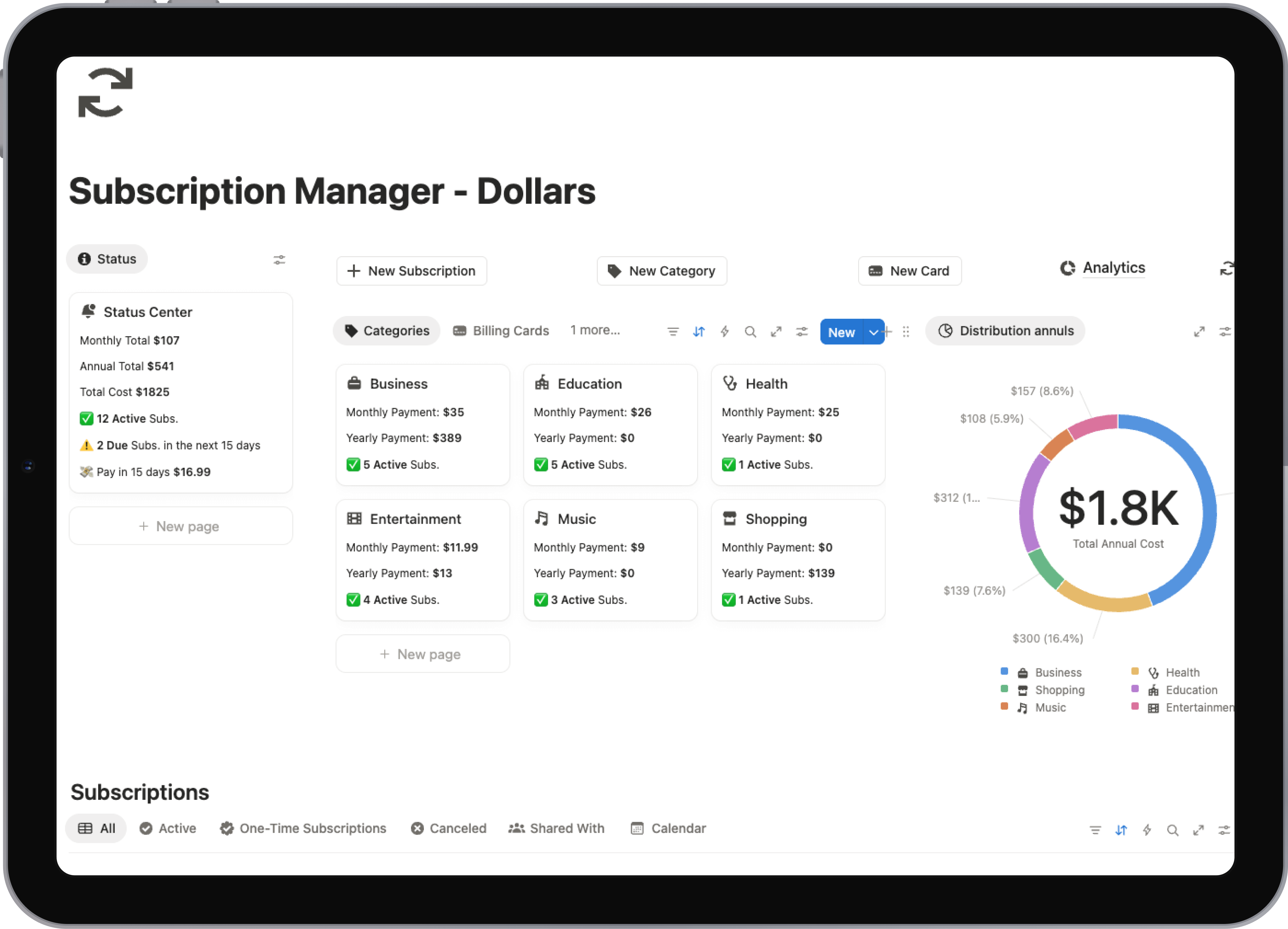
Manually logging every minute can be a chore—exactly the kind of low-value work we're trying to get rid of. While a pen and paper can get the job done, technology offers a far more effective way to gather this data without adding another task to your plate.
A dedicated tool makes the whole process nearly effortless. This is where a Notion template like our Time Tracker Pro can be a game-changer. It lets you log tasks in seconds, categorize your time, and see visual reports that show you exactly how your week breaks down. Instead of relying on a foggy memory, you get crisp, objective data pointing directly to your biggest time sinks.
Many professionals, especially consultants, depend on these tools for profitability and client transparency. To see how they stack up, check out our guide on the best time tracking software for consultants for a detailed comparison.
The purpose of tracking isn't to micromanage your every second. It's to gather enough data to make informed decisions and stop the invisible leaks in your productivity pipeline.
Identifying and Solving Common Inefficiencies
After tracking your time for a week, clear patterns will start to emerge. You'll have a much better handle on the activities that consume your time and cause the most frustration. This data is your roadmap for what to fix first.
Many of us fall into the same traps. The table below outlines some of the most common productivity killers I've seen people uncover during an audit, along with practical ways to solve them.
Common Workflow Inefficiencies and Their Solutions
| Inefficiency | Example Scenario | Proposed Solution |
|---|---|---|
| Context Switching | Constantly bouncing between writing a report, checking email, and responding to Slack messages. | Block out specific "deep work" sessions on your calendar for high-focus tasks. Schedule separate, shorter blocks just for email and messages. |
| Information Silos | Wasting 20 minutes every day hunting for project documents scattered across email, a shared drive, and a messaging app. | Centralize all project-related information into a single source of truth, like a dedicated Notion project page or a shared knowledge base. |
| Repetitive Manual Entry | Manually copying customer data from a form into a spreadsheet, then pasting it again into a project management tool. | Use an automation tool like Zapier to create a workflow that automatically syncs the data across your apps whenever a new form is submitted. |
| Vague Communication | Receiving unhelpful feedback like "this needs more work," which requires multiple back-and-forth emails just to clarify what's needed. | Establish clear communication protocols. For example, create feedback templates that require specific, actionable comments and examples. |
Once you see where the problems are, you can start building solutions that stick.
By taking the time to do this initial audit, you’re not just spotting problems—you’re building the foundation for a more intentional and efficient way of working. This clear picture of your current state is the critical first step before you can start prioritizing better, optimizing your tools, and building a truly productive system.
Figure Out What Actually Moves the Needle
After you've pinpointed where your time is going, the real work begins: making sure the time you do spend is on what truly matters. It’s so easy to fall into the trap of confusing activity with achievement. A jam-packed calendar might feel productive, but if none of that work ties back to your big goals, you're just spinning your wheels.
The trick is to shift your mindset. Instead of just asking, "What's next on my to-do list?" start asking, "What will deliver the most impact right now?" This takes a solid system for cutting through the noise and deciding where your energy is best spent.
Moving Beyond the Basics of Prioritization
Most of us have heard of the Eisenhower Matrix, where you sort tasks by urgency and importance. It's a decent starting point, for sure. But when you're juggling complex projects, you often need something a bit more sophisticated. For a great refresher on foundational methods like that, you can master task prioritization and get a handle on workflow management.
The reality is, a task isn't always just important or not important; there's a whole spectrum in between. This is where more dynamic frameworks can really make a difference in today's messy, fast-paced work environment.
Use the MoSCoW Method to Define What's Essential
The MoSCoW method is a gem I picked up from the project management world, and it works for just about anything. It forces you and your team to get brutally honest about what's a genuine requirement versus what's just a nice idea.
Here's the breakdown:
- Must-have: These are the absolute, non-negotiable parts of a project. If you miss even one, the whole thing is a failure. Think of it like the foundation of a house—you can't build anything else without it.
- Should-have: These are important, but not life-or-death. The project can still succeed without them, but it won't be as good. A new blog post must have a title and body, but it should have a custom header image.
- Could-have: These are the "wish list" items. You'll only tackle them if you find yourself with extra time and resources. They're the first thing to get cut when a deadline is looming.
- Won't-have: This is my favorite category because it's so powerful. You're explicitly agreeing on what you're not going to do right now. This is your best defense against scope creep and helps manage everyone's expectations from day one.
A project manager planning a software update is a perfect example. A critical bug that stops users from logging in is a must-have. Improving page load speed is a should-have. A minor tweak to an icon is a could-have. A complete redesign of the settings page is a won't-have for this sprint. That clarity ensures the team puts all its energy into the login bug first.
Map Value vs. Effort to Find Your Quick Wins
Another incredibly useful tool is the Value vs. Effort matrix. It’s a simple quadrant map that helps you visually sort your tasks and see where to focus. Just ask two questions for every item on your list: How much value will this create? And how much effort will it take?
You’ll end up with four clear categories:
- High Value, Low Effort (Quick Wins): Do these right away. They give you the best bang for your buck and create a feeling of momentum.
- High Value, High Effort (Major Projects): These are your big-picture goals. They need serious planning and should be broken down into smaller, more manageable chunks.
- Low Value, Low Effort (Fill-in Tasks): Think file organization or minor admin work. Delegate these if you can, or save them for when your energy is low.
- Low Value, High Effort (Time Sinks): Avoid these like the plague. They burn through your time and energy with almost nothing to show for it.
Protect Your Focus by Batching Your Tasks
Choosing the right tasks is only half the battle; you also have to do them in the right way. This is where task batching changes the game. The idea is brilliantly simple: group similar activities together and knock them out in one dedicated block of time.
Every time you jump from one type of task to another—say, from writing a report to answering an email to joining a video call—your brain has to pay what's called a "cognitive switching penalty." It takes real mental energy to disengage and refocus. Task batching is all about minimizing that penalty.
Here’s what that looks like in practice:
- Communication Block: Stop checking your inbox every 10 minutes. Instead, set aside two or three specific times a day to process all your emails and messages at once.
- Content Creation Block: Carve out a two-hour "deep work" session for nothing but writing, designing, or coding. Turn off every single notification.
- Admin Block: Group all your small administrative tasks—expense reports, meeting scheduling, digital filing—into one focused session each week.
When you start batching your work, you create a natural rhythm that makes it easier to get into a state of flow. The result is a massive boost in both the speed and the quality of your work. It's one of the most effective habits you can build to take back your day.
Designing Your Ideal Digital Workspace
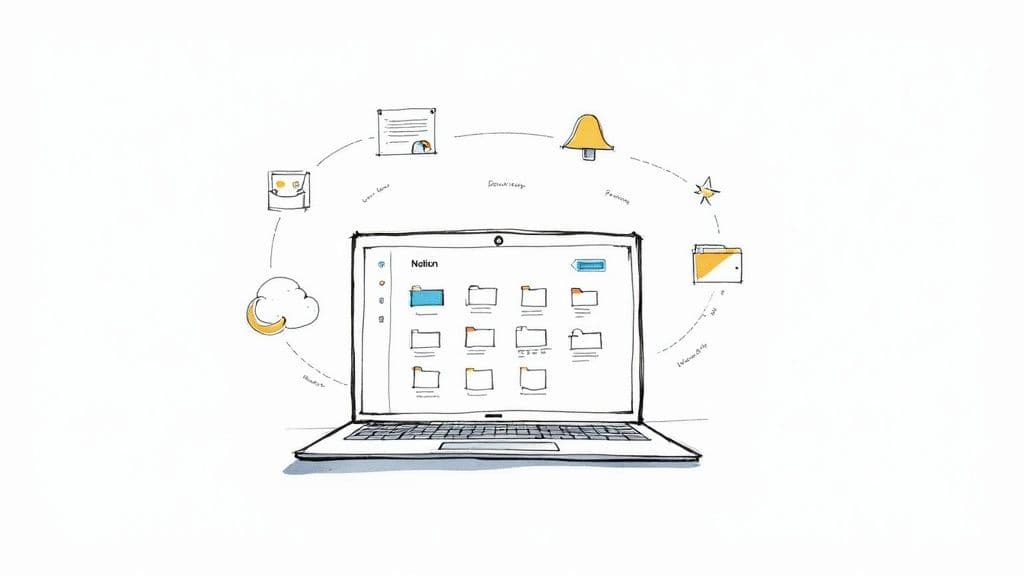
Your digital environment is your professional command center. It can either be a seamless hub that helps you fly through your work or a cluttered minefield of distractions that kills your focus. That constant app-switching and notification overload? They aren't just minor annoyances; they're huge roadblocks to improving your work efficiency.
Think of it like a master craftsperson’s workshop. Their most-used tools are always within arm's reach, everything is clearly labeled, and there’s a logical system for where things go. Your digital workspace deserves that same level of intentional design.
Conduct a Ruthless Tool Audit
First things first, you need to take stock of what you’re actually using. Over time, most of us collect apps and subscriptions like barnacles on a ship, creating a tangled mess of software that costs us both money and mental energy. It’s time for a tool audit.
For one week, keep a running list of every single app, software, and platform you use to get your job done. Don't skip anything. At the end of the week, go through that list and ask these questions for each tool:
- Does this tool solve a unique problem?
- Could another tool I already use do this job just as well, if not better?
- Does it play nicely and integrate with my other essential apps?
Chances are, you’ll find you have three different note-taking apps or two project management tools that do almost the exact same thing. Getting rid of that overlap is a quick win that immediately simplifies your workflow. The end goal is a lean, powerful software stack where every tool serves a distinct and valuable purpose.
Tame Your Communication Channels
Let’s be honest: unchecked communication tools are the number one source of distraction. A constant barrage of emails and Slack messages can absolutely shatter your concentration, making deep, focused work feel impossible. You don't have to be a victim of notification fatigue—you can take back control.
For Your Inbox: Stop treating your inbox like a to-do list. Create a simple filtering system that works for you. For example, set up rules to automatically file newsletters into a "Read Later" folder and archive routine system alerts. This keeps your primary inbox clean and reserved only for messages that truly need your attention.
For Slack (or Teams): Get aggressive with your notification settings. Mute channels that aren't critical to your immediate tasks, set firm "Do Not Disturb" hours, and encourage your team to use threads to keep conversations organized. A small change, like switching your sidebar to show only unread channels, can dramatically reduce visual noise and the constant urge to check in.
An organized digital workspace isn’t about having the fanciest new apps. It's about creating a calm, focused environment where you can do your best work without constant interruption.
Centralize Your Work into a Single Source of Truth
One of the biggest productivity killers is the time we waste just looking for things. The project brief is buried in an email, key feedback is lost in a Slack thread, and the final files are scattered across three different cloud folders. This chaos is a massive, and completely unnecessary, time sink.
The answer is to create a single source of truth—one central hub where everything related to a project or area of your work lives. This is where a flexible tool like Notion truly shines. Instead of hopping between a dozen different apps, you can build a unified workspace that holds all of your tasks, notes, documents, and project plans in one place.
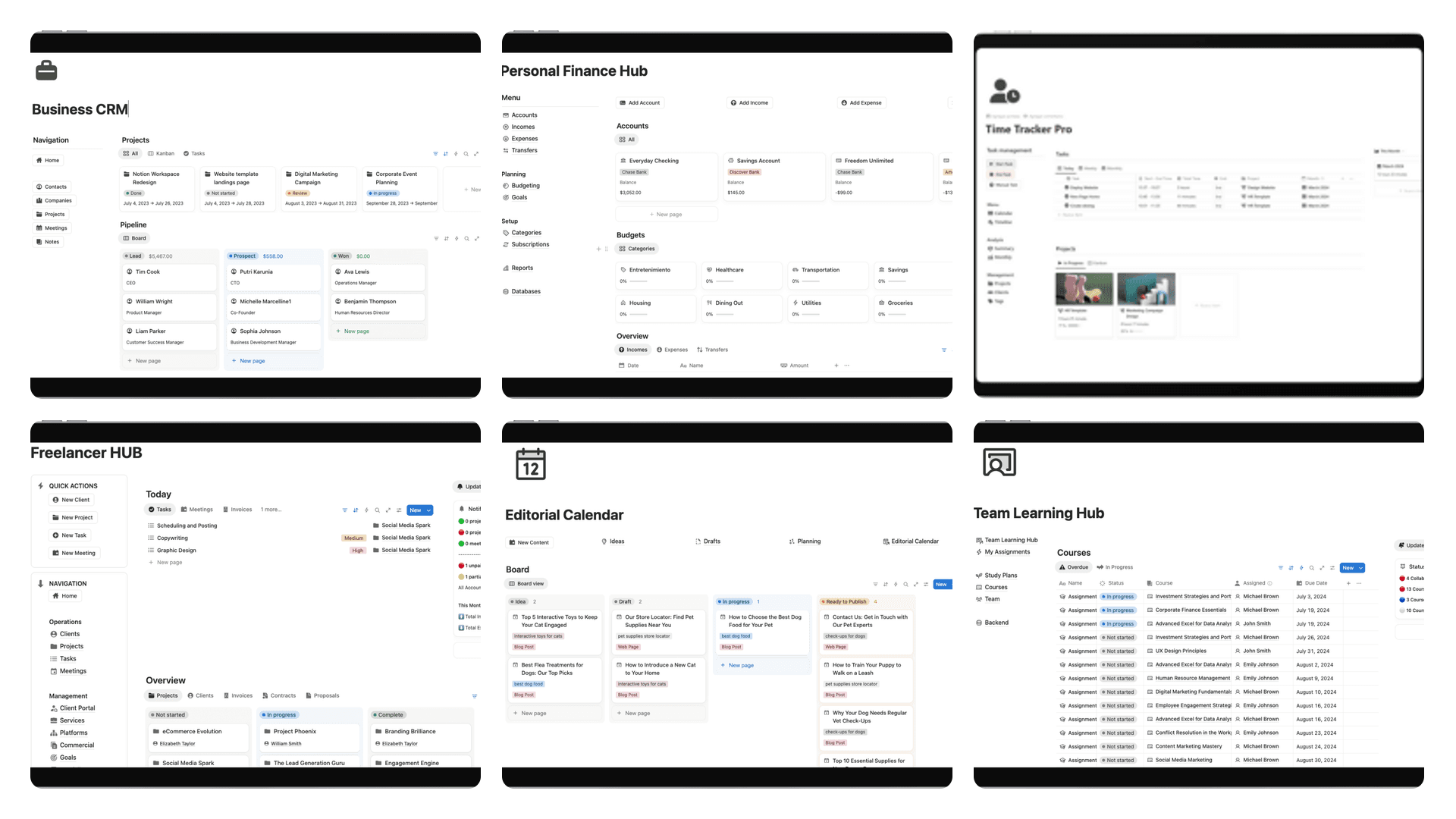
A well-designed dashboard becomes your mission control, giving you a complete overview of your world without the frantic app-switching. This is exactly what our Complete Bundle template is designed to do. It gives you a pre-built, cohesive system that connects your projects, goals, notes, and finances, saving you the headache of building it all from the ground up.
By centralizing your information, you don’t just save time—you also reduce the mental load of trying to keep track of everything. It's a foundational step in building a truly efficient digital environment. To see what's possible, you can explore a variety of other options in our guide to the best Notion productivity templates. This focused approach can transform your digital setup from a source of stress into your most powerful asset for getting things done.
Putting Repetitive Tasks on Autopilot
Automation might be the single biggest lever you can pull to get more done. It's how you claw back precious hours from your week, letting you finally ditch those soul-crushing, repetitive tasks that kill your focus. And the best part? You don't need to be a programmer to make it happen.
These days, automation tools are built for everyone. Think of them as translators that let your favorite apps talk to each other. You set a trigger, and the tool performs an action—no manual work required. This isn't some far-off tech fantasy; it's a real, accessible way to offload the grunt work so you can focus on what actually matters: creative, high-impact tasks.
Before you jump in, it's worth getting the lay of the land. A great primer on the basics, like this piece on understanding workflow automation, can give you a solid foundation and help you see the possibilities everywhere.
Spotting Your First Automation Opportunities
Honestly, the hardest part is often figuring out where to start. The reality is, your day is probably packed with dozens of little tasks just begging to be automated. You just need to train your eye to spot them.
Look for simple "if this, then that" sequences. These are the tell-tale signs of a job a machine can do for you. What are the little things you do on autopilot every single day?
Here are a few classic examples that are prime for automation:
- Copy-Pasting Data: Do you constantly find yourself copying info from one app (like an email) and pasting it into another (like a to-do list)?
- Sending Routine Updates: Are you manually pinging people on your team when a task moves to the next stage or a file gets updated?
- Managing Files: How much time do you spend saving attachments to the right cloud folder or renaming files to fit a specific naming convention?
- Compiling Reports: Do you pull the same numbers from the same places every week to build a status report?
Each of these might only take a minute or two. But add them up over a week, and you’re looking at hours of lost time. Automating just a couple of them can make a huge difference.
The point of automation isn't to replace you; it's to free you from doing robotic work. Let software handle the predictable, rule-based stuff so you can reserve your mental energy for strategy, creativity, and solving real problems.
Quick Wins You Can Set Up in Minutes
You don't need a massive, complex project to get started. The trick is to start small, score a quick win, and build from there. With a tool like Zapier or Make, you can get your first workflow up and running in less than 15 minutes.
Here are a few practical ideas to get the ball rolling:
- Never Lose an Attachment Again: Set up a rule that automatically saves all Gmail attachments from a specific client to a dedicated folder in Google Drive or Dropbox. No more digging through your inbox.
- Turn Tasks into Calendar Events: Connect your project management app (like Asana or Trello) to your Google Calendar. Any new task assigned to you with a due date automatically becomes a calendar event.
- Sync New Leads Instantly: Have a new row added to a Google Sheet every time someone fills out a contact form on your website. This gives you a simple, always-current list of leads without any manual data entry.
Think of these small automations as the first few dominoes. Once you see how much time they save, you'll naturally start spotting more opportunities to connect your tools. For a deeper dive into building these kinds of interconnected systems, our guide on how to streamline business processes covers more advanced strategies.
By letting these repetitive tasks run on their own, you’re not just saving time—you’re redesigning your workday. You're building a system that protects your focus, minimizes human error, and ultimately lets you accomplish more with less effort.
Building Your System for Lasting Efficiency
<iframe width="100%" style="aspect-ratio: 16 / 9;" src="https://www.youtube.com/embed/Wu49NXax6k4" frameborder="0" allow="autoplay; encrypted-media" allowfullscreen></iframe>Getting more efficient isn't a destination you just arrive at. It’s a habit you have to build. Real, lasting productivity comes from creating a simple, repeatable system that helps you reflect, adjust, and get a little bit better week after week. This isn't about massive, disruptive changes; it's about making small, consistent refinements.
When you approach it this way, efficiency stops being a temporary project and becomes a permanent part of how you operate. You’re essentially building a feedback loop into your routine, which ensures your methods evolve right along with your goals. It's what keeps you from slipping back into old, unproductive patterns.
The Weekly Review Check-In
The foundation of this whole system is the weekly review. Think of it as a non-negotiable appointment with yourself. All you need is 15 to 30 minutes to step back from the daily chaos and look at the bigger picture. This simple practice is your engine for continuous improvement.
Your weekly check-in should be straightforward, designed to answer just a few key questions. You don't need complicated spreadsheets for this; a basic template in Notion or even a simple notebook works perfectly.
- What went well last week? Celebrate your wins, no matter how small they seem. Acknowledging what's working builds momentum and reinforces good habits.
- Where did I get stuck? Pinpoint the exact bottlenecks and points of friction. Was it a specific task that kept getting pushed back, a communication snag, or a tool that was more trouble than it was worth?
- What one thing can I change next week? Here's the critical part: don't try to fix everything at once. Focus on one small, actionable adjustment that you think will have the biggest impact.
This infographic lays out a great three-step process for spotting these kinds of opportunities, especially when it comes to automation.
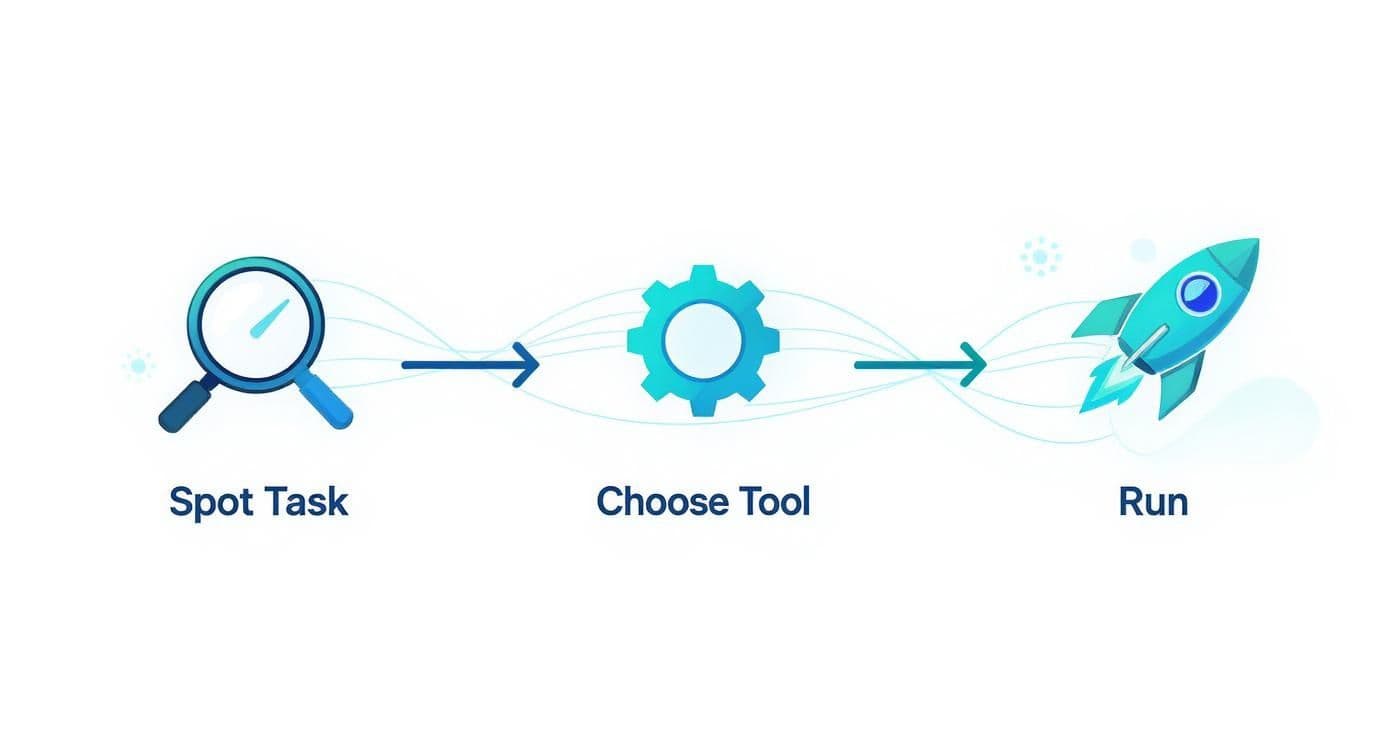
The real insight here is that improvement starts with simple awareness (spotting the task), moves to strategic selection (choosing the right tool), and finishes with decisive action (running the process).
Lasting efficiency isn't about finding a single "perfect" system. It's about committing to a process of regular self-assessment and being willing to experiment and adapt as you go.
This consistent reflection creates a powerful cycle. Each week, you get a little bit smarter about how you work, making tiny adjustments that compound over time into massive gains in productivity and focus. You stop just reacting to your week and start intentionally designing it.
Got Questions? I've Got Answers.
As you start to put these ideas into practice, some questions are bound to pop up. Let's tackle a few of the most common ones I hear from people trying to get a better handle on their work.
How Fast Will I Actually See a Difference?
You'll feel some changes almost right away. Simple habits like batching similar tasks together can make your first week feel less chaotic and more focused. Little wins like that give you an immediate sense of control.
For the bigger, more impactful results—like after a complete digital workspace overhaul or rolling out new processes—you're typically looking at about 2-4 weeks to see a real, measurable shift. The trick is to stick with it. Those small, daily improvements really do add up to massive gains.
My Team's Processes Are Set in Stone. Can This Still Work for Me?
Yes, absolutely. You might not have the power to change how the entire company operates, but you always have control over your own corner of the world. Start there.
Focus on what you can directly influence:
- How you manage your tasks: The way you personally decide what to do next is entirely up to you.
- Your digital setup: Nobody cares how you organize your own notes and files, as long as you can find what you need.
- Your personal automations: You can set up your own little shortcuts to handle your own boring, repetitive work.
What I've seen time and again is that when you start working more effectively, people notice. It often opens the door to bigger conversations about improving things for the whole team. Don't underestimate the power of leading by example.
If you take away only one habit from all of this, make it the weekly review. That simple 15-30 minute block you set aside to look back at the week and plan the next one is what drives real change. It keeps you honest, helps you see what's broken, and stops you from falling back into old habits.
Ready to build your ultimate productivity system without starting from scratch? The Flowtion Complete Bundle provides a suite of battle-tested Notion templates to organize your entire workflow instantly.