Notion Meaning: A Clear Guide to Mastering Notion
Discover notion meaning and how Notion can boost your productivity with a practical, easy-to-follow guide.
So, what is Notion, really?
At its core, Notion is a single space where you can think, write, and plan. Forget jumping between a dozen different apps for your notes, tasks, and documents. Notion brings all those functions together into one flexible, connected workspace that you build yourself.
What Does Notion Actually Do?
Let's skip the hype and get down to what Notion really is. The best way to think of it is like a box of digital LEGOs. Notion gives you all the basic building blocks—things like text, tables, checklists, and calendars—and lets you snap them together to create the exact system you need.
This whole idea was born out of a super common problem: digital chaos. We’ve all been there, right? A to-do list in one app, important notes in another, a spreadsheet somewhere else, and team documents scattered across the cloud. Notion was created to pull all of that into one organized place.
Your Custom Hub for Work and Life
The true magic of Notion is that it can be whatever you need it to be. It’s not just a project manager, and it’s not just a note-taking app. It can be both at the same time, and a whole lot more.
This chameleon-like ability is why it's become so popular. The growth has been wild, rocketing from 1 million users back in 2019 to over 40 million active users by early 2025. That's a 40-fold jump, which shows just how many people were looking for a better way to organize their digital lives.
You could say Notion is a tool for externalizing your brain. It helps you get all your ideas, projects, and knowledge out of your head and into a structured system that actually makes sense to you.
With this kind of personalized setup, you can finally:
- Build a central "second brain" to store and connect all your important info.
- Run complex projects with custom dashboards that show you exactly what you need to see.
- Organize your personal life, whether you're tracking new habits or planning a vacation.
- Create a dynamic content calendar that links rough ideas all the way to a publishing schedule.
Ultimately, Notion is about building your own digital headquarters—a single spot where your ideas, plans, and work can all live together in harmony.
Mastering Notion's Core Building Blocks
To really get what Notion is all about, you need to understand its three core components. It’s best to think of Notion less like a normal app and more like a set of digital LEGOs. With these pieces, you can build just about anything. The three foundational "bricks" you'll be working with are Pages, Blocks, and Databases.
Everything in Notion starts with a Page. Think of it as your blank canvas. It’s a clean, open space where you can drop your thoughts, start a new project, or jot down notes. Anything and everything you create will live inside a Page.
Pages Are Made of Blocks
Once you have a Page, you start adding things to it. This is where Blocks come into play. A Block is any single piece of content you place on a Page—a bit of text, a to-do item you can check off, an image, or even an embedded video.
The best analogy for Blocks is, well, LEGOs. Each one is a distinct element that you can drag, drop, and rearrange however you like. This is what makes Notion feel so different from a standard word processor. You’re not stuck in a top-to-bottom document; you can place different types of content side-by-side and build a layout that works for you.
Databases Bring Everything Together
The last, and arguably most powerful, building block is the Database. Now, if you're picturing a boring old spreadsheet, think again. A Notion Database is a smart, flexible container that organizes your information. You can use one to track tasks, manage a sales pipeline, plan out your content calendar—you name it.
A Database is what turns your disconnected Pages and Blocks into a powerful, interconnected system. It transforms simple information into organized views like calendars, Kanban boards, and timelines.
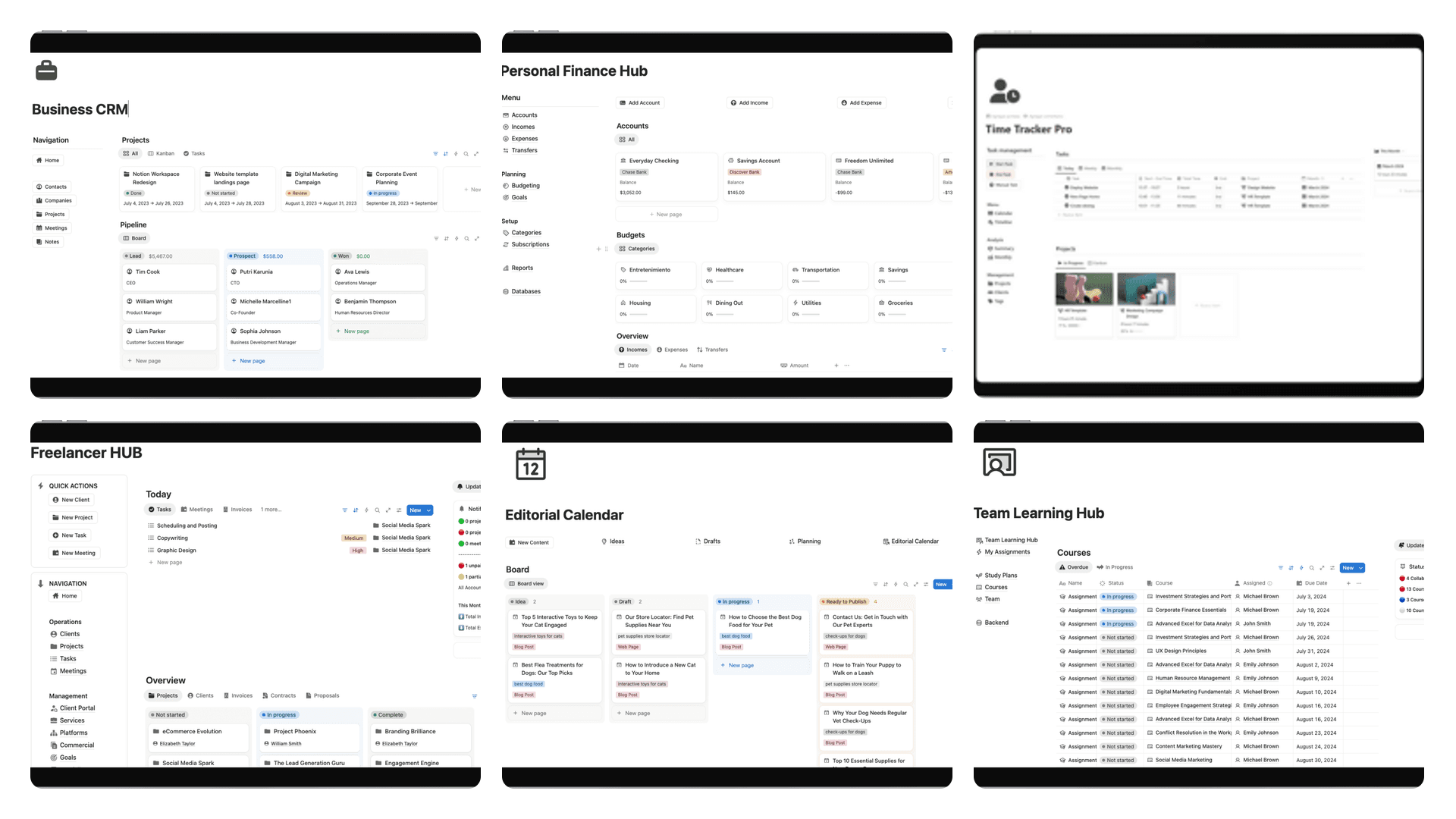
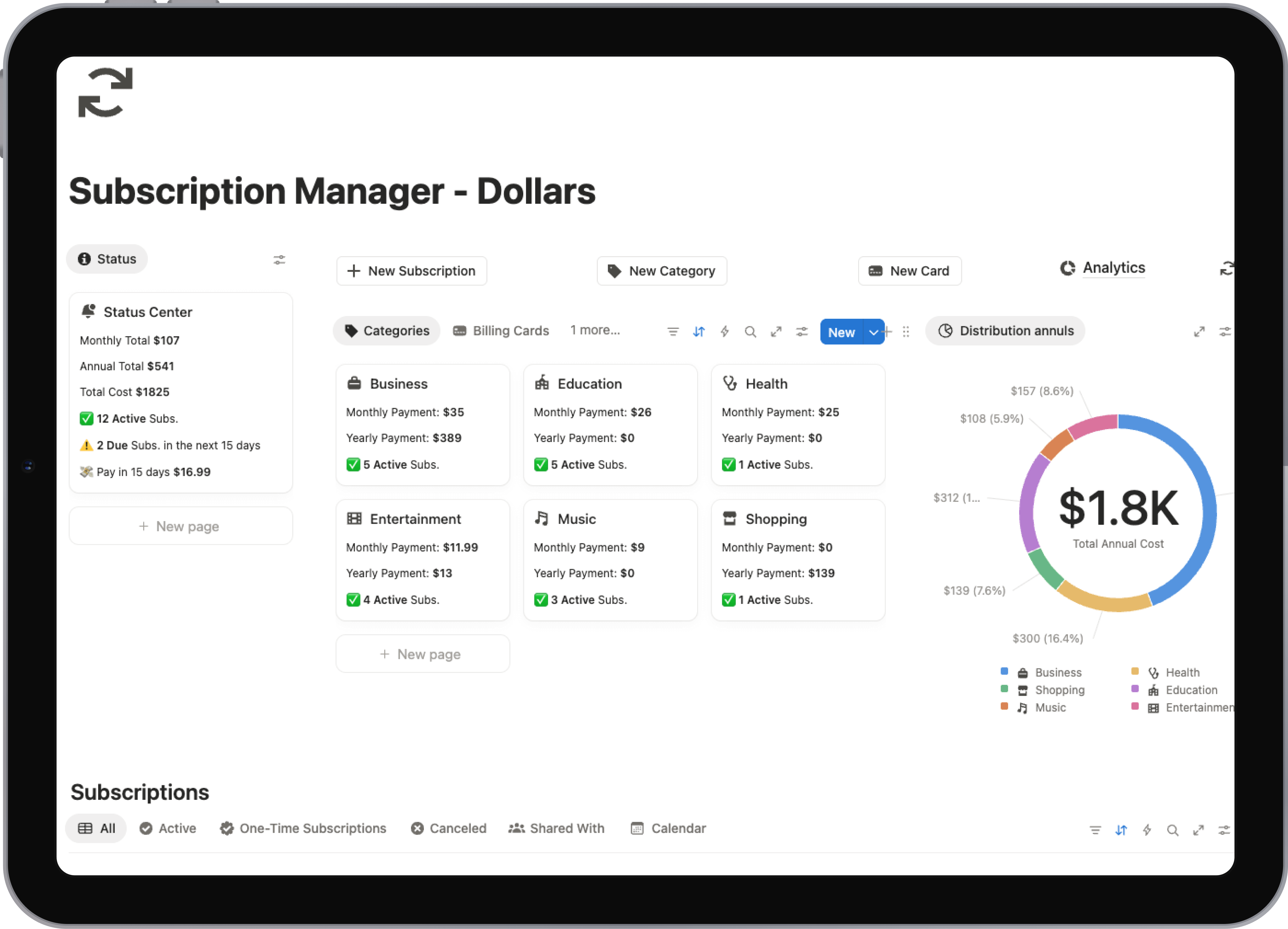
For example, you can use these building blocks to create a personal wiki, a complex project manager, or a collaborative content hub, as shown in the visual below.
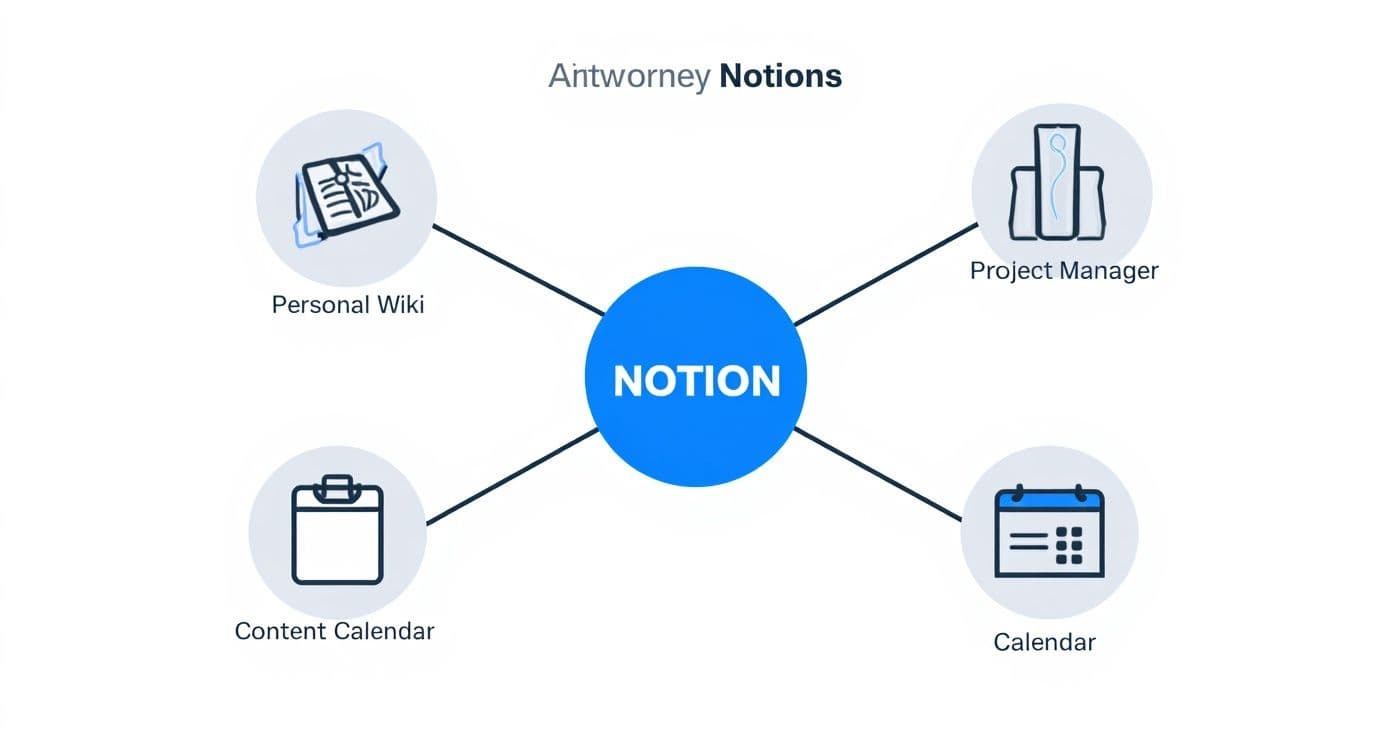
The real magic of Notion is how it lets you combine these simple components in endless ways to fit exactly what you need. When you master how Pages, Blocks, and Databases interact, you're no longer just taking notes—you're building a custom operating system for your work or life.
To help you visualize how these pieces fit together, here's a quick breakdown.
Notion's Core Components Explained
| Component | Analogy | Primary Use Case |
|---|---|---|
| Page | A blank canvas or folder | A container for any type of content, from simple notes to entire projects. |
| Block | A digital LEGO brick | Any individual piece of content, like text, an image, or a to-do list. |
| Database | A smart spreadsheet | Organizing and relating multiple pages into dynamic views (boards, lists, etc.). |
Grasping this simple but powerful framework is the first real step.
Once you have a handle on these fundamentals, you can start building truly personalized and effective workflows. To see how these elements create a unified system, you can explore more in our complete guide to understanding what Notion really is.
How Notion Became an AI-Powered Workspace
Notion has really changed over the past few years. It started as a super flexible place for notes and projects, but now it’s something much bigger: a workspace where AI is your genuine partner. We're not talking about some chatbot you have to open in another tab. Notion AI is built right into your documents, databases, and project plans.
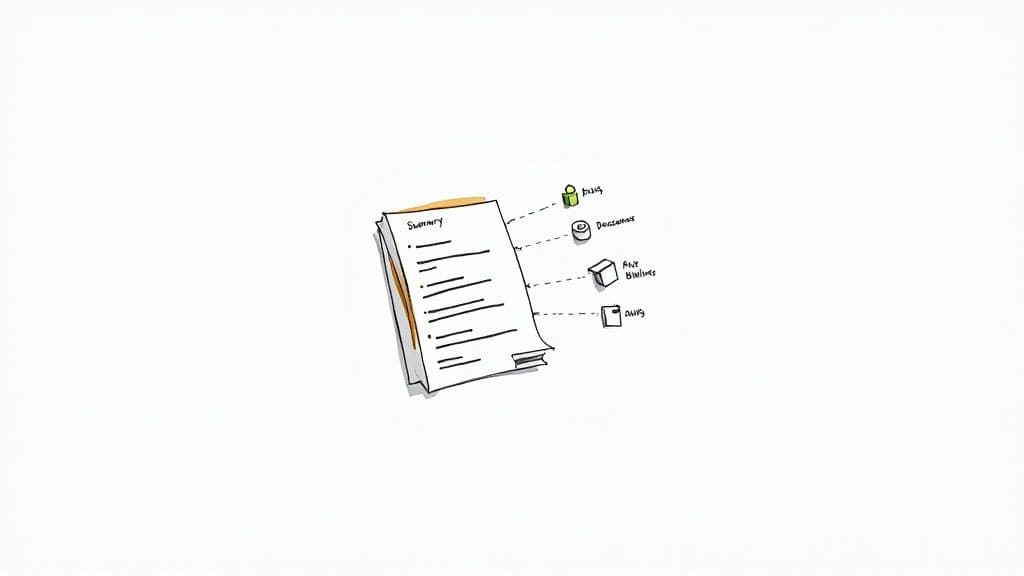
Because the AI is deeply integrated, it gets the full context of what you're working on. For example, it can take a long, rambling page of meeting notes and, in seconds, give you a sharp summary with clear action items. You can even highlight a rough draft of a project brief and ask the AI to spin up a full project plan, tasks and deadlines included.
How Notion AI Works in Practice
The real magic here is how this integration plays out in your daily work. Since the AI lives right inside your workspace, it can do things that a standalone tool just can’t touch.
Here are a few powerful ways people are using it every day:
- Instant Content Creation: Need to draft a professional email, a blog post, or some social media captions? Just give the AI a few simple prompts and watch it go.
- Intelligent Summaries: You can condense lengthy research docs or team updates into the key takeaways without losing the important stuff.
- Data Analysis: Ask questions about the data in your tables using plain English. Think, "Which tasks are overdue this week?" and get an instant answer.
- Actionable Next Steps: It can automatically pull a to-do list right out of your meeting notes or a brainstorming session.
The big idea is to bring AI to where your work already is. This contextual understanding lets the AI do more than just generate text—it helps you think, plan, and organize in a smarter way.
This shift to an AI-first approach has been a huge driver of Notion's growth. The platform now commands an estimated 55.9% share in its market category, solidifying its place as a go-to collaborative workspace. Its unique ability to work with the full context of your information makes it an incredibly powerful tool for getting things done. You can dig deeper into Notion's market position and AI-fueled growth in this market size analysis from FounderPal.
See Notion in Action: Real-World Examples
It's one thing to talk about what Notion is, but its real magic clicks when you see what it does. The platform truly shines when it’s molded to solve actual, everyday problems. Let’s look at a few common ways people put it to work.
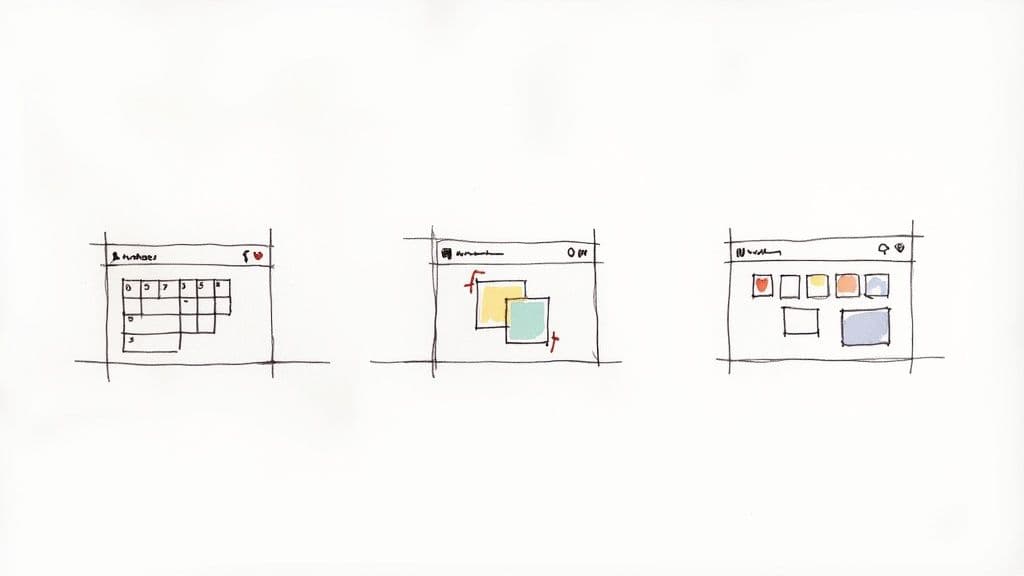
Think about a student juggling multiple classes. Instead of scattered notes and a separate calendar, they can build a single academic dashboard. Here, class notes are directly linked to a master assignment tracker. With a database, they can flip between a calendar view for deadlines, a to-do list for daily tasks, and automatically connect their study guides to the right exams.
For Freelancers and Small Teams
A freelance graphic designer can practically run their entire business from Notion. We're not talking about a simple checklist, but a fully integrated command center. They can build a client portal to share progress, use a Kanban board to manage project stages, and even keep track of invoices and payments—all in one place.
In the same way, a small startup can create a living, breathing company wiki. Forget those static documents that are outdated the moment you write them. A Notion wiki can link directly to active projects, employee directories, and the latest meeting notes, creating a genuine single source of truth that grows with the team.
The common thread here is integration. The real power of Notion isn't just holding your information; it's about connecting it all together to build a system that works exactly the way you do.
These scenarios just scratch the surface of what’s possible.
- Students build a "second brain" to connect notes, schedules, and research papers.
- Entrepreneurs manage everything from their content calendar to client projects from a central hub.
- Teams create a go-to workspace for projects and company knowledge, cutting down on app-switching.
Seeing how others have built their own systems can spark ideas for your own goals. For example, staying on top of finances is a huge challenge for freelancers, and many turn to Notion for a solution. If that sounds like you, check out how to build a Notion financial tracker in our detailed guide.
Why Notion Dominates the Productivity Scene
Notion didn't just join the productivity market; it completely reshaped it. It solved a problem most of us didn't even have the words for: the chaos of using a dozen different apps for notes, tasks, and wikis. Its success isn't an accident—it’s built on a smart freemium model that lets millions of people experience its power for free.
This approach hooks you. You start by building a simple to-do list, then a personal wiki, and before you know it, you've built your entire life's operating system without paying a dime. When these same users start new jobs or join teams, they bring Notion with them. This grassroots adoption is precisely how Notion found its way into the world's biggest companies, from the bottom up.
The Numbers Behind the Hype
The story of Notion's rise is best told through its staggering growth. As of 2024, Notion is pulling in an estimated $400 million in annual revenue, which is a massive 60% jump from the year before. It's not just about the money, either—the platform now boasts over 100 million users worldwide.
Even more impressive? Over 50% of Fortune 500 companies, including giants like Salesforce and Intel, rely on it to keep their teams organized. For a deeper dive into these figures, check out these jaw-dropping Notion statistics.
This isn't just a fleeting trend. It represents a real shift in how we work. With this kind of momentum, understanding the core notion meaning is more than just a neat party trick for productivity nerds.
It's now a legitimate professional skill. Being good at Notion shows you know how to build organized, efficient, and scalable systems—something every modern company is desperate for.
By becoming indispensable to both students and massive corporations, Notion has cemented itself as a core part of the modern productivity toolkit.
Your First Steps with Notion Templates
<iframe width="100%" style="aspect-ratio: 16 / 9;" src="https://www.youtube.com/embed/GOy6uVrSjuA" frameborder="0" allow="autoplay; encrypted-media" allowfullscreen></iframe>Staring at a blank page is often the hardest part of learning a new tool. Instead of trying to invent the perfect system from scratch, the fastest way to really get Notion is to start with templates.
Think of them as pre-built, fully functional workspaces designed by people who know Notion inside and out. They let you skip the complex setup and get right to work on what actually matters. Whether you need a project dashboard, a content calendar, or a simple habit tracker, there's a template for it. You just duplicate it into your own workspace and start making it your own.
How to Get Started with Templates
Getting up and running with a template is incredibly simple. It's designed to give you an immediate win and show you what's possible in just a few clicks.
- Find a Template: Look for a template that solves a problem you're facing right now. You can find tons in Notion's official gallery or from independent creators.
- Duplicate It: A single click copies the entire setup—pages, databases, and all—right into your own Notion account.
- Customize: This is where the magic happens. Start tweaking the layout, adding your own information, and adjusting the settings to fit how you work.
This whole approach bypasses that initial feeling of being overwhelmed. You're not starting with an empty canvas; you're starting with a proven system that you can learn from and adapt over time.
Using a template is like getting a guided tour of Notion's capabilities. It’s the most hands-on way to see how all the different pieces—pages, blocks, and databases—can connect to create some seriously powerful tools.
You can explore a wide range of expertly designed Notion productivity templates on Flowtion to see what's possible. This practical experience is what turns the abstract idea of Notion into a tangible, genuinely useful skill.
Got Questions About Notion? We've Got Answers
So, Is Notion Just Another Google Docs or Evernote?
That's a common question, and the short answer is no. Think of it this way: Google Docs is fantastic for writing documents, and Evernote is a powerhouse for capturing quick notes. Notion does both of those things, but it also brings them together with robust project management capabilities.
The real magic is in its ability to build an interconnected system. Your meeting notes can link directly to project tasks, which can live inside a team wiki. You're not just storing information in separate apps; you're building a single, cohesive workspace where everything relates to everything else. Standalone tools just can't compete with that.
Is Notion Hard to Figure Out?
Not at all. You can dive in right now and start taking simple notes just like you would in any other app. The learning curve is really gentle to start.
The more advanced stuff, like databases and relations, is completely optional. You only need to explore those features when you're ready to build more powerful systems.
A great way to get comfortable without feeling overwhelmed is to start with a pre-built template. It gives you a solid structure to work from, and you can tweak it and learn how everything works as you go.
Can I Actually Use Notion for Free?
Absolutely. Notion has a very generous free "Personal" plan that's perfect for most individuals getting started.
Ready to skip the setup and get straight to organizing your life and work? Check out the proven templates from Flowtion and see what Notion can really do with a single click. Find your perfect workflow at Flowtion.