Notion for Startups: Build a Company OS
Discover how notion startups transform workflows by turning Notion into a scalable company OS with roadmaps, OKRs, and repeatable processes.
For any startup, Notion is so much more than a fancy note-taking app. Think of it as the central nervous system for your entire business, a flexible OS you build from the ground up. It’s where your documents, tasks, and roadmaps all live and connect, saving you critical time and money right when you need it most.
This guide will show you how to turn that raw potential into a real competitive advantage.
Why Notion Is a Startup's Secret Weapon
Let's be real: running a startup is organized chaos. You're trying to manage product development, chase funding, hire the right people, and get your marketing off the ground—all with a small team and an even smaller budget. The last thing you need is a messy tech stack where crucial information gets lost between a dozen different apps.
This is exactly where Notion comes in, not just as another tool, but as the foundational layer for your whole company.
Notion’s own origin story is a classic startup tale. The journey started in 2013 when founders Ivan Zhao and Simon Last wanted to create the 'LEGO of productivity tools.' But by 2015, they were on the verge of collapse with just four months of runway left. A buggy product and high churn almost killed them. That near-death experience is what forged the resilient, user-obsessed tool we have today.
Unifying Your Operations
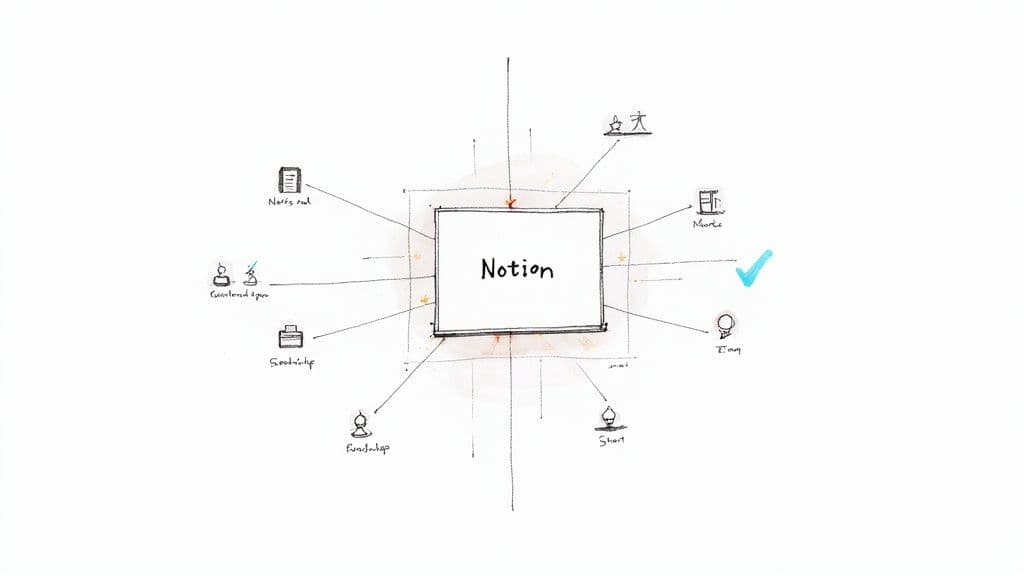
The biggest win for any startup is consolidation. Instead of paying separate subscriptions for project management software, a company wiki, and simple databases, Notion rolls all of that functionality into one. This unified approach has some seriously powerful benefits:
- Slash Your Costs: Stop paying for multiple software subscriptions. That money goes straight back to your bottom line.
- Create a Single Source of Truth: No more information silos. Every project brief, meeting note, and company policy lives in one accessible place.
- Build Richer Context: You can link a task directly to the project it supports, the meeting where it was assigned, and the team goal it helps achieve.
By centralizing your core workflows, you create a transparent environment where everyone understands how their work contributes to the bigger picture. That kind of alignment is invaluable when you're moving fast and every decision counts.
How Notion Replaces Multiple Tools for Startups
See how a unified Notion workspace can save your startup significant money and reduce operational complexity.
| Startup Need | Notion Solution | Traditional Tool Replaced |
|---|---|---|
| Project & Task Management | Kanban boards, timelines, and task lists | Asana, Trello, Jira |
| Company Wiki & Docs | Interlinked pages and databases | Confluence, Google Docs |
| CRM & Sales Pipeline | Databases with relational properties | HubSpot (basic), Pipedrive |
| Content Calendar | Calendar and gallery views | CoSchedule, Airtable |
| Hiring & Onboarding | Applicant trackers and onboarding checklists | Workable, Greenhouse |
This isn't just about saving a few bucks a month on subscriptions; it's about eliminating the friction of context-switching and creating a seamless operational flow.
If you want to get a head start, you can deploy proven systems with our dedicated Notion templates for startups available at https://theflowtion.com/startups. These give you pre-built frameworks for everything from investor relations to product roadmaps.
And while Notion can be your command center, it's also smart to explore other essential AI startup tools for building and scaling to round out your toolkit.
Ready? Let’s walk through how to build these systems from scratch and turn a blank Notion page into your company’s headquarters.
Designing Your Startup's Workspace Foundation
A messy workspace is a startup killer. Before you write a single line of code or launch your first campaign, getting your Notion structure right is one of the most important things you can do. Without a clear hierarchy, your workspace will inevitably turn into a digital junk drawer where critical information goes to die.
Forget those generic templates that never quite fit. The goal here is to build an opinionated, battle-tested foundation that prevents major headaches down the road. Your workspace should feel like a well-organized office, with distinct departments and clear pathways for information to flow. So many notion startups stumble right out of the gate, creating a flat list of pages that becomes impossible to navigate after just a few months.
The Three Core Hubs
Instead of a chaotic, ever-growing sidebar, your entire company should revolve around three main top-level pages. Think of these as the primary divisions of your organization. This simple approach ensures every new document, project, or note has a logical home from the moment it's created.
- Company HQ: This is your central nervous system. It’s where you’ll put everything that applies to the entire organization—mission, vision, values, company-wide announcements, and the employee directory.
- Product & Engineering: This hub is for everything related to actually building the product. We're talking roadmaps, sprint planning boards, technical documentation, and user feedback databases.
- Go-to-Market: Here’s where you manage everything related to sales, marketing, and customer success. It's home to your content calendar, sales pipeline, marketing campaign trackers, and customer support playbooks.
This three-hub structure isn't arbitrary; it forces clarity. Every single team member knows exactly where to find what they need and, just as importantly, where to put their own work. The amount of time saved by eliminating "Hey, where's the doc for...?" is staggering.
Building Your Essential Sub-Pages
With the main hubs in place, it's time to create the sub-pages and databases that will power your daily operations. The real magic happens when you build connections between them from the very start. For instance, don't just create a standalone page for meeting notes. Build a centralized Meeting Notes database.
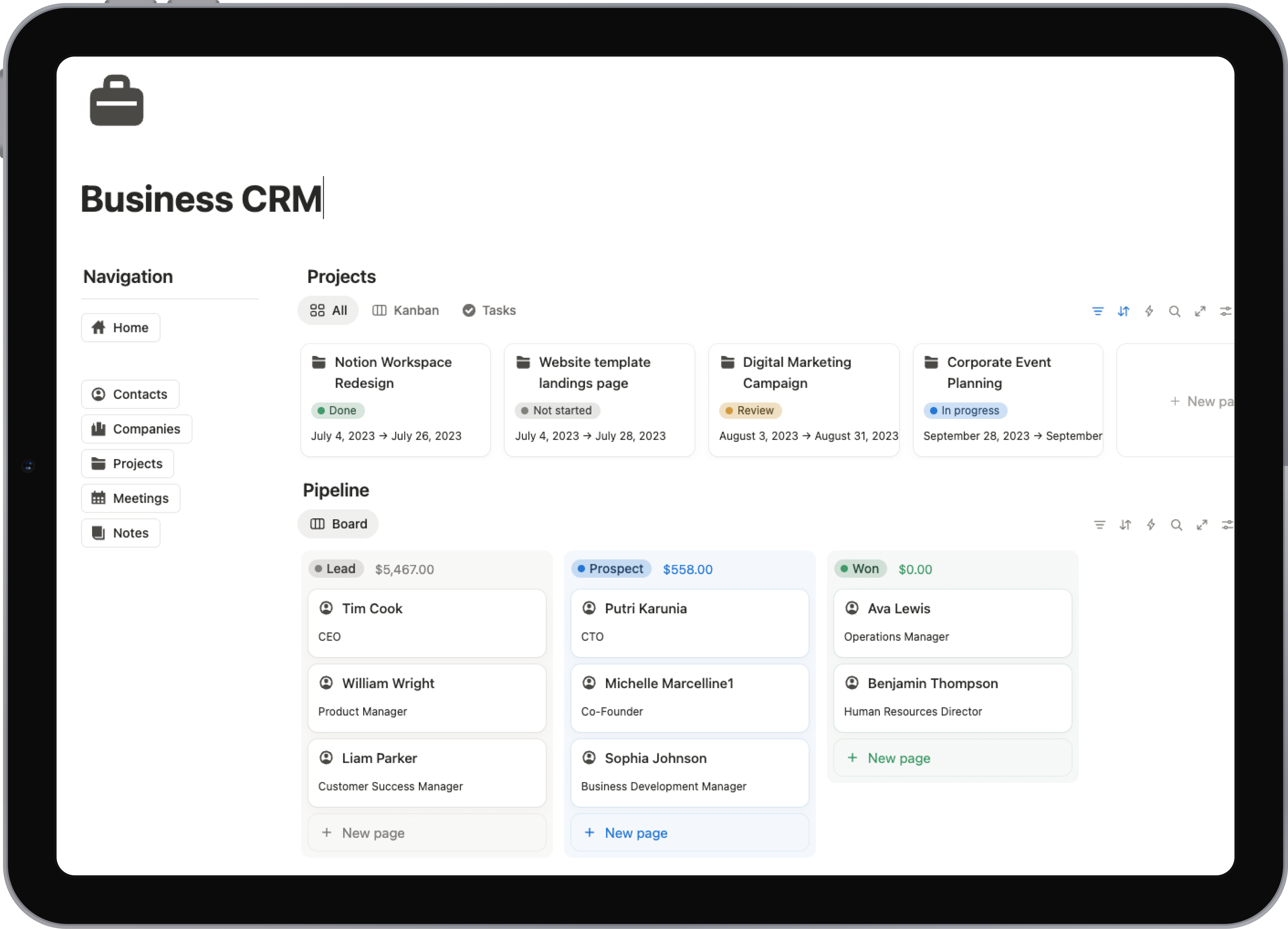
Then, using Notion's relational properties, you can link each meeting entry directly to a specific project in your Projects database. That project, in turn, can be linked to a quarterly objective in your OKRs database.
This interconnected system is what turns Notion from a fancy document editor into a genuine operating system for your company. You can instantly see which meetings influenced a project and how that project ladders up to your high-level company goals.
For a startup, this level of transparency is a massive advantage. It keeps everyone aligned and helps them understand the "why" behind their day-to-day tasks.
Setting Up Smart Permissions
As your team and workspace grow, managing who can see what becomes crucial. Transparency is a startup superpower, but some information—like HR records or sensitive financial projections—obviously needs to be locked down. Notion’s permissions are flexible enough to create an environment that's both secure and open.
Here’s a practical way to set it up:
- Keep Company HQ Open: Make this section accessible to everyone. This fosters a shared culture and keeps the whole team on the same page.
- Create Team-Specific Zones: Within your
Product & EngineeringandGo-to-Markethubs, you can easily create private pages or databases for specific teams if you need to. - Lock Down Sensitive Data: Create a dedicated, restricted page within Company HQ for things like HR and finance. Only invite the necessary people (like founders and leadership) to this page, ensuring the rest of the workspace remains open for collaboration.
By thoughtfully designing your foundation from day one, you’re creating a digital headquarters that can actually scale with you. This isn't just about being organized; it's about building a system that enables speed, clarity, and alignment across your entire team.
Alright, you've got your Notion workspace set up and organized. Now for the fun part: building the engines that will actually drive your startup forward. This is where we move beyond just organizing pages and start creating the interconnected systems that manage your most critical work.
From what I've seen working with countless startups, success usually boils down to getting three core workflows right.
We're talking about your product roadmap, how you track Objectives and Key Results (OKRs), and a unified hub for all your tasks. When you build these in Notion correctly, they stop being separate tools and become one fluid system. A single task can link directly to a new product feature, which in turn is tied to a company-wide objective. For an early-stage company, that kind of clarity is a superpower.
This whole process is about building a strong internal foundation first, which then allows you to develop your product and take it to market effectively.
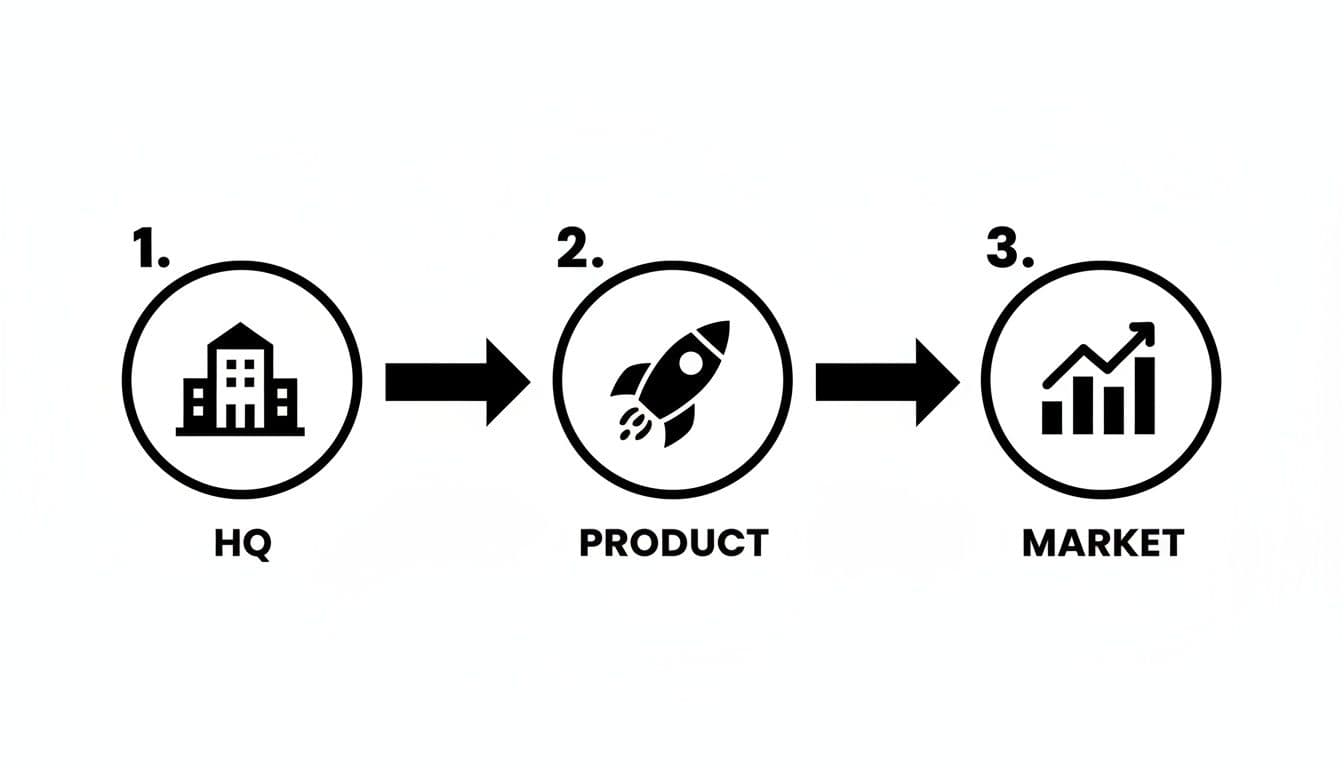
Think of it this way: a solid HQ is the launchpad. Without it, your product development and market launch just won't have the support they need to succeed.
Building a Dynamic Product Roadmap
First, let's talk roadmaps. Ditch the static spreadsheets that are out of date the second you save them. In Notion, your roadmap should be a living, breathing document.
The best way to start is by creating a central Features database. Every single entry is a feature or an initiative you're considering. The magic really happens in the properties you add to track the essentials:
- Status: Keep it simple (e.g., Idea, In Progress, Shipped).
- Owner: Assign a specific team member to each feature.
- Timeline: Use a date property so you can visualize everything on a timeline view.
- Priority: High, Medium, or Low—don't overcomplicate it.
But here’s the pro move: create a separate User Feedback database. This is where you log every customer request, pain point, and brilliant idea you hear. Then, use a relation property to link this feedback directly to your Features database. Suddenly, when you're deciding what to build next, you can see exactly which features are backed by the most user requests. It takes the guesswork out of prioritization and grounds your decisions in real data.
Tracking OKRs with Full Transparency
OKRs are fantastic for alignment, but only if they’re visible and connected to the day-to-day grind. Your OKR system in Notion should be a central source of truth that cascades through the entire workspace.
Set up an OKRs database with properties for the Objective, its Key Results, the current status, and the quarter you're in. The crucial next step is to create a relation to your Projects or Tasks database. Now, when someone is deep in their work, they can see exactly which company objective their task supports.
This simple connection turns OKRs from a top-down management chore into a practical tool for everyone. It answers that all-important question, "Why am I even working on this?" and builds a real sense of ownership.
This level of integration was a huge part of Notion's own growth story. As the platform exploded during the pandemic, it hit unicorn status in April 2020 with a $50 million funding round. They had already reached 1 million users back in 2018 with a team of just 10 employees, largely by building a tool that let teams create these kinds of custom, interconnected workflows.
Creating a Unified Task Management Hub
The final piece of the puzzle is a master task system that doesn't feel like a cluttered mess. The biggest mistake startups make is scattering tasks across dozens of different pages and projects. The solution is to build one central Tasks database for the entire company.
From there, you use linked database views to create personalized dashboards for every team and individual. The marketing team gets a page showing only their tasks on a slick calendar view. An engineer gets a "My Tasks" view on their personal dashboard, showing only what's assigned to them, neatly sorted by priority.
This gives leadership the high-level overview they need while providing everyone else with a focused, actionable to-do list. If you want to go deeper on this specific setup, we've got a full breakdown in our guide on using Notion for project management.
Building Your Company Wiki as a Single Source of Truth
Let's be honest: knowledge silos can kill a growing startup. When critical info is trapped in one person's head or scattered across a dozen random Google Docs, you're just creating friction. Decision-making grinds to a halt, and bringing on new hires becomes a chaotic scavenger hunt.
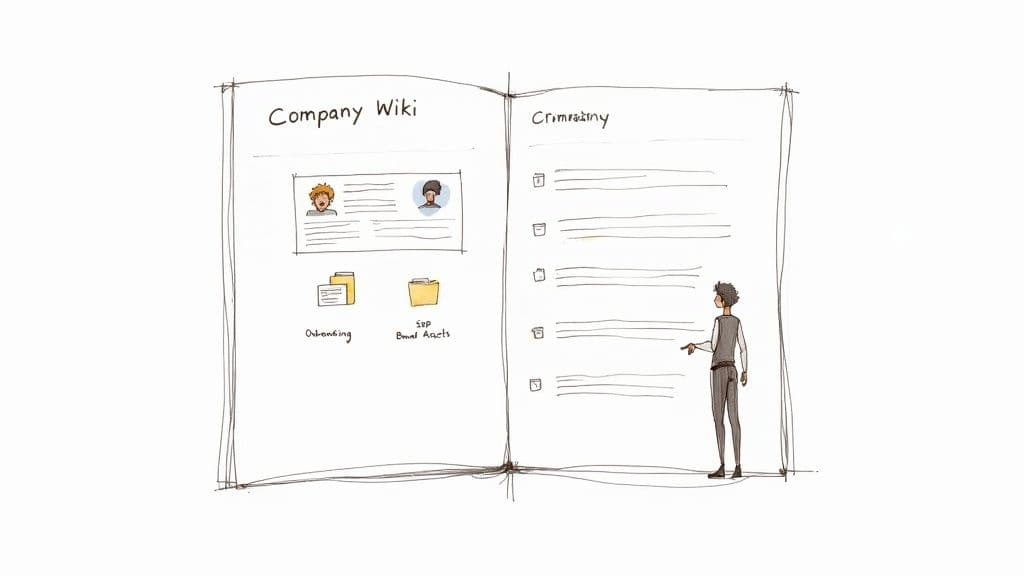
This is where a well-structured company wiki in Notion comes in. It’s about building a centralized, easy-to-search "single source of truth." But this isn't just about documenting things for the sake of it. The goal is to create a living repository for your company's collective brain. So many notion startups build a wiki that’s outdated in weeks because they treat it like a chore. The real key is making it an active, integrated part of your daily workflow from day one.
Key Pillars of a Great Wiki
So, what actually goes into a wiki that people will use? It should be built around a few core sections that everyone on the team will need. This isn't a comprehensive list, but it's the foundation that will see you through your first few stages of growth.
- Onboarding Guides: Lay out a clear, step-by-step path for new hires. Think checklists for their first day, week, and month, complete with links to essential documents and introductions to key team members.
- Standard Operating Procedures (SOPs): Get your core processes out of people’s heads and onto the page. How do you run weekly sprints? What's the exact process for publishing a blog post? Clear SOPs are the secret to consistency and quality.
- Brand & Company Assets: Create one central place for logo files, brand guidelines, your mission statement, and company values. This simple hub eliminates those frantic Slack messages asking for the "latest version" of the pitch deck.
Standardize Documentation with Database Templates
Here’s where things get powerful. You can turn your wiki from a static collection of pages into a dynamic, intelligent system. Instead of having everyone create one-off documents in their own style, use Notion's database templates to standardize how your team captures knowledge.
Take project post-mortems, for instance. After a big project wraps up, there are always incredibly valuable lessons to be learned. But those insights are usually lost in a Slack thread or a fleeting meeting. You can fix this by creating a "Project Post-Mortems" database with a pre-built template.
By creating a standardized template for post-mortems, you ensure every project review consistently captures what went well, what didn't, and actionable takeaways. This turns reflection into a repeatable process that drives real improvement.
Every time someone clicks "New" in that database, a page pops up with predefined sections, maybe something like:
- Project Summary: A quick overview of the goals and outcomes.
- What Went Well: A place to celebrate the wins and successful strategies.
- Areas for Improvement: An honest look at the challenges and roadblocks.
- Actionable Lessons: The most important part—what will we do differently next time?
Encouraging Team-Wide Adoption
Look, a wiki only works if people actually use it. To stop it from becoming a digital graveyard of outdated documents, you have to be intentional about driving adoption.
First off, make documentation part of the process, not an afterthought. A great rule of thumb is to make "Update or create relevant wiki pages" the final step of any major project.
More importantly, when someone asks a question in Slack that's already answered in the wiki, don't just give them the answer. Send them the link to the wiki page. This simple habit gently trains the entire team to check the wiki first, and it’s what transforms a folder of documents into a genuine single source of truth.
Using Templates and Automation to Move Faster
<iframe width="100%" style="aspect-ratio: 16 / 9;" src="https://www.youtube.com/embed/Ymn2u1hzuPQ" frameborder="0" allow="autoplay; encrypted-media" allowfullscreen></iframe>In a startup, your most valuable resource isn’t money; it’s time. Your real competitive advantage is the speed at which you can build, learn, and iterate. That's why spending weeks designing internal systems from the ground up is a luxury most early-stage companies just can't afford.
This is where templates and automation can completely change the game, turning Notion from a powerful tool into an engine for acceleration. Instead of reinventing the wheel, you can plug in sophisticated, battle-tested systems instantly. This isn't about cutting corners—it's about strategically buying back hundreds of hours of your team's focus.
Deploy Sophisticated Systems Instantly
A well-designed template is so much more than a pre-filled page. It's a complete, interconnected system. Imagine a product roadmap template that already has custom views for engineering, marketing, and leadership, or a CRM that’s pre-built with the exact pipeline stages you need. Using one is like having an operations consultant build your foundation for you.
This approach lets you skip the entire setup grind and jump straight to execution.
Here are a few key systems you can get up and running in minutes, not weeks:
- Investor Relations Hub: A secure, central place to track potential investors, manage different versions of your pitch deck, and keep a log of every conversation.
- Content Creation Machine: A full pipeline for your marketing team, covering everything from idea generation and content calendars to a final repository for published assets.
- OKR Tracking System: A pre-linked database for setting company objectives and tracking key results, often complete with progress bars and team-specific dashboards.
For notion startups that need to move with purpose, a comprehensive resource like our Startups Template Bundle gives you an entire operational toolkit right out of the box.
Automate Repetitive Work and Stay Focused
Once you have your core systems in place, the next layer of efficiency is automation. Even tiny, repetitive tasks add up, pulling your team's focus away from the work that actually matters. Notion’s recurring templates and integrations are perfect for getting rid of this manual drag.
Just look at the comeback story of Notion itself. After nearly collapsing in 2015, the small team had to become ruthlessly efficient to survive. They rebuilt the product, launched on Product Hunt, and grew to 1 million users by 2018 with just 10 staff members. That kind of capital-efficient growth is only possible when you automate absolutely everything you can.
Automation isn't about replacing people; it's about freeing up their cognitive bandwidth to solve bigger, more important problems. It's the key to maintaining velocity as you scale.
You can set up surprisingly powerful automations to handle routine work.
- Weekly Team Updates: In your meeting notes database, create a recurring template that automatically generates a new page every Monday morning. You can have it pre-populated with key sections and even ping the team for you.
- New Project Kickoffs: A simple template button can be a lifesaver. When clicked, it can generate an entire project folder with a brief, a task list, and a timeline—all linked up and ready to go.
- Connecting to Other Tools: Use integrations with tools like Slack or Zapier to automatically create Notion tasks from saved messages or new calendar events. This completely eliminates the mind-numbing task of copying and pasting between your most-used apps.
Answering Common Questions from Notion Startups
When you’re thinking about running your entire company on a new platform, it’s only natural to have some questions. I hear the same ones all the time from founders considering Notion. They’re smart questions, usually centered around scalability, security, and whether an all-in-one tool can really replace the specialized software they’re used to. Let's dig into those.
One of the first hurdles is just figuring out where to begin. Beyond setting up the workspace itself, a lot of founders are also focused on growth. They often ask about the best practices for securing business funding to get them to the next level. Notion is fantastic for organizing your pitch decks and investor pipeline, but getting that capital is a whole different beast.
Can Notion Really Scale with My Startup?
This is probably the most common myth I have to bust. People see Notion's simple, clean interface and assume it's just for small teams or personal projects. That’s just not the case.
Scalability in Notion isn't about the software's limits; it's about how you design your workspace. I've seen massive companies run their entire operation on it. The trick is to treat your Notion setup like you would an internal product—it needs to be intentionally designed and evolve as your company grows.
As you expand from a tiny team of five to a bustling office of fifty, the key is to build around centralized, master databases. From there, you use linked views to create team-specific dashboards and apply granular permissions. This gives everyone access to exactly what they need, without overwhelming them with information they don't.
Is Notion Secure Enough for Our Company Data?
For 99% of what a startup does day-to-day—managing projects, writing product specs, drafting marketing copy—Notion is more than secure. It's SOC 2 Type 2 compliant and encrypts all your data, both when it's stored and when it's being transferred. These are serious, industry-standard security measures.
Of course, a tool is only as secure as the processes you build around it. You have to be smart about managing permissions. Make sure financial models or sensitive HR documents are locked down so only the right people can see them. While you'll likely still want a dedicated system for things like customer payment info, Notion is a solid, reliable home for all your core operational knowledge.
Notion's superpower is that it's an 'all-in-one' workspace. Tools like Asana, Jira, and Confluence are great at what they do, but they create information silos that can seriously bog down a fast-moving startup.
How Does Notion Stack Up Against Jira or Asana?
This question really gets to the core of why Notion is so powerful for startups. Tools like Jira for dev work or Asana for project management are fantastic, but they’re disconnected from each other. Your tasks live in one place, the project brief in another, and the docs in a third.
Notion brings it all together.
Imagine a task on your to-do list. In Notion, that single task can be directly linked to the project it's part of, the meeting notes where the decision was made, and the final design file. That interconnected context is pure gold for notion startups. It cuts down on wasted time hunting for information and keeps the entire team on the same page.
Ready to implement these systems without spending weeks on setup? Flowtion offers pre-built, battle-tested templates that transform a blank Notion page into a fully functional startup OS. Grab your complete operational toolkit at https://theflowtion.com.