Meeting Notes Template with Action Items Guide
template for meeting notes with action items: A concise, reusable template to capture decisions and clearly assign action items for every meeting.
Let's be honest, we've all sat through meetings that felt like a complete waste of time. The conversation meanders, big ideas are thrown around, but when everyone signs off, there’s a collective sense of… now what? The next day, nobody’s quite sure who was supposed to do what, and all that talk leads to zero action.
This isn’t just a frustrating experience; it’s a silent killer of productivity. A structured template for meeting notes with action items is the single best way to stop this cycle. It’s a simple but powerful tool that turns aimless chatter into real momentum.
Why So Many Meetings Go Nowhere
The root of the problem is a lack of structure. Without a framework to guide the conversation and capture outcomes, discussions lose focus, and key decisions get lost in the shuffle. It creates a fog of ambiguity where accountability is blurry and follow-through is, at best, inconsistent.
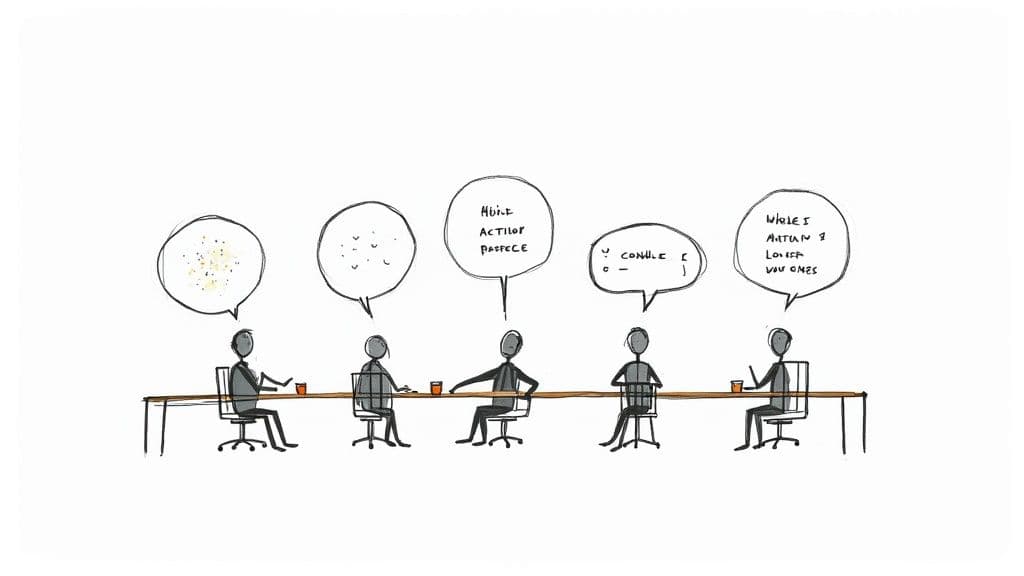
This cycle of unproductive meetings is precisely what an action-oriented template is designed to break. It’s not just about taking notes; it's about creating a blueprint for what happens after the meeting ends.
The Real Cost of Hitting "End Meeting" With No Plan
The move to remote and hybrid work has thrown this issue into sharp relief. Virtual meetings shot up globally from 48% to 77% between 2020 and 2022, but our methods for documenting them haven't kept pace.
Stunningly, only 37% of meetings actually use an agenda or any kind of structured notes. This directly contributes to the estimated $37 billion lost every year in the U.S. alone from inefficient meetings. You can find more fascinating stats on the state of modern meetings over at Notta.ai.
A purpose-built template changes the entire dynamic. It's a repeatable system that forces clarity and builds a culture where people own their commitments.
A great template doesn't just record what was said; it documents what will be done. It's the bridge between conversation and action, ensuring every minute spent in a meeting translates into tangible progress.
Implementing this one simple tool solves several all-too-common problems:
- No More Wandering Conversations: The template provides a clear structure, keeping the discussion centered on achieving specific outcomes.
- Goodbye to Vague Outcomes: It forces everyone to define concrete next steps, leaving no room for "I thought we decided..." confusion.
- Clear Accountability: Every action item gets an owner and a due date. This creates an undeniable record of who is responsible for what.
- A Single Source of Truth: It eliminates the "I thought someone else was handling that" excuse by serving as a reliable reference for the entire team.
To get this right, your template needs a few core components. The table below breaks down the absolute must-haves for any effective meeting notes template.
Essential Components of an Effective Meeting Notes Template
| Component | Purpose | Why It Matters |
|---|---|---|
| Meeting Logistics | Capture the date, time, attendees, and meeting title. | Creates a clear, searchable record for future reference and context. |
| Agenda/Goals | List the key topics or objectives for the discussion. | Sets expectations and keeps the conversation focused and on-track. |
| Key Discussion Points | Summarize the main conversations and decisions made. | Provides context for the action items and serves as a record of consensus. |
| Action Items | Detail the specific task, assigned owner, and due date. | This is the most critical part—it turns discussion into measurable progress. |
| Next Steps/Decisions | Outline follow-up meetings or major decisions that need tracking. | Ensures momentum is carried forward beyond the current meeting. |
These elements work together to create a document that’s less of a transcript and more of a project plan. It’s the key to making sure that every meeting you run actually moves the needle.
Building Your Master Template From Scratch
Forget trying to find the perfect pre-made template for your meeting notes. The most powerful ones are built from the ground up, tailored to the way your team actually works. The whole point is to create a structure so simple and useful that people naturally start using it. A great template isn't a rigid box; it's a flexible framework that brings clarity and purpose to every discussion.
The foundation is what I call the meeting "metadata." This isn't just bureaucratic filler—it's the context that makes your notes findable and useful weeks or even months down the line. It’s a quick snapshot that answers the who, what, when, and why before anyone even reads the first discussion point.
Laying the Groundwork With Metadata
Every template should start with a non-negotiable block of basic info. This ensures anyone, even someone who missed the meeting, can immediately grasp the context.
- Meeting Title: Get specific. "Q4 Social Media Campaign Kickoff" is infinitely more helpful than "Marketing Meeting" when you're searching for it later.
- Date & Time: This is essential for building a clear chronological record of decisions and project milestones.
- Attendees: List everyone who was there. This is huge for accountability because it shows exactly who was in the room when a decision was made.
- Project/Topic: Connect the meeting to a specific project or initiative. Doing this helps you group related notes and see the bigger picture over time.
Think of this section as the digital filing system for your team's collective brain. It's what stops crucial decisions from disappearing into a sea of documents named "Meeting Notes."
Designing the Core of Your Template
Once the context is set, the next part of your template should guide the actual flow of the meeting. I always include dedicated sections for the agenda, the free-flowing discussion notes, and any final decisions. A little structure goes a long way in keeping conversations from going off the rails.
But the most important part—the real workhorse—is the action item log. This is where your meeting notes template proves its worth by turning talk into tangible tasks.
An action item without an owner and a deadline is just a suggestion. Your template's job is to eliminate suggestions and create concrete, trackable tasks that drive real progress.
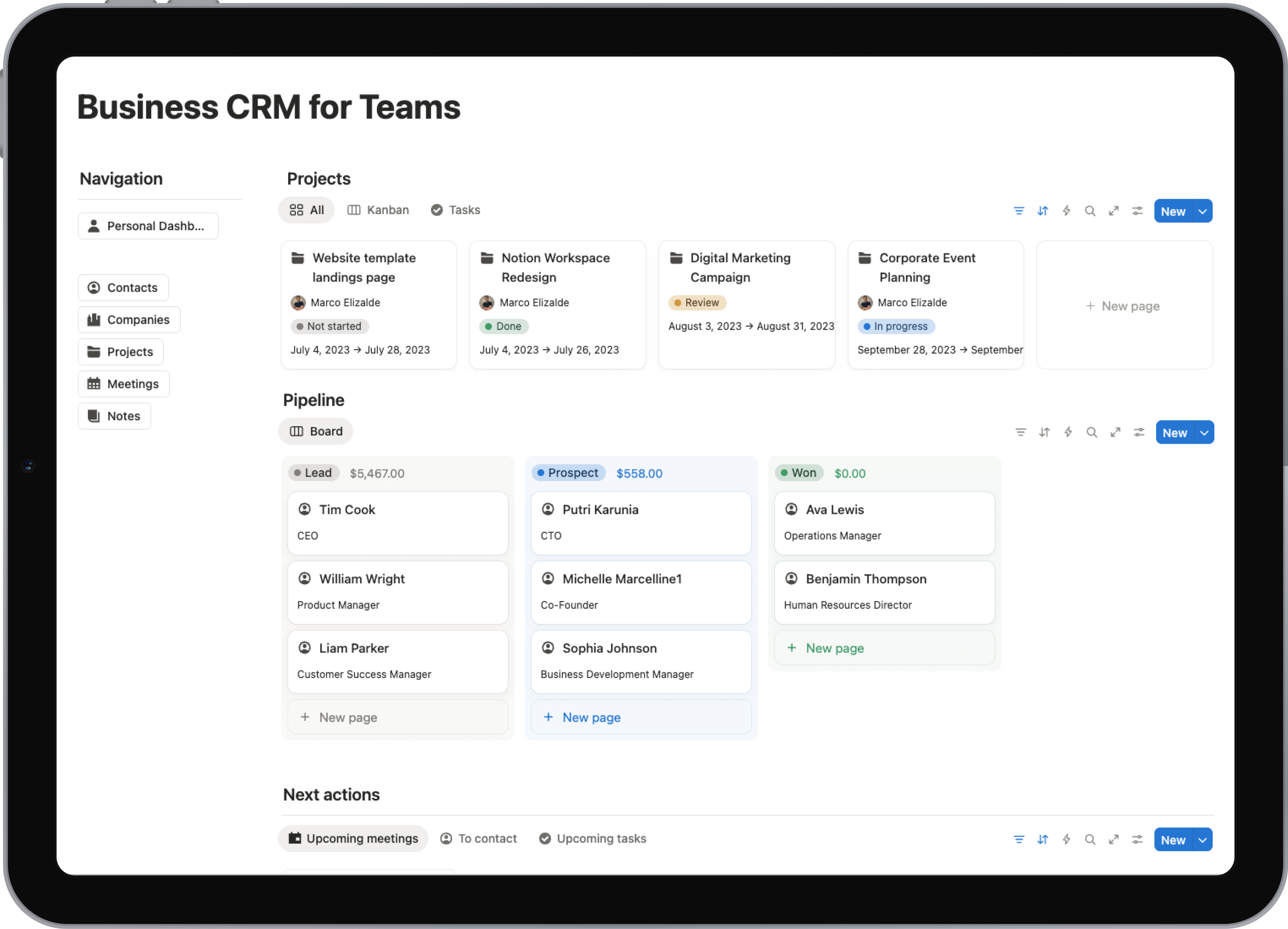
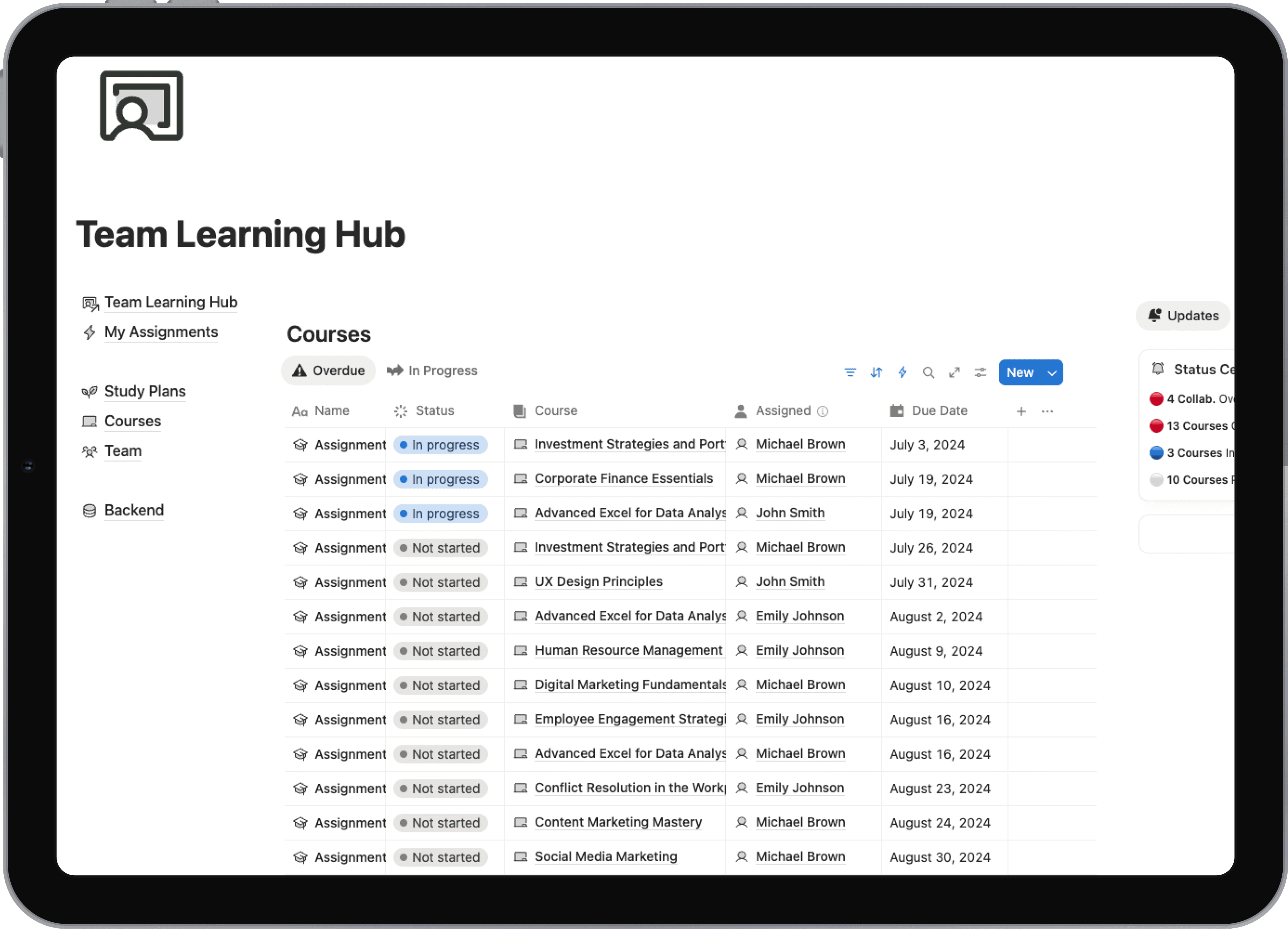
For example, here's how a simple but effective action item log can look inside a tool like Notion. This kind of visual layout makes it incredibly easy to see who's responsible for what at a quick glance.
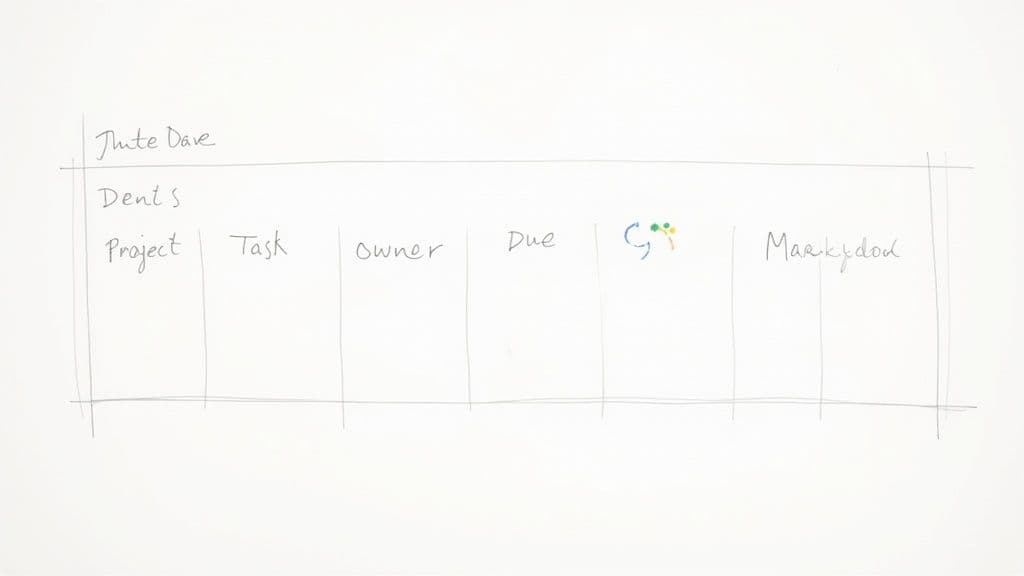
This database-style approach is fantastic because it lets you track statuses and filter tasks by owner with just a click. If you're looking to build out more advanced systems, checking out some different Notion productivity templates can give you a great head start.
Building Your Action Item Log
The action item table is the beating heart of this whole system. It needs to be crystal clear and unambiguous. Each column has a specific job to do in creating accountability.
From my experience, these are the must-have columns:
- Action Item: Write a clear, verb-first description. "Research new CRM options" is way better than a vague note like "CRM."
- Owner: Assign a single person to each task. Never assign a "team"—that's a classic recipe for the bystander effect, where everyone assumes someone else will do it.
- Due Date: Pick a specific, realistic deadline. "Next Friday" provides clarity; "ASAP" creates anxiety.
- Status: A simple dropdown menu (e.g., To-Do, In Progress, Done) gives everyone an instant visual update.
By putting in the effort to build these components—metadata, discussion areas, and a solid action item log—you’re creating more than just a document. You’re building a system that drives accountability and ensures every meeting ends with a clear path forward.
How to Adapt Your Template for Different Meeting Types
A single, rigid template for meeting notes is a decent starting point, but let's be honest, it's not the final destination. You wouldn't use a hammer to turn a screw, right? So why would you use the same notes template for a rapid-fire daily huddle and a deep-dive strategic review?
The trick is to treat your main template as a flexible foundation, not a one-size-fits-all box. True effectiveness comes from tweaking that core structure to match the real purpose of each meeting. This small shift makes your notes monumentally more relevant and ensures you're capturing what actually matters.
Tailoring Notes for High-Pace Meetings
Think about the daily stand-up or a weekly team check-in. These meetings are all about speed, quick alignment, and blasting through roadblocks. A long, detailed template would just get in the way and slow everyone down. For these, you need to strip your master template down to the absolute essentials.
The focus here is almost entirely on forward momentum. A good template for this kind of meeting will keep things moving at a brisk pace by concentrating on just a few things.
- Blockers: What's stopping people from getting work done? This should be front and center.
- Quick Updates: A super-brief summary of what each person is focused on and the progress they've made.
- Immediate Action Items: Only capture tasks that absolutely must be done today to resolve those blockers. Everything else can wait for another time.
This lean approach is what keeps the meeting inside its 15-minute window and gives you a document you can scan in seconds.
Structuring Templates for Creative Sessions
Now, flip the script and think about a creative brainstorming session. The goal isn't to report on progress; it’s to generate a flood of new ideas. A template built around blockers and updates would completely kill the vibe. Your template needs to be a blank canvas for free-flowing thoughts.
For a brainstorming meeting, your notes should look completely different.
The priority shifts from tracking completed work to capturing raw, unfiltered concepts. Your template should be a space for creativity, not a rigid ledger for tasks.
In this scenario, you'd push the standard action item table to the side and instead create larger, more open-ended sections. Your layout might feature:
- Core Problem Statement: A clear, one-sentence reminder of the challenge everyone is there to solve.
- Ideas & Concepts: A big, unstructured area to dump every single idea, no matter how wild. I find that simple bullet points or even a mind map format works great here.
- Potential Next Steps: Instead of formal "Action Items," this section is for capturing promising threads that deserve a closer look later on.
Adapting for Formal Project Kickoffs
Finally, consider something more formal, like a project kickoff or a new client onboarding. These are high-stakes meetings where absolute clarity on decisions, scope, and who-does-what is non-negotiable. Any fuzziness here can snowball into huge problems down the road.
For this type of meeting, you need a highly structured and detailed template. The Action Items section is still critical, of course, but it’s sharing the spotlight with other important elements. I always expand my master template to include dedicated blocks for:
- Decisions Made: A formal record of all key agreements and sign-offs. No "I thought we said..." later on.
- Scope & Deliverables: A crystal-clear list of what is in the project and, just as crucially, what is out.
- Risks & Dependencies: A proactive list of potential hurdles or things that could go wrong that came up in the discussion.
- Key Milestones: The high-level deadlines and major project phases that everyone agreed to.
By adapting your template for meeting notes with action items to the specific context of each gathering, you turn it from a simple record-keeping tool into a strategic asset that actually drives clarity, creativity, and accountability.
Mastering the Action Item Follow-Up Process
<iframe width="100%" style="aspect-ratio: 16 / 9;" src="https://www.youtube.com/embed/a8No02FhX8w" frameborder="0" allow="autoplay; encrypted-media" allowfullscreen></iframe>Having a slick template for meeting notes with action items is a fantastic start, but it's really only half the battle. The real magic happens in the follow-up. It's the workflow that takes those documented tasks and turns them from simple lines of text into completed work. This is where accountability truly comes to life.
The work starts during the meeting, not after it's over. As action items pop up in conversation, you need to be capturing them in real-time. The most important rule? Every single task gets a single, unambiguous owner. Assigning a task to "the marketing team" is a surefire way to have it fall through the cracks—it's a classic case of the bystander effect, where everyone thinks someone else is handling it.
Setting Clear and Realistic Expectations
Ambiguity is the absolute enemy of getting things done. Besides a single owner, every action item needs a deadline that’s both ambitious and actually achievable. A vague due date like "soon" or "ASAP" just creates confusion and low-key anxiety. A hard date gives everyone a clear target to aim for.
Nailing this clarity solves a huge source of workplace friction. It's eye-opening, but surveys show 71% of senior executives feel most meetings are unproductive, usually because of poor follow-through. By embedding solid action items, teams have seen their work-life balance satisfaction jump from 62% to an incredible 92%. It's all because there's less guesswork and fewer follow-up meetings needed to clarify what was already decided. You can dig into the full report from Fellow.ai to see more stats like this.
Here’s a simple habit that works wonders: save the last five minutes of every meeting for a quick "action item review." Just run down the list of new tasks, confirm the owner out loud, and get a verbal thumbs-up on the deadline. This one small step ensures everyone walks out of the room completely aligned and ready to get to work.
From Notes to Action: The Post-Meeting Workflow
As soon as the meeting wraps up, the next phase kicks in. You want to get those notes and action items out to the team while the discussion is still fresh in everyone's mind. I always aim to have them distributed within a few hours, max.
The most effective approach is to plug those tasks directly into your team's project management tools. I've seen it a hundred times: manually copying tasks from notes into a tool like Trello or Asana is where things go wrong. It's a point of failure. Instead, find integrations that automate this handoff, turning a static note into a live, trackable card in your workflow. We talk more about how this boosts team alignment in our guide to collaboration in project management.
For instance, this Trello board shows exactly how an action item can become a real, tangible card in a team's day-to-day workflow.
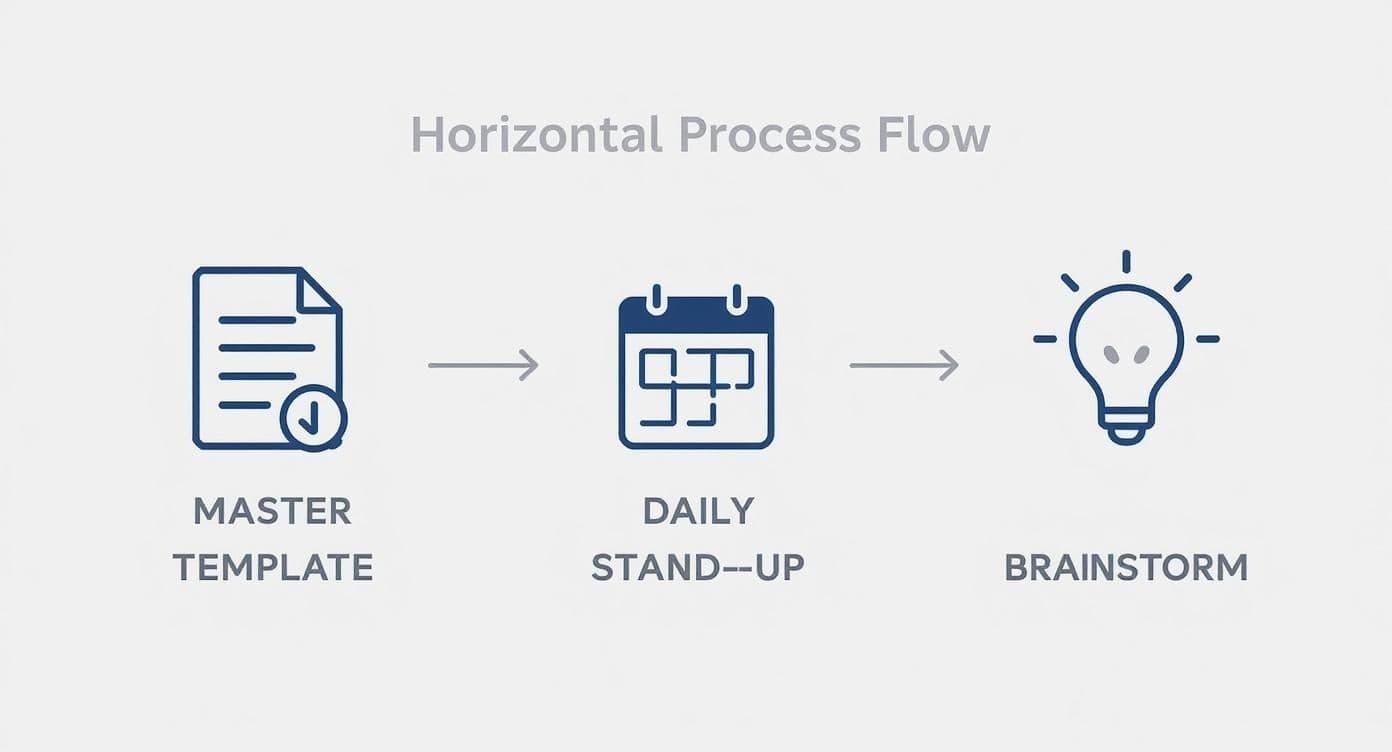
When you visualize tasks this way, they’re no longer just stuck in a document. They’re part of an active system where everyone can see progress being made.
Your template is the map, but your follow-up process is the engine. Without a consistent and reliable process for tracking and reviewing action items, even the best notes will fail to produce results.
Ultimately, getting this follow-up process right builds a genuine culture of accountability. When your team sees that every action item is captured, assigned, and followed up on, they know their commitments matter. It’s what transforms your meetings from talk-fests into powerful drivers of real progress.
Using Automation to Streamline Your Meeting Notes
Having a great meeting notes template is a game-changer, but the real magic happens when you let automation do the heavy lifting. Instead of frantically typing away, you can actually participate in the conversation, knowing that technology is capturing the details for you. This is where you can see a massive jump in productivity.
We're talking about meeting intelligence platforms and AI assistants. These tools can transcribe your entire meeting, pick out the important decisions, and even flag potential action items based on what was said. The idea isn't to replace you, but to give you superpowers. You get the speed of a machine with the critical thinking and context that only a human can bring.
Integrating Automation Into Your Workflow
You probably don't even need to add another subscription to your company card. Many of the tools your team already relies on, like Microsoft Teams and Google Workspace, have some of this functionality built right in. Think live transcriptions and AI-generated summaries that highlight key takeaways and tasks discussed during a call.
For instance, Microsoft Teams provides intelligent meeting recaps that are ready almost as soon as you hang up.
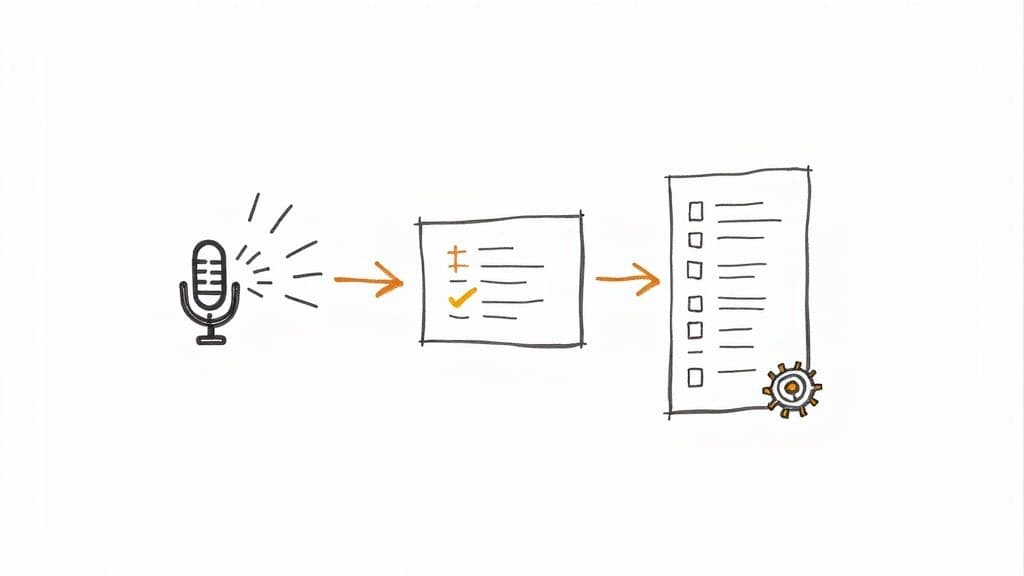
As you can see, the AI can automatically generate notes, tag who said what, and pull out a task list. Suddenly, everything is searchable and ready for action. This is a perfect example of how to streamline business processes and cut down on tedious manual work.
The Rise of Intelligent Meeting Tools
It's no surprise that this technology is taking off. The market for meeting intelligence software is expected to explode, growing from $1.1 billion in 2020 to $3.4 billion by 2025. This surge is all about one thing: the desperate need for tools that can handle transcription and track action items without a human babysitting the process.
The point of automation isn't to eliminate the human touch, but to amplify it. Let the AI capture the what so you can focus on the why—ensuring every action item is clear, meaningful, and tied to the bigger picture.
Here’s how to strike that perfect balance:
- Let the AI transcribe. Use an automated tool to create a full, word-for-word record of the meeting. No more getting lost in your own typing.
- Treat AI suggestions as a first draft. An AI can propose action items, but a person needs to give them the final review. You're the one who can confirm the owner, clarify the language, and set a realistic deadline.
- Stay present in the meeting. When you’re not worried about taking notes, you can actually listen, ask insightful questions, and steer the conversation toward a clear, productive conclusion.
Got Questions About Your Meeting Note Template? Let's Troubleshoot.
So you've built the perfect template. But back in the real world, things get messy. Getting your team to actually use a new system for meeting notes is all about consistency and having good answers when they hit a snag.
Let's walk through some of the most common hurdles I've seen teams face and how you can handle them like a pro.
What If an Action Item Is for a Whole Team?
This one comes up a lot. You have a task that genuinely belongs to the entire marketing team, not just one person. While it’s tempting to just write "Owner: Marketing," that's a recipe for the bystander effect—where everyone thinks someone else has it covered.
The best way to handle this is to assign a Point Person or Lead.
This person isn't necessarily doing all the work, but they are responsible for coordinating the group and reporting back on progress. Your template should have space for both. For example: Owner: Marketing Team (Lead: Jane Doe). This keeps a single person on the hook for updates, even when it's a group effort.
How Do We Get the Notes to Everyone After the Meeting?
Once you've wrapped up, the clock is ticking. You need to get those notes and action items into everyone's hands while the conversation is still fresh. The two most important things here are speed and accessibility. My rule of thumb is to have them out within a few hours, max.
Here are the methods that work best:
- Share a link to a living document, like a page in Notion or a Google Doc.
- Drop that link directly into your team's main chat, like a dedicated channel in Slack or Microsoft Teams.
This keeps everyone on the same page—literally. People can add comments or check for updates in one central spot. Please, don't send notes as a PDF attachment. It's a surefire way to create version-control chaos.
A meeting note that isn't easy to find might as well not exist. You want to make this information totally frictionless to find and use. It should be the team's single source of truth.
How Do I Get People to Actually Do Their Action Items?
Ah, the million-dollar question. If you find people aren't updating their tasks, the problem usually isn't the template—it's the accountability loop. This is more of a cultural fix, but it's powered by a few simple, consistent habits.
First, make it a non-negotiable part of your team's rhythm: start every meeting with a five-minute review of open action items from the last one. This creates a natural, low-pressure moment for public accountability.
Next, make sure those action items don't just live in the meeting notes. Pipe them directly into whatever task manager your team already uses daily, whether it's Asana, Trello, or Jira. If they see it where they do their work, they're more likely to do it.
Finally, as the meeting leader, a quick, friendly check-in a day or two before a deadline can work wonders. It's not about micromanaging; it's just a simple, "Hey, how's that report coming along? Let me know if you've hit any roadblocks."
Ready to stop building from scratch and start getting organized now? Flowtion provides professionally designed Notion templates that turn your workspace into a productivity powerhouse. Explore our complete catalog and find your perfect workflow today.