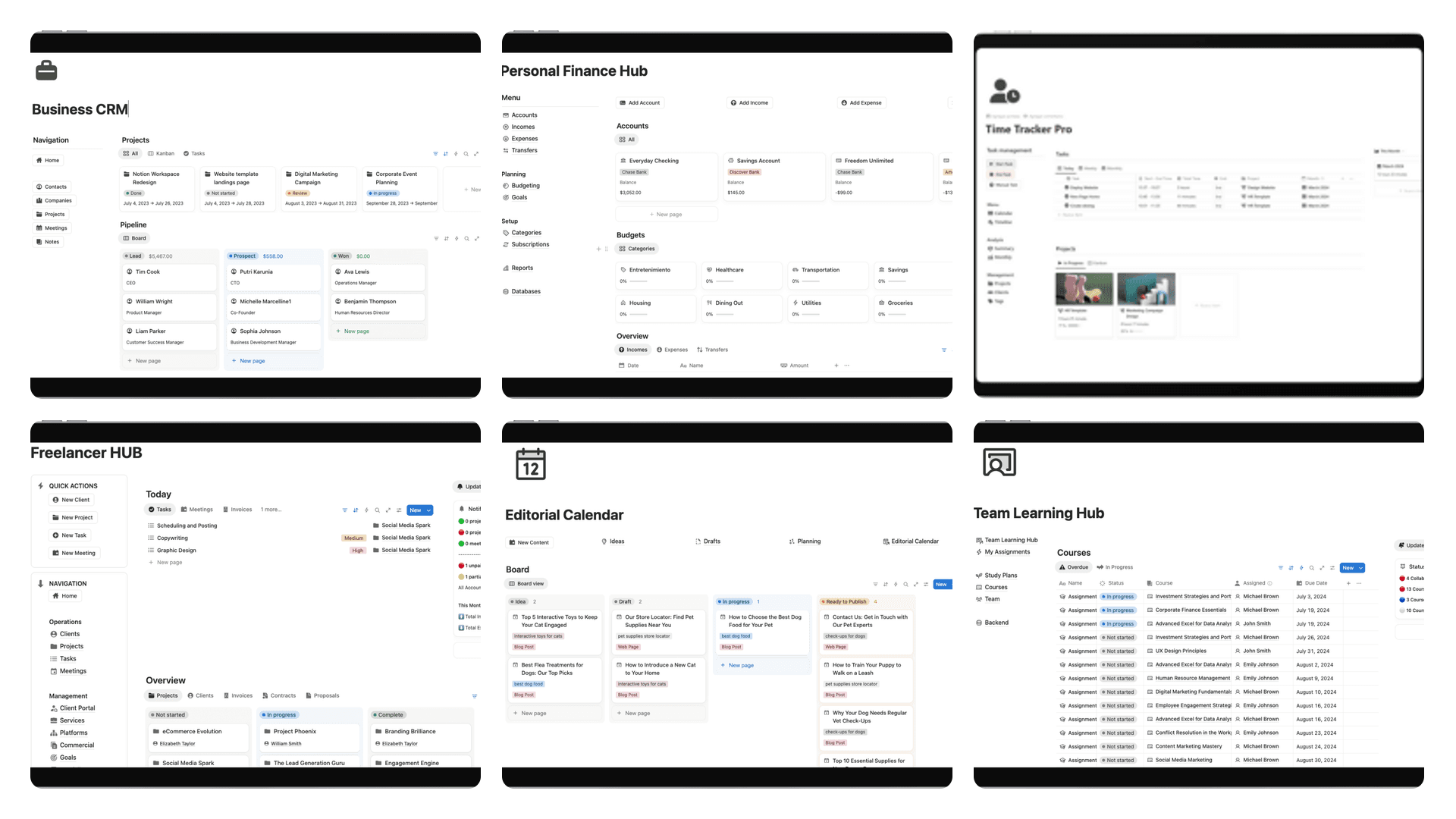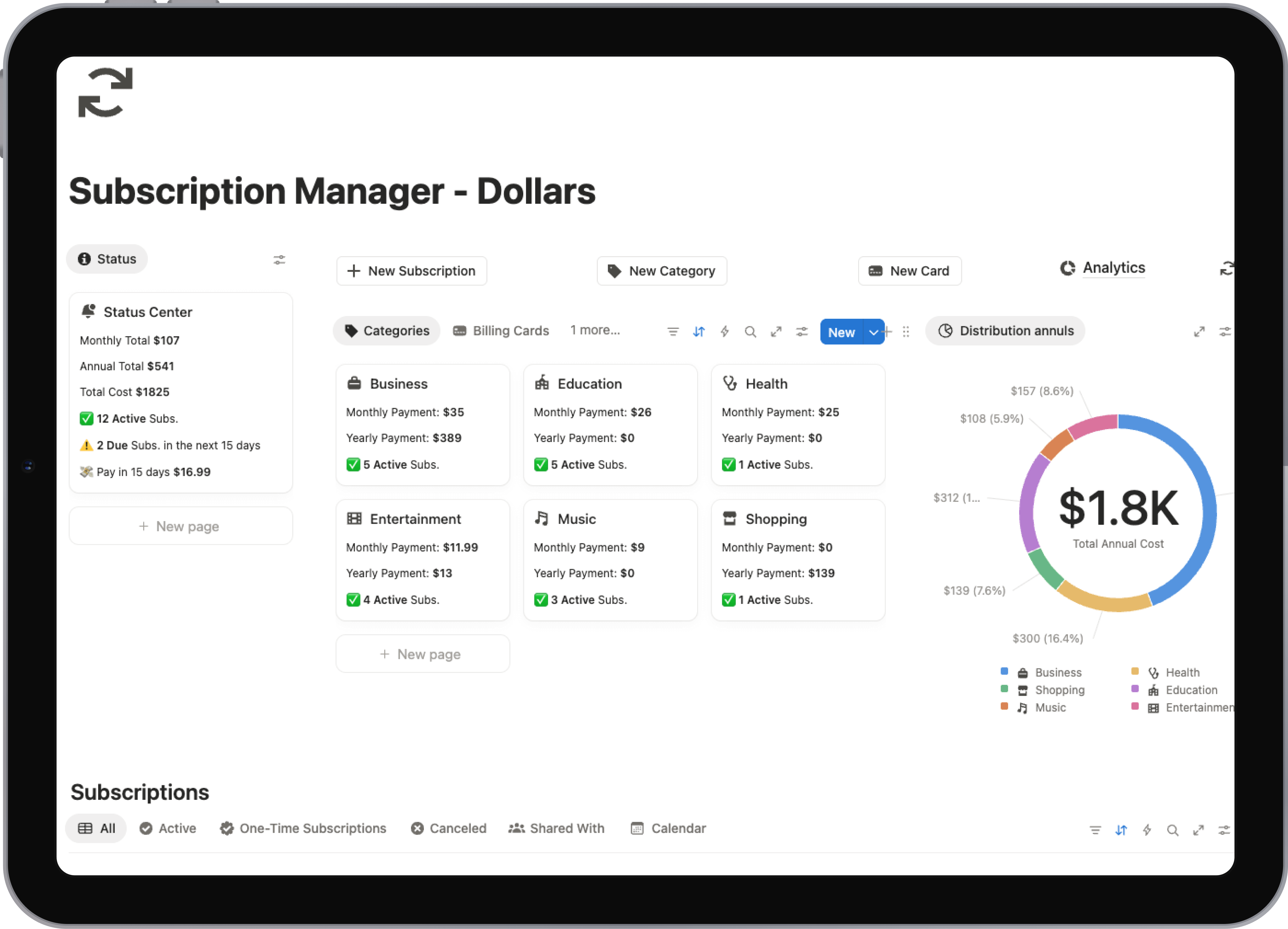
Notion Definition: Your Guide to Digital LEGO
What is the true Notion definition? Go beyond the buzzwords and discover how this powerful all-in-one workspace can transform your productivity.
Let's get past the vague "all-in-one workspace" slogan for a moment. The best way to think about Notion is as a box of digital LEGO bricks. It gives you the fundamental building blocks—things like text, checklists, and simple tables—and lets you build your own custom tools for work and life.
You can snap those pieces together to create anything you can imagine, from a simple shopping list to a full-blown project management hub for your entire team.
So, What Is Notion, Really?
At its heart, Notion is designed to pull together all the scattered pieces of your digital life. Think about how you work right now. You probably have one app for notes, another for your to-do list, a spreadsheet for tracking important data, and maybe a separate word processor for writing. Juggling all of that creates a ton of friction and makes it nearly impossible to connect the dots.
Notion’s solution is to bring all of that functionality into one place. It blends the best parts of documents, wikis, and project management software into a single, incredibly flexible platform. It's this unique, interconnected structure that really makes it different from anything else out there.
It All Starts With a Blank Page
Most apps force you into their way of doing things. They have rigid structures and pre-defined categories. Notion does the opposite—it hands you a blank page.
While that might seem a little daunting at first, it's actually Notion's greatest strength. This freedom means you can build a system that works exactly the way you think, instead of cramming your brain into a box someone else designed.
For instance, a freelance designer could build an entire client portal that includes:
- A project dashboard to track deadlines and deliverables.
- A shared wiki with brand guidelines and feedback notes.
- Invoices and contracts managed in a simple database.
From a Quick Note to a Complete System
The ability to start simple and build up complexity is what makes Notion so special. A single page can be nothing more than a brain dump of ideas. But with a few clicks, that same page can transform into a powerful database with custom tags, filters, and multiple views like a calendar or a visual gallery.
The real power of Notion isn't just the list of features. It's how it empowers you to create the exact tool you need, right when you need it. It grows with you, scaling from a simple notebook into a personalized operating system for your work or life.
This means you never have to deal with features you don't need. You just use the building blocks that make sense for the task at hand.
Understanding Notion's Core Building Blocks
To really get what Notion is all about, you need to understand its simple but brilliant structure. Think of it like LEGOs. You have individual bricks that you connect to build bigger things. In Notion, everything is built from three core components: Blocks, Pages, and Databases.
At the most basic level, you have Blocks. A block is any single piece of content you add to your workspace. It could be a paragraph of text, a to-do list checkbox, an image, or even a YouTube video you embed. Each little thing is its own distinct block.
These blocks are then placed onto Pages. A page is your canvas. It's where you arrange all your blocks to create something useful, whether that's a simple page of meeting notes or a full-blown project dashboard. You can mix and match blocks however you see fit.
The infographic below gives a great visual of how this all fits together, showing how every part of your workspace is connected from the top down.
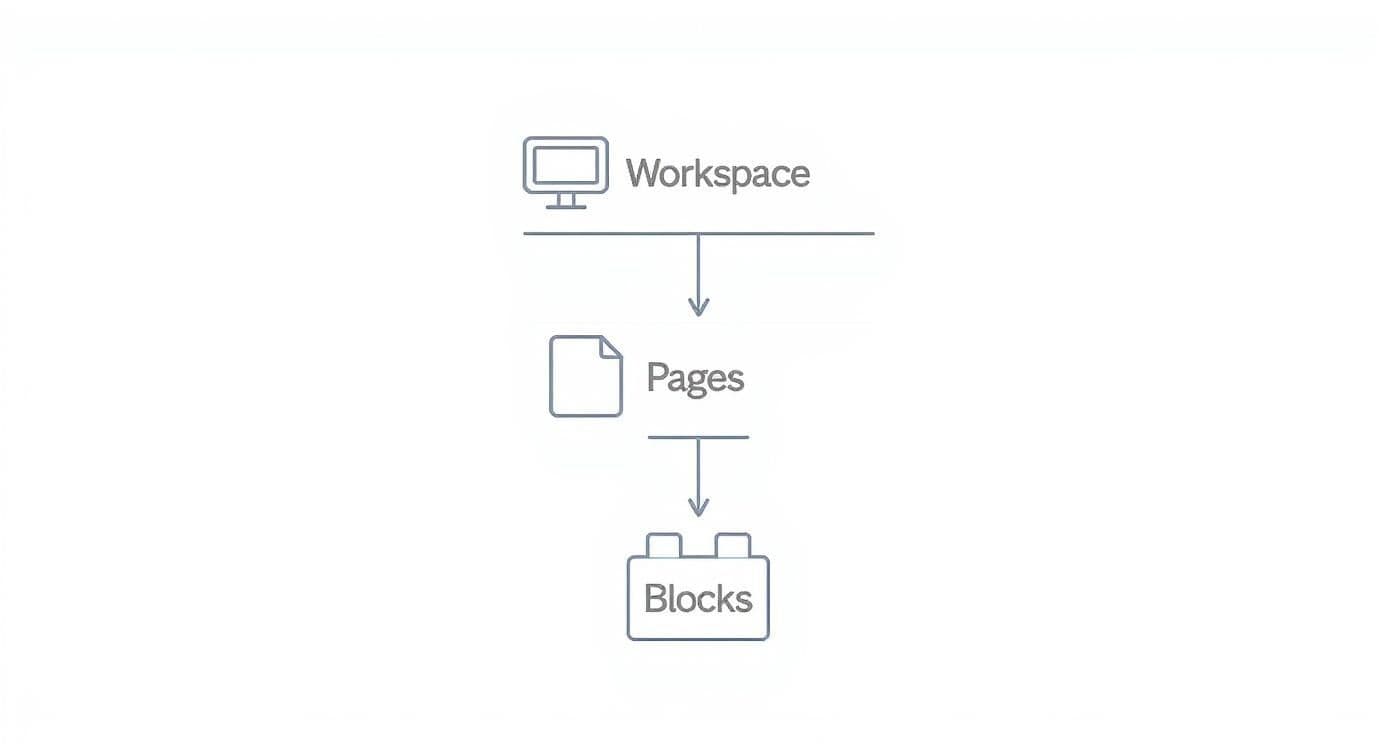
As you can see, your entire Workspace is made up of Pages, and each of those Pages is constructed from individual Blocks. It's a beautifully simple, modular system.
Where The Real Power Lies: Databases
Now, this is where things get really interesting. The true magic of Notion comes from its Databases. A database in Notion isn't just a boring table; it's a supercharged collection of pages. Imagine a spreadsheet, but every single row is its own fully functional page that can be opened up and filled with all the blocks you need. This is what makes Notion so much more than just another note-taking app.
For example, you might create a database called "Trip Planner." Each entry you add is actually a new page for a destination, like "Paris" or "Tokyo."
To help clarify this, let's break down these three foundational elements.
Notion's Three Foundational Elements
This table gives a quick rundown of Notion's core components and how they relate to one another.
| Component | Analogy | Primary Use |
|---|---|---|
| Blocks | LEGO Bricks | The smallest unit of content, like text, images, or checklists. |
| Pages | The Canvas | A document where you arrange and organize your blocks. |
| Databases | A Smart Binder | A collection of pages with properties you can sort, filter, and view in different ways. |
Seeing how these three pieces interact is the key to unlocking Notion's full potential.
A database isn't just a static table; it's a dynamic collection of pages that you can view and sort in multiple ways to fit your exact needs.
Inside that "Paris" page, you could add blocks for your flight confirmations, hotel reservations, and a checklist of landmarks to see. By turning your structured data into living, breathing pages, you create a deeply interconnected system for organizing anything. For a more detailed walkthrough, you can explore our guide on how to approach Notion for the first time.
How Notion Unifies Your Digital Workflow
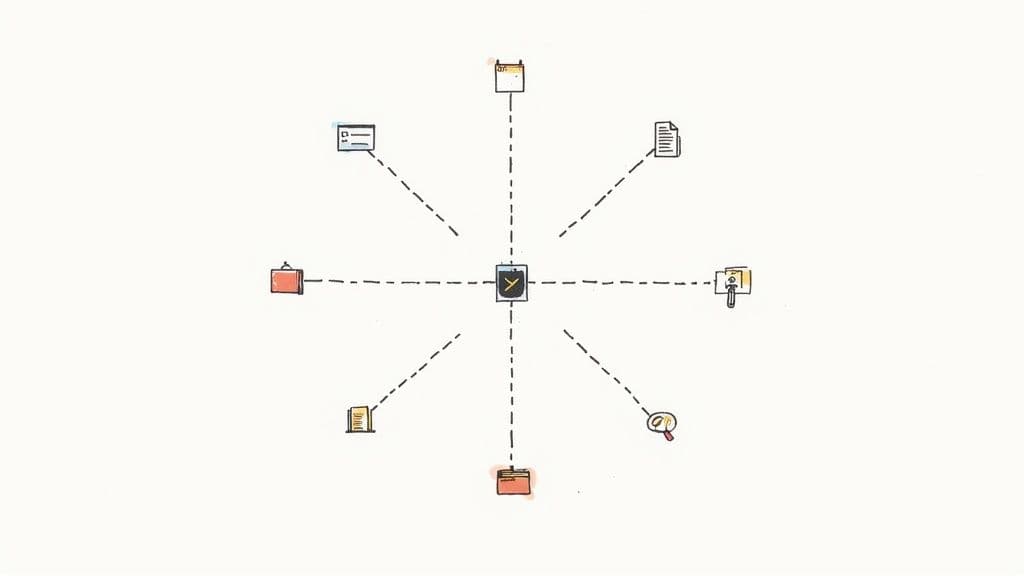
It’s one thing to know about Notion's building blocks, but it’s another to see them all click into place. That’s when the whole "all-in-one workspace" idea really makes sense. Most of us juggle a whole collection of apps, hopping between them all day and losing our train of thought in the process. This scattered, fragmented way of working is exactly what Notion was built to fix.
Instead of starting a note in one app, moving to a project board in another, and then opening a spreadsheet for data, Notion lets you do it all in one spot. It creates a single, interconnected system where your notes, tasks, and databases don't just coexist—they actually work together.
A Real-World Example for Freelancers
Let’s say you’re a freelance designer with a handful of clients. Your typical workflow probably involves a project management tool for your tasks, a document app for creative briefs, and maybe even a separate spreadsheet to track your invoices. It’s a messy and inefficient way to manage your business.
Now, imagine doing all of that inside Notion. You could build one central dashboard to run your entire operation:
- A Client Database: Create a page for each client that houses every single piece of related information—contacts, notes, project links, you name it.
- A Project Tracker: Use a Kanban board to see the exact status of every project at a single glance. No more guessing what's in progress and what's up next.
- Linked Documents: Attach creative briefs, contracts, and client feedback directly to the project they belong to. Everything is right where you need it.
This approach gives you a single source of truth, so you’re not digging through three different apps just to find one file. It's this consolidation that truly changes how you get things done.
By bringing all your tools under one roof, Notion doesn’t just organize your information; it fundamentally changes your relationship with it. You spend less time wrestling with your software and more time actually doing the work that matters.
The Proof Is in the Productivity
This unified system isn't just about convenience—it delivers real, measurable results. A recent study found that by 2025, Notion users reported an 87% higher task completion rate compared to people using a collection of separate tools.
That massive boost comes from cutting out the constant app-switching and by connecting Notion to the other software you already use. With integrations for over 70 other SaaS tools like Slack and GitHub, your workflow becomes a smooth, continuous process.
The Story Behind a Productivity Phenomenon
Notion's rise wasn't an overnight success. It was more like a slow burn that caught fire. Launched back in 2016, it started as a quiet, niche tool. But it quickly found a dedicated following, especially in tech circles and with students who were tired of being boxed in by single-purpose apps.
What really set it apart was its unique "block" system. This wasn't just another note-taking app; it was a set of digital LEGOs. Early fans started sharing their incredible custom setups on YouTube and Reddit, showing off everything from complex project dashboards to personal life wikis. This grassroots excitement did what no marketing campaign could—it turned users into genuine advocates.
From Niche Tool to Industry Giant
As word spread, the growth became impossible to ignore. The numbers are pretty eye-popping. In 2022, Notion had about 20 million users. Fast forward to 2024, and that number has skyrocketed to 100 million people worldwide.
This kind of explosive adoption, which you can read more about in these Notion growth statistics, eventually led to a massive $10 billion valuation. It was clear proof that people were desperate for one place to manage everything, instead of jumping between a dozen different apps for notes, tasks, and documents.
Notion didn't just build a better app; it offered a whole new philosophy on how to organize our digital lives. It gave people the power to create the exact system they'd always wanted.
By giving everyone a blank canvas and a powerful set of tools, Notion put the user back in the driver's seat. That simple idea is why it's still growing and why it’s used by everyone from solo freelancers to massive corporations. It's much more than an app; for many, it's a personal command center.
Who Is Notion Actually For?
<iframe width="100%" style="aspect-ratio: 16 / 9;" src="https://www.youtube.com/embed/9gnmpFzx548" frameborder="0" allow="autoplay; encrypted-media" allowfullscreen></iframe>While it’s true that almost anyone can use Notion, its real power clicks into place for specific groups. The platform’s incredible flexibility means one person’s simple to-do list is another’s complex project management hub. It's less of a one-size-fits-all app and more like a set of powerful building blocks for creating your perfect system.
So, let's get practical and look at who really thrives with this kind of adaptability. From students drowning in deadlines to startups trying to launch the next big thing, certain people have turned Notion into their digital command center.
Students Juggling Coursework and Deadlines
For students, staying organized isn't a bonus—it's essential for survival. Notion acts as a central dashboard to wrangle everything from messy lecture notes to collaborative group projects, pulling it all out of scattered documents and separate calendar apps.
Imagine creating a single database that holds all of your courses. Each course is its own dedicated page, neatly containing:
- Lecture Notes: Typed notes right next to embedded lecture slides or even audio recordings.
- Assignment Tracker: A simple table showing every assignment, its due date, and its current status.
- Reading List: A checklist of all required reading, complete with links to the PDFs.
This approach keeps everything connected and in one place. If you want a head start, checking out some pre-made Notion templates for students is a fantastic way to get a powerful academic system up and running in minutes.
Project Managers and Startup Teams
In the fast-moving world of team projects, clear communication is everything. Project managers are increasingly turning to Notion to build a single source of truth, replacing the usual messy combination of wikis, task boards, and document repositories.
A team's project hub can connect high-level company goals directly to the individual tasks required to achieve them. This ensures everyone understands how their work contributes to the bigger picture.
For instance, a startup can map out its entire product roadmap right inside Notion. This space can hold everything: detailed feature specifications, notes from user research calls, bug reports, and a Kanban board to visually track development from a raw idea all the way to launch day. Suddenly, everyone from engineering to marketing has total visibility.
Content Creators Building an Audience
For content creators, a solid organizational system is the engine that keeps the whole operation running. A YouTuber, blogger, or podcaster can use Notion to manage their entire content pipeline, from the first spark of an idea to the final published piece.
You can set up a single database to track every video or article, using properties to tag its status (idea, scripting, filming, published), content type, and scheduled publish date. This gives you a bird's-eye view of your entire content calendar, helping you stay consistent and making sure those brilliant shower thoughts don’t get lost.
Getting Started Without Feeling Overwhelmed
So you've wrapped your head around what Notion is. You open the app, and there it is: a completely blank page. That endless possibility can be surprisingly intimidating, like being handed a giant box of LEGOs with no instructions.
This is where most people get stuck. They try to build their "perfect" system all at once and burn out. The secret? Forget about perfection. Start small and aim for one simple win. By tackling one task at a time, you'll learn how Notion thinks and gradually build a workspace that genuinely works for you.
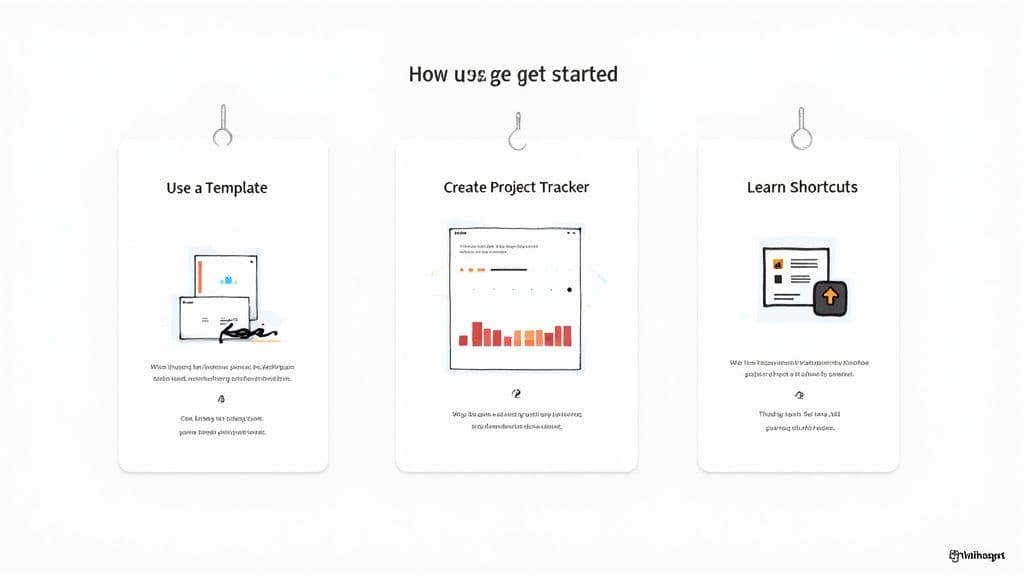
Begin with Pre-Built Templates
The quickest way to get a feel for Notion’s power is to stand on someone else's shoulders. Notion itself offers a massive gallery of free templates, covering everything from simple to-do lists to full-blown content calendars.
Diving into a template is a brilliant move for two key reasons:
- It’s instantly useful. You get a working, organized page right away without having to fuss with the design.
- It’s a masterclass in disguise. By poking around, you can see exactly how it was built. You’re essentially reverse-engineering how databases, properties, and filters all come together in a practical setup.
This is so much more effective than just staring at an empty screen. And if you're looking for something more robust, checking out curated Notion productivity templates can get you an advanced system in just a few clicks.
Build Your First Simple Tracker
Once you've navigated a template or two, it's time to create something yourself. Don't overthink it—a basic project tracker is a perfect place to start.
Just create a new page and choose the "Table" database option. Add a few essential columns (what Notion calls "properties") like "Task Name," "Status," and "Due Date." As you start populating it with a few to-do items, you'll immediately notice this isn't just a spreadsheet. Each row is its own page, ready for you to add notes, files, or checklists.
This hands-on practice is the most important part. Building a small, genuinely useful tool for yourself makes the core concepts—pages and databases—click. It demystifies the whole process and makes all those advanced features feel much less daunting.
Still Have Questions About Notion?
Even after getting the basics down, a few questions always seem to come up. Let's tackle them head-on so you can see exactly how Notion might fit into your life.
So, Is It Just a Fancier Note-Taking App?
That's a common first impression, but calling Notion a note-taking app is like calling a Swiss Army knife just a knife. Sure, it takes notes beautifully, but that's only scratching the surface.
Your typical note app is like a digital piece of paper. The real Notion definition is built on its unique block-based system and powerful databases. This is what lets you go beyond simple text and create project trackers, personal wikis, and entire knowledge hubs—things a basic note app just wasn't built for.
Think of it this way: a note app is a single notebook. Notion is the entire workshop, giving you the combined power of tools like Google Docs, Trello, and Airtable all under one roof.
What's the Biggest Learning Curve?
For most newcomers, the "aha!" moment comes after they get comfortable with databases. Anyone can create a new page and start typing, but the real power of Notion is unlocked when you start playing with database features.
Things like properties, views (like calendars or Kanban boards), relations, and rollups are what turn a simple list into a dynamic, interconnected system. It can feel a little intimidating at first, but it's where the magic happens. A great way to get started is to explore pre-made templates; they let you reverse-engineer how complex systems are built before you try to make one yourself.
Can It Actually Replace Google Drive or Trello?
This is a great question. For project management, absolutely. Many people and small teams have found that Notion is a fantastic replacement for tools like Trello or Asana. Its flexibility often provides a more integrated solution.
However, it's not really designed to be a direct substitute for cloud storage like Google Drive or Dropbox. Notion's real strength is organizing information and creating connections, not storing massive files. Most people find the best workflow is to use Notion as their command center and simply link out to large files stored elsewhere.
Ready to stop building from scratch and start getting organized? Flowtion offers a huge library of professionally designed Notion templates that you can install with one click. Find your perfect system today.