10 Client Onboarding Best Practices for 2025
Discover 10 client onboarding best practices to streamline workflows and boost satisfaction. Learn from top companies and implement actionable strategies today.
The moment a contract is signed isn't the finish line; it's the starting line for the client relationship. A well-executed onboarding process sets the stage for long-term success, turning new clients into loyal partners and advocates. However, many organizations still rely on generic checklists and one-size-fits-all welcome kits, leading to confusion, low adoption, and early churn. True mastery lies in a strategic, structured approach that builds confidence, demonstrates value quickly, and aligns expectations from the very first interaction.
This guide moves beyond the basics to provide actionable client onboarding best practices that freelancers, agencies, and growing businesses can implement immediately. We will explore ten specific strategies designed to create a repeatable, scalable, and genuinely impressive onboarding experience. Forget abstract theories; this is a practical playbook for establishing trust and setting the foundation for a successful partnership.
You will learn how to:
- Structure kickoff meetings for maximum clarity and impact.
- Develop personalized workflows that cater to individual client needs.
- Establish success metrics to track progress and demonstrate value.
- Implement communication plans that keep everyone informed and engaged.
From creating comprehensive digital onboarding centers to planning for "quick wins" that showcase immediate value, each practice is designed to transform your process. By adopting these methods, you can significantly reduce friction, increase client satisfaction, and ensure your new partnerships start on the strongest possible footing.
1. Personalized Onboarding Workflows
One of the most impactful client onboarding best practices is to move beyond a one-size-fits-all approach. Personalized onboarding workflows involve tailoring the entire experience to a client's specific context, such as their industry, company size, technical expertise, or the specific services they’ve purchased. This customization acknowledges that a large enterprise client has vastly different needs and expectations than a small startup or a solo entrepreneur.
By segmenting clients, you can create distinct onboarding paths that deliver relevant information at the right time. This targeted approach dramatically accelerates their time-to-value, as they aren't bogged down with irrelevant steps or generic information. Instead, they receive guidance that directly addresses their unique challenges and goals, fostering a stronger, more engaged partnership from day one.
How to Implement Personalized Workflows
Successfully creating tailored onboarding experiences requires a strategic, data-driven process. The goal is to build repeatable yet flexible systems.
- Gather Data During Handoff: The sales-to-delivery handoff is critical. Ensure your discovery process captures key segmentation data like company size, industry, primary goals, and the client's team structure.
- Create Client Personas: Develop 3-5 core client personas or segments. For an agency, this might be "High-Growth Tech Startup," "Established Local Business," and "Non-Profit Organization." Each persona gets a unique checklist and communication plan.
- Use Conditional Logic: Employ project management tools or CRM automation to trigger specific tasks or send personalized content based on a client's segment. For example, a "Tech Startup" client might automatically receive a guide on agile collaboration, while a "Local Business" client gets a checklist for gathering local marketing assets.
A prime example is how HubSpot provides industry-specific templates and resources. A real estate client receives different onboarding materials than a SaaS client, making the platform immediately more relevant and valuable to their specific use case. This level of personalization sets the standard for excellent client service.
2. Structured Kickoff Meetings with Clear Agendas
A well-executed kickoff meeting is more than a formality; it's the foundational event that sets the tone for the entire client partnership. One of the most critical client onboarding best practices is conducting a highly structured kickoff with a clear, pre-defined agenda. This meeting serves as the formal launch, aligning all stakeholders from both your team and the client’s side on goals, timelines, roles, communication protocols, and what success looks like.
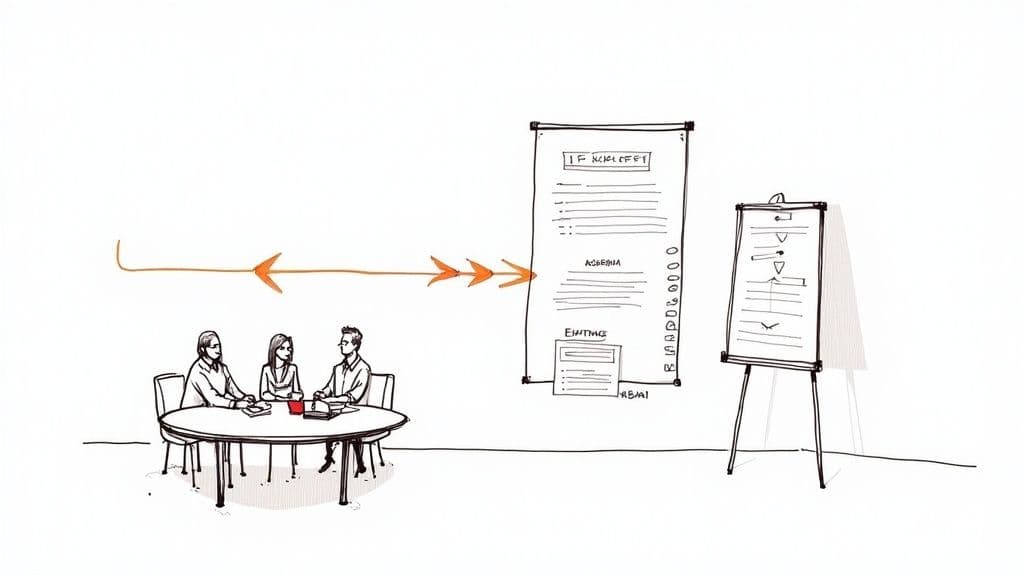
This proactive approach prevents the ambiguity and scope creep that often derail projects. By establishing mutual understanding and documenting key decisions from the very beginning, you create a shared vision and a clear roadmap. This initial alignment is crucial for building trust and momentum, ensuring everyone starts on the same page and moves forward with confidence and purpose.
How to Implement Structured Kickoff Meetings
The key to a successful kickoff meeting lies in meticulous preparation and disciplined execution. The goal is to make every minute count and leave no room for misunderstanding.
- Circulate the Agenda in Advance: Send a detailed agenda 5-7 days before the meeting. This allows stakeholders to prepare, gather necessary information, and come ready to contribute, making the session far more productive.
- Define Roles and Responsibilities: Clearly outline who is responsible for what on both sides. Use a RACI (Responsible, Accountable, Consulted, Informed) chart if necessary to clarify ownership and decision-making authority.
- Document and Follow Up Promptly: Designate a note-taker to capture key decisions, action items, and owners in real-time. Distribute a comprehensive meeting summary within 24 hours to reinforce alignment and maintain momentum. For a great structure, you can get inspiration from a template for meeting notes with action items.
Professional services firms like McKinsey and Deloitte have perfected this practice. Their engagement launch protocols ensure every project begins with a rigorous alignment session, bringing executive sponsors and operational teams together to codify objectives and success metrics. This structured start is fundamental to their ability to deliver complex, high-stakes projects successfully.
3. Comprehensive Digital Onboarding Centers/Knowledge Bases
Empowering clients with self-service resources is a cornerstone of modern client onboarding best practices. A comprehensive digital onboarding center, or knowledge base, is a centralized repository of guides, video tutorials, FAQs, and documentation. This approach shifts from reactive support to proactive enablement, allowing clients to find answers on their own schedule, 24/7.
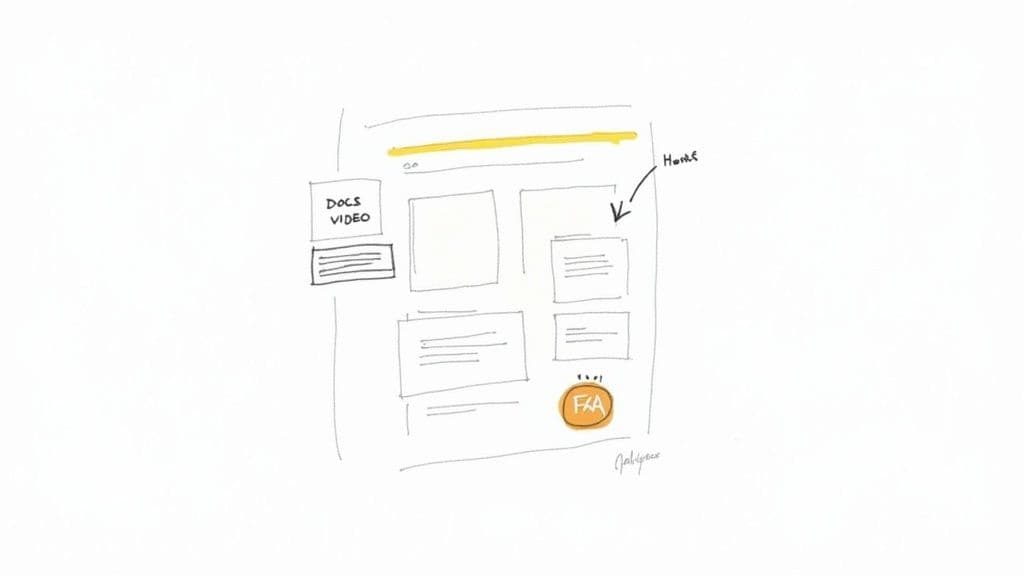
This centralized hub reduces friction and support ticket volume while significantly improving the client experience. Instead of waiting for a response, clients can instantly access the information they need to move forward, which accelerates their understanding and adoption of your services or product. It also reinforces their decision to work with you by showcasing your expertise and commitment to their success.
How to Implement a Digital Onboarding Center
Building an effective knowledge base requires thoughtful organization and a commitment to keeping information current and accessible. The goal is to create a reliable single source of truth.
- Organize Content Intuitively: Structure your knowledge base around client roles, common use cases, or stages of their journey. Create clear categories like "Getting Started," "Advanced Features," and "Troubleshooting."
- Create Progressive Learning Paths: Design content that guides users from basic setup to advanced strategies. Start with a "Quick Start Guide" for immediate wins, then offer deeper dives into more complex topics.
- Incorporate Various Media Formats: Cater to different learning styles by including short video tutorials, step-by-step articles with screenshots, and detailed FAQs. To ensure comprehensive support, consider integrating an online resource center or learning hub. Learn more about how to set up an effective knowledge base strategies.
Leading SaaS companies like Notion and Monday.com excel at this. Notion’s template gallery and help center allow users to learn by doing, while Monday.com’s "Academy" provides robust video courses. These resources not only onboard new clients but also serve as continuous learning platforms, maximizing long-term client value.
4. Assigned Dedicated Success Managers/Onboarding Specialists
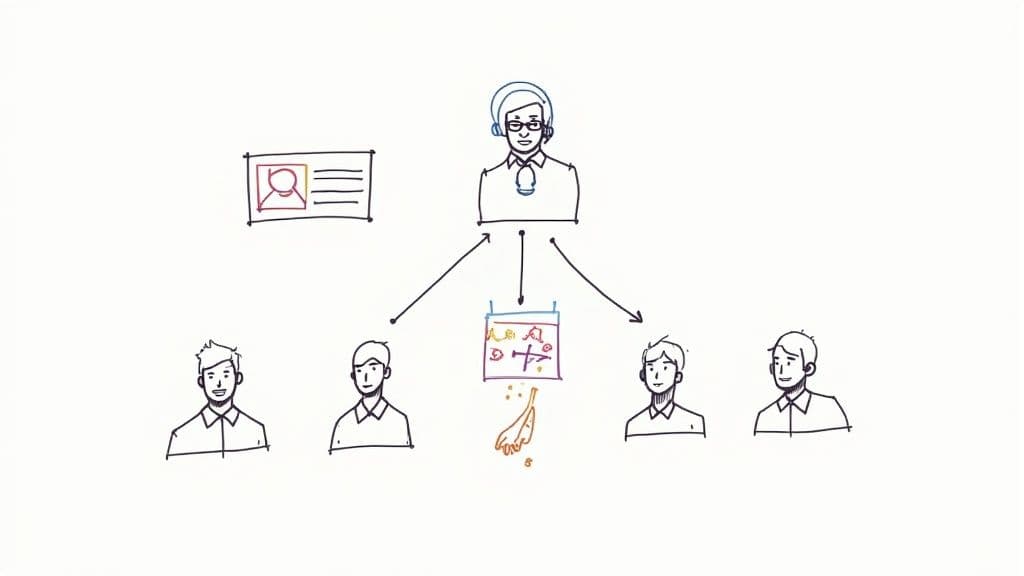
Assigning a dedicated resource to guide a new client is a cornerstone of human-centric client onboarding best practices. This individual, often called a Customer Success Manager (CSM) or Onboarding Specialist, acts as the primary point of contact, building a strong relationship while ensuring the client achieves their initial goals. This approach provides a steady, expert hand to navigate the complexities of a new product or service, preventing confusion and ensuring accountability.
By providing a named contact who owns the onboarding journey, you move from a transactional setup to a relational partnership. This specialist understands the client’s unique context, proactively addresses potential roadblocks, and champions their needs internally. This direct line of communication builds immense trust and confidence, making clients feel valued and supported right from the start.
How to Implement a Dedicated Onboarding Role
Building an effective success manager program requires structure, clear responsibilities, and the right tools to empower your team. The aim is to create a consistent, high-touch experience.
- Define Clear KPIs: Hold specialists accountable for key metrics like Time to First Value (TTFV), product adoption rates, and initial client satisfaction scores (CSAT). This ensures their efforts are aligned with tangible client success.
- Establish Client-to-Manager Ratios: Determine a manageable workload. Ratios often range from 1:15 for high-touch enterprise clients to 1:50 for smaller accounts, ensuring each client receives adequate attention.
- Create Onboarding Playbooks: Equip your specialists with documented playbooks for common scenarios, such as data migration, team training, or integration setups. These playbooks standardize excellence and ensure no critical steps are missed.
- Schedule Regular Touchpoints: Implement a structured cadence of check-ins, such as weekly syncs for the first 30 days, to maintain momentum and address issues proactively. Use a CRM to log all interactions and track progress against the client’s goals.
A leading example is Salesforce's renowned Customer Success Manager program. Each enterprise client is paired with a CSM who provides tailored guidance, shares industry best practices, and ensures the platform is configured to drive maximum ROI. This level of dedicated support is a key reason for Salesforce's high customer retention and loyalty.
5. Multi-Touch Communication and Cadence Planning
One of the most common pitfalls in client onboarding is inconsistent or poorly timed communication. Multi-touch communication and cadence planning is a best practice that addresses this directly by establishing a structured sequence of interactions. This approach ensures clients receive the right information at the right time through a variety of channels, such as emails, calls, and in-app messages, without feeling overwhelmed or neglected.
A well-planned cadence keeps clients engaged, informed, and confident in their decision to work with you. It proactively guides them through key milestones, from the initial welcome to their first major success. This strategic communication flow is fundamental to a smooth onboarding experience, as it prevents confusion, manages expectations, and reinforces the value of your partnership every step of the way.
How to Implement a Communication Cadence
Building an effective communication plan involves mapping the client journey and identifying critical touchpoints. The goal is to create a predictable yet valuable stream of information.
- Map Key Onboarding Milestones: Identify 5-7 crucial stages in your onboarding process (e.g., welcome, kick-off call, data submission, first draft review, training session). Each milestone should have a corresponding communication touchpoint.
- Vary Communication Channels: Don't rely solely on email. Alternate between different channels to maintain engagement. For example, follow up a welcome email with a personal check-in call, and use in-app notifications for task-specific reminders. Better collaboration in project management is often a direct result of using the right channel for the right message.
- Use Automation Wisely: Leverage marketing automation or CRM tools to schedule and execute your communication cadence reliably. This ensures no client falls through the cracks and allows you to personalize content based on client segments or actions taken.
SaaS companies like Appcues and Stripe excel at this. Stripe sends a carefully orchestrated welcome email series that guides new users through account setup, API key generation, and their first transaction. This multi-touch sequence uses both email and in-platform prompts to ensure users reach key activation milestones quickly and efficiently.
6. Interactive Training and Hands-On Workshops
Passive content consumption is one of the biggest roadblocks to successful client adoption. A key client onboarding best practice is to move beyond static guides and embrace interactive training where clients learn by doing. This approach involves live or recorded sessions that guide users through practical exercises, ensuring they build muscle memory and confidence with your product or service right away.
Instead of just telling clients how to achieve their goals, hands-on workshops show them. This method dramatically improves knowledge retention and accelerates their journey to becoming proficient, self-sufficient users. By combining education with immediate application, you empower clients to solve real problems during the onboarding process itself, solidifying the value of your partnership and reducing their reliance on support teams.
How to Implement Interactive Training
Effective workshops require more than just a screen share; they need structure, engagement, and a clear focus on practical outcomes. The goal is to create a safe space for learning and experimentation.
- Provide a Sandbox Environment: Give clients a safe, separate test or sandbox environment where they can practice without fear of breaking anything. This is crucial for software, platforms, or any tool-based service.
- Structure for Engagement: Keep live sessions concise (45-60 minutes) to maintain focus. Plan for an interactive exercise every 10-15 minutes to break up lectures and re-engage participants. Use features like breakout rooms for small group problem-solving.
- Prepare and Follow Up: Send pre-work or a brief agenda to set expectations. Afterward, distribute the recording, presentation slides, and any other resources discussed. Offering follow-up "office hours" can also provide a valuable forum for lingering questions.
A classic example is how cloud providers like Google Cloud and AWS offer hands-on labs. Participants are given temporary credentials and a set of real-world tasks to complete, turning abstract concepts into tangible skills. This active learning model is exceptionally effective at building deep product understanding and user confidence.
<iframe width="560" height="315" src="https://www.youtube.com/embed/So8aseCO3hY" frameborder="0" allow="accelerometer; autoplay; clipboard-write; encrypted-media; gyroscope; picture-in-picture" allowfullscreen></iframe>7. Goal-Based Success Metrics and Health Scoring
Truly effective client onboarding best practices are rooted in data, not guesswork. Implementing goal-based success metrics and a client health score provides a clear, objective way to measure progress and validate the value of your partnership. This approach shifts the focus from completing tasks to achieving tangible, business-aligned outcomes, ensuring both you and your client know what success looks like.
A health score is a composite metric, often color-coded (green, yellow, red), that gives you an at-a-glance understanding of a client's status. It combines several data points, such as product adoption, engagement levels, and progress toward key milestones. This system allows you to proactively identify at-risk clients and intervene before small issues become major problems, turning onboarding from a reactive process into a strategic, data-driven function.
How to Implement Success Metrics and Health Scoring
Building a reliable health scoring system requires defining what success means for each client and then tracking it consistently. This framework provides clarity and keeps everyone accountable.
- Define Key Success Metrics: Work with the client during the kick-off to establish 3-5 primary, measurable goals. For a marketing agency, this could be "Increase lead generation by 15%" or "Achieve a 20% growth in organic traffic."
- Establish a Weighted Score: Create a health score based on 4-5 weighted factors. For example, Project Milestone Completion (40%), Client Engagement (30%), Product/Service Adoption (20%), and Client Feedback/NPS (10%).
- Automate Data Collection: Use your CRM or project management tool to automatically track metrics where possible. Tools like Gainsight and HubSpot offer built-in dashboards for monitoring adoption and engagement, reducing manual effort.
- Set Clear Thresholds: Define what green, yellow, and red mean. Green might be >85% progress on goals and high engagement. Yellow could be minor delays or slipping engagement. Red would signal significant roadblocks or a lack of communication.
Customer success platforms like Totango and Gainsight have perfected this model, providing enterprise-level tools to track complex health scores. However, any freelancer or agency can replicate this by creating a simple "Success Dashboard" in a spreadsheet or Notion, tracking progress against the defined goals and updating the client regularly. This transparency builds immense trust and demonstrates your commitment to their success.
8. Pre-Implementation Discovery and Planning Phase
One of the most critical client onboarding best practices is dedicating time to a thorough discovery phase before any implementation work begins. This involves a deep dive into the client's current state, business objectives, organizational structure, and technical environment. This foundational work acts as the blueprint for the entire project, ensuring that the solution or service you deliver is perfectly aligned with their actual needs, not just their perceived ones.
By conducting this upfront analysis, you prevent scope creep, misalignment, and costly rework down the line. It transforms the relationship from a transactional vendor-client dynamic into a strategic partnership. This phase provides the clarity needed to create a realistic implementation roadmap, manage expectations effectively, and demonstrate your expertise from the very beginning, setting the stage for a successful long-term engagement.
How to Implement a Discovery and Planning Phase
A successful discovery phase is structured, collaborative, and uncovers the "why" behind the client's goals. It’s about asking better questions to get to the root of their challenges.
- Send a Pre-Discovery Questionnaire: About two weeks before your first meeting, send a detailed questionnaire to gather foundational information. This allows you to prepare and make the most of your live sessions.
- Interview Key Stakeholders: Don't rely on a single point of contact. Interview 3-5 key stakeholders across different departments to get a holistic view of their challenges, goals, and internal politics. Identify potential change champions and blockers.
- Map Current and Future States: Create visual diagrams that map the client's current processes and then illustrate the proposed future state with your solution integrated. This visual validation is powerful for gaining buy-in.
- Validate and Document: Summarize all findings in an accessible document and share it with the client for validation. This step ensures everyone agrees on the starting point and the destination before the journey begins.
A classic example comes from enterprise software implementations like Salesforce or ServiceNow. Their consultants conduct extensive pre-implementation assessments and discovery workshops to map out every process and integration point. This meticulous planning is directly responsible for their high success rates with complex enterprise clients.
9. Rapid Time-to-Value (Quick Wins Strategy)
One of the most powerful client onboarding best practices is to focus on delivering immediate, tangible results. The rapid time-to-value strategy prioritizes “quick wins” within the first 30-60 days to build client confidence, demonstrate ROI, and maintain excitement. This approach combats buyer’s remorse by shifting the initial focus from a comprehensive, long-term rollout to achieving a specific, high-impact outcome as quickly as possible.
Instead of overwhelming clients with every feature or service, you guide them to their first meaningful success. This early victory validates their decision to work with you and creates positive momentum for the entire partnership. It proves your value proposition quickly, making clients more engaged and patient as you tackle more complex, long-term objectives together.
How to Implement a Quick Wins Strategy
Implementing this strategy requires a shift from a "do everything at once" mindset to a phased, value-driven approach. The goal is to identify and execute on the lowest-hanging fruit first.
- Identify High-Impact, Low-Effort Goals: During the kickoff meeting, collaborate with the client to pinpoint 1-2 key objectives that can be achieved swiftly. For an agency, this might be launching a single high-performing ad campaign rather than overhauling their entire marketing funnel.
- Create a "First 30 Days" Roadmap: Develop a dedicated plan that outlines the exact steps to achieve the initial quick win. This roadmap should be simple, clear, and focused exclusively on the first major milestone.
- Simplify the Initial Setup: Remove non-essential steps, customizations, or data collection from the initial phase. The goal is to get the client to their first "aha!" moment with minimal friction. Automate or use templates to shortcut configuration wherever possible.
A classic example of this is Zapier's onboarding, which guides a new user to build their very first automated "Zap" within minutes. This single, successful automation immediately demonstrates the platform’s power. By focusing on that first win, Zapier secures user buy-in before introducing more advanced features, a core tenet of effective client onboarding.
10. Peer Communities and Learning Networks
An often-overlooked yet powerful element of client onboarding best practices is the creation of a peer-to-peer community. This involves establishing a dedicated space where clients can interact with each other, share best practices, ask questions, and learn from shared experiences. This approach transforms onboarding from a one-to-many broadcast into a collaborative, many-to-many learning environment, fostering a sense of belonging and collective growth.
By building a network, you empower your clients to become a resource for one another. This not only reduces the burden on your support team but also builds powerful social proof and brand loyalty. New clients feel more confident seeing experienced users succeed, and the community becomes a valuable feedback channel that directly informs your service improvements and product development, creating a virtuous cycle of engagement and innovation.
How to Implement a Peer Community
Building a vibrant client community requires intentional design and consistent nurturing. The goal is to create a self-sustaining ecosystem of support and learning.
- Choose the Right Platform: Start with an accessible platform like a dedicated Slack workspace, a Circle.so community, or a private forum. The key is to choose a space where your clients already feel comfortable or that is easy to navigate.
- Recruit Community Ambassadors: Identify your most engaged and successful clients ("power users") and invite them to be community ambassadors or moderators. Their active presence will encourage new members to participate and help set a positive tone.
- Establish Clear Guidelines: Create a clear Code of Conduct and moderation guidelines to ensure the community remains a safe, professional, and productive space. Post these rules prominently and enforce them consistently.
- Foster Engagement: Actively spark conversations by hosting monthly Q&A sessions, showcasing member success stories, and posting discussion prompts. Respond quickly to unanswered questions to show that you are present and value their participation. You can also build an internal knowledge base to share with the group, similar to this team learning hub template.
A prime example is Salesforce's Trailblazer Community, which connects millions of users globally. It allows members to solve problems together, learn new skills, and advance their careers, making the Salesforce ecosystem stickier and more valuable far beyond the software itself. This community-led approach is a masterclass in turning clients into advocates.
Client Onboarding Best Practices — 10-Point Comparison
| Initiative | Implementation Complexity 🔄 | Resource Requirements ⚡ | Expected Outcomes ⭐📊 | Ideal Use Cases 💡 | Key Advantages ⭐ |
|---|---|---|---|---|---|
| Personalized Onboarding Workflows | High — segmentation, automation & continuous refinement | High — data, automation, content, analytics, CSM involvement | Higher adoption, faster time-to-value, improved retention | Mid–enterprise & varied persona/customer types | Tailored experiences; better ROI; competitive differentiation |
| Structured Kickoff Meetings with Clear Agendas | Medium — prep, stakeholder alignment and documentation | Medium — facilitator time, executive involvement, materials | Aligned expectations, reduced scope creep, clear accountability | Complex projects with multiple stakeholders | Builds trust early; establishes shared goals and accountability |
| Comprehensive Digital Onboarding Centers / Knowledge Bases | Medium–High — large content creation & UX design | Medium — content team, CMS/KB platform, search & analytics | 24/7 self-service, lower support volume, scalable onboarding | SaaS with many users or self-serve preference | Consistent info; scalable support; measurable engagement |
| Assigned Dedicated Success Managers / Onboarding Specialists | Medium — staffing model and coordination processes | High — trained CSMs, low ratios for enterprise accounts | Personalized support, higher adoption & retention, proactive issue resolution | High-value enterprise accounts or strategic customers | Single point of contact; relationship-driven retention |
| Multi-Touch Communication & Cadence Planning | Medium — mapping, sequencing, and automation | Medium — automation platform, content templates, analytics | Improved engagement, predictable touchpoints, reduced confusion | Scaling onboarding across segments; product-led growth | Keeps clients engaged; repeatable & automatable outreach |
| Interactive Training & Hands-On Workshops | Medium–High — facilitation, labs, scheduling logistics | Medium–High — trainers, sandbox environments, production resources | Higher learning retention, faster proficiency, immediate Q&A | Technical products; advanced feature adoption | Active learning; real-time problem solving; community building |
| Goal-Based Success Metrics & Health Scoring | High — data integration, modeling, KPI alignment | High — analytics tools, data engineers, CS dashboards | Proactive interventions, measurable ROI, churn risk detection | Customer success programs focused on renewals & expansion | Data-driven decisions; early risk identification |
| Pre-Implementation Discovery & Planning Phase | Medium — comprehensive interviews and analysis | Medium — consultants, stakeholder time, documentation | Reduced misalignment, realistic roadmap, risk mitigation | Complex integrations or heavily customized deployments | Identifies blockers early; aligns scope and timelines |
| Rapid Time-to-Value (Quick Wins Strategy) | Low–Medium — prioritize MVPs and phased rollouts | Low–Medium — focused delivery team, prioritized scope | Early ROI, maintained momentum, reduced buyer’s remorse | New customers needing quick demonstrable value | Fast wins build confidence; improves short-term retention |
| Peer Communities & Learning Networks | Medium — community setup, governance, moderation | Medium — community managers, platform, ambassadors | Peer support, product advocacy, reduced support load | Large user bases; products benefiting from network effects | Scales support; fosters loyalty and user-generated learning |
Turn Your Onboarding Process into a Competitive Advantage
The journey from a newly signed contract to a thriving, long-term partnership is paved with intention. As we've explored, world-class client onboarding is not a single event but a meticulously designed system. It’s the critical bridge between the promises you made during the sales process and the value you actually deliver. Simply sending a welcome email and scheduling a kickoff call is no longer sufficient in a competitive market. Today’s clients expect a proactive, personalized, and value-driven experience from the very first interaction.
Implementing these client onboarding best practices requires a fundamental shift in perspective. You must move from a reactive, administrative checklist to a proactive, strategic framework. This means seeing onboarding not as a cost center, but as your first and best opportunity to prove your value, align expectations, and set the foundation for future success and retention. A haphazard approach leads to confusion, scope creep, and early client dissatisfaction, while a structured process fosters confidence, clarity, and immediate momentum.
Weaving the Threads Together: Key Takeaways
Let's distill the core principles from the best practices we've covered. The most effective onboarding systems are built on three pillars: personalization, proactivity, and proof of value.
- Personalization: This goes beyond using a client's first name. It's about leveraging the insights from a Pre-Implementation Discovery Phase to create Personalized Onboarding Workflows. You demonstrate that you’ve listened by tailoring the journey to their specific goals, not forcing them into a one-size-fits-all process.
- Proactivity: A proactive approach anticipates needs before they arise. This is where elements like a Comprehensive Digital Onboarding Center, Multi-Touch Communication Cadences, and an Assigned Dedicated Success Manager become invaluable. You are guiding the client, not waiting for them to ask for help.
- Proof of Value: Clients need to see progress quickly to feel confident in their investment. The Rapid Time-to-Value (Quick Wins) Strategy is crucial for building early momentum, while Goal-Based Success Metrics provide tangible proof that you are delivering on your promises.
Ultimately, the goal is to transform a transactional handoff into a relational experience. Interactive training, peer communities, and structured kickoff meetings all contribute to this, making the client feel like a valued partner rather than just another account number. To truly transform your onboarding into a strategic asset, exploring additional perspectives on Client Onboarding Best Practices can provide even deeper insights and tactical ideas to refine your system.
Your Actionable Next Steps
Mastering client onboarding is an ongoing process of refinement, not a one-time setup. Start small but be deliberate. Begin by mapping out your current process, identifying the friction points, and choosing one or two of the strategies discussed today to implement. Perhaps it’s standardizing your kickoff meeting agenda or building a simple FAQ document that can evolve into a full knowledge base. The key is to create a repeatable system that ensures consistency and excellence for every client, every time. By investing in these foundational client onboarding best practices, you are not just improving a process; you are building a powerful engine for client loyalty, retention, and sustainable business growth.
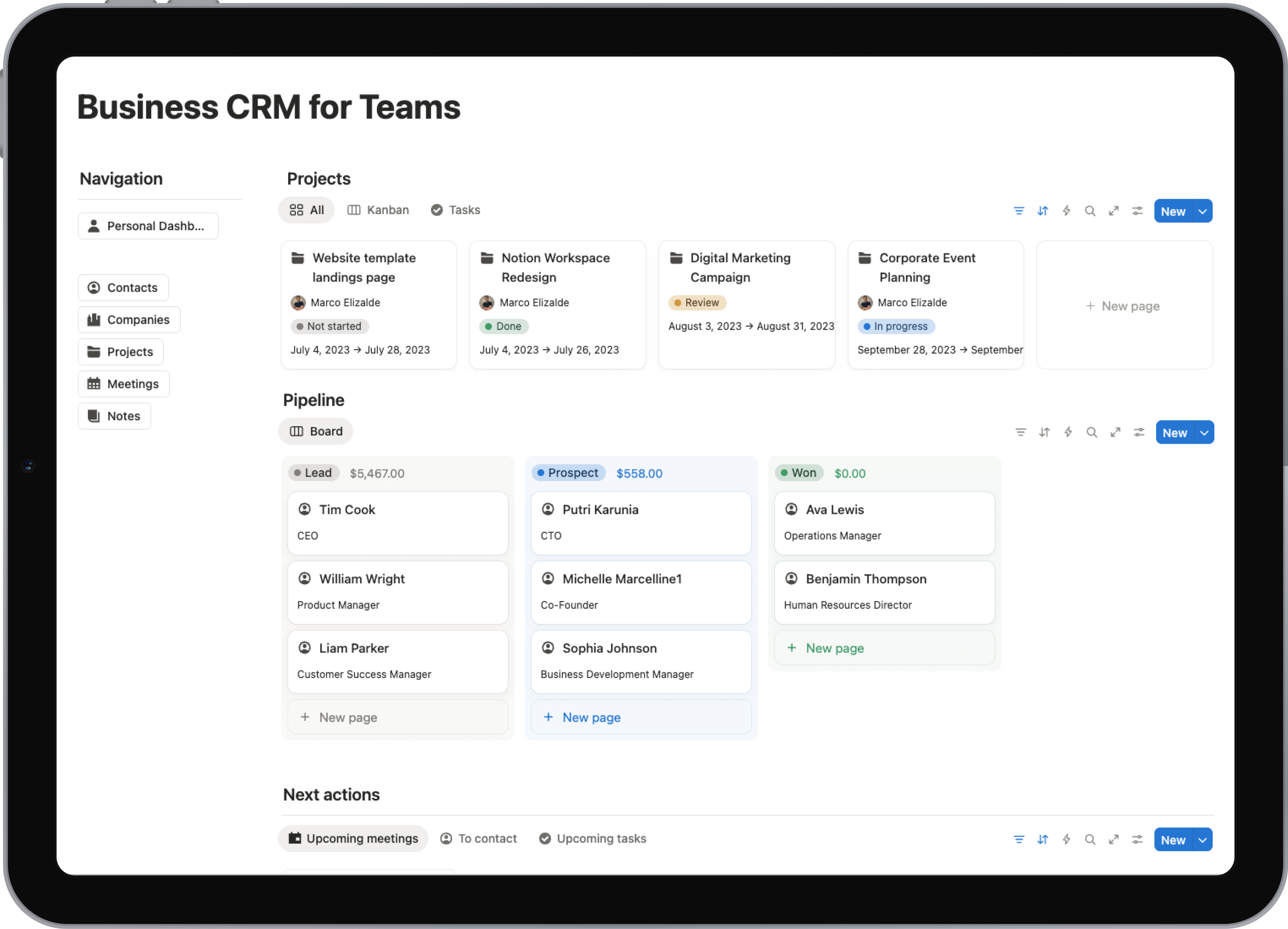
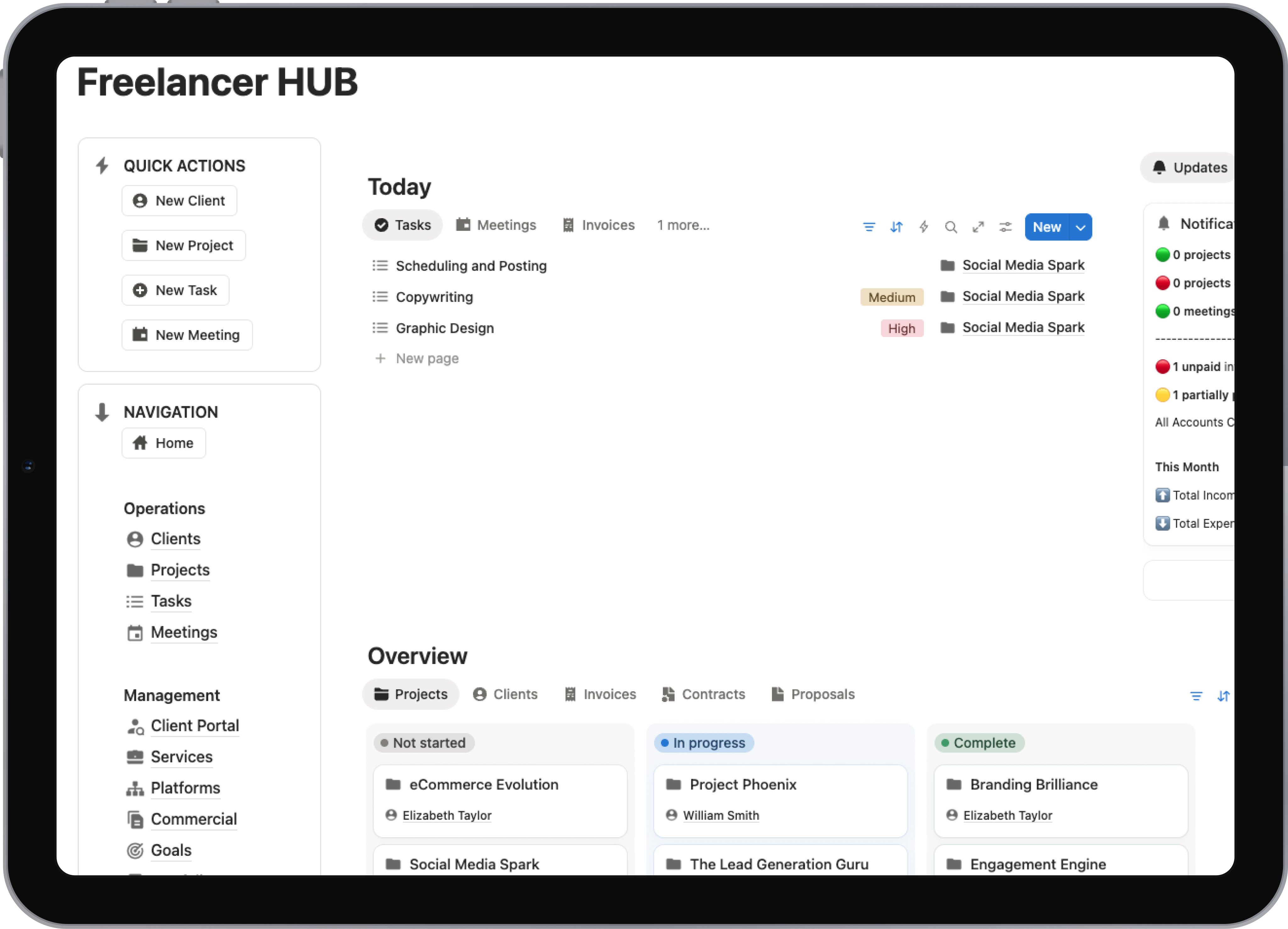
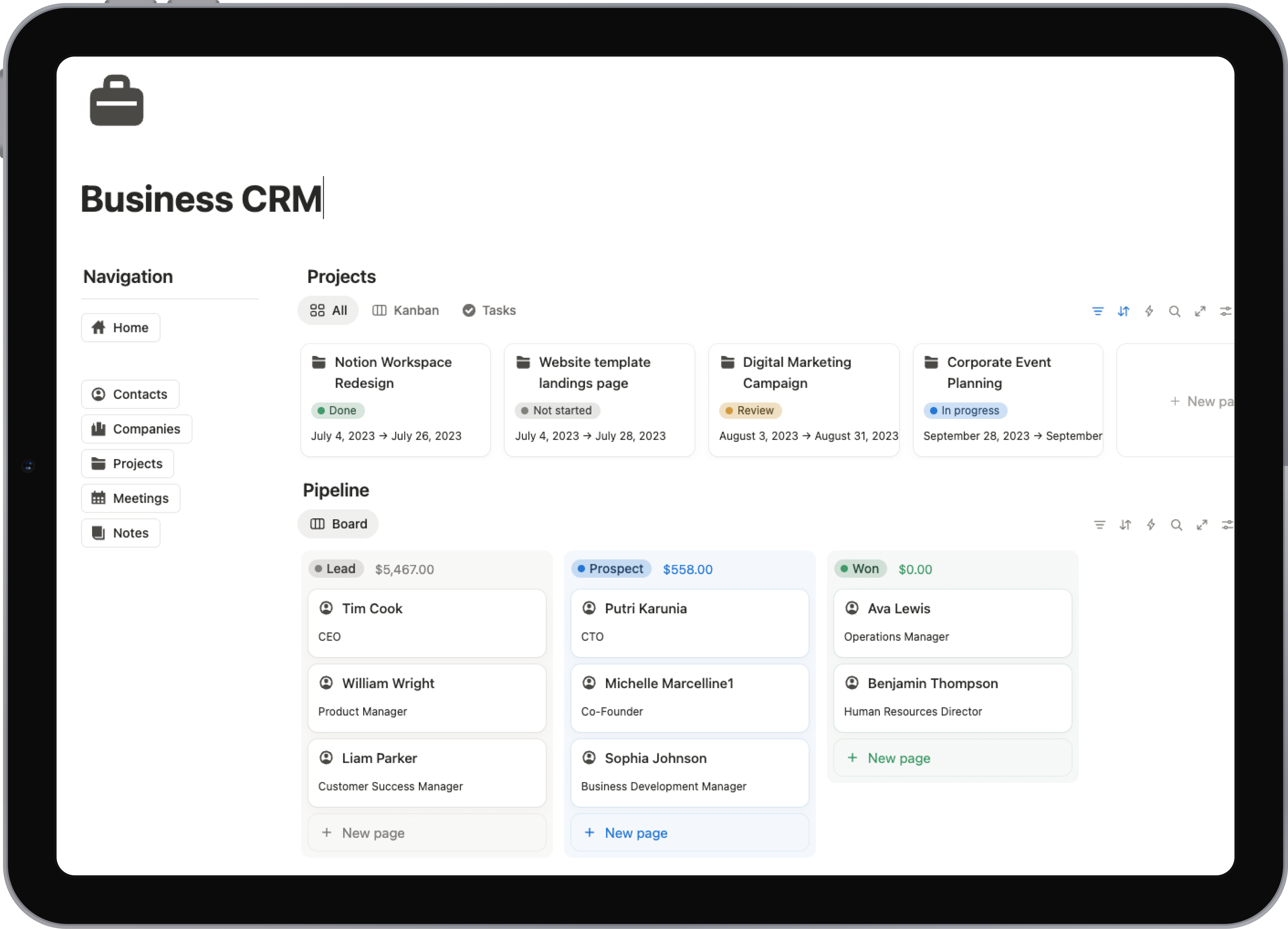
Ready to stop building your onboarding system from scratch? Flowtion provides expertly designed, battle-tested Notion templates that allow you to implement these best practices instantly. Manage everything from client portals and project dashboards to kickoff agendas and success metrics in one centralized, streamlined workspace with Flowtion.