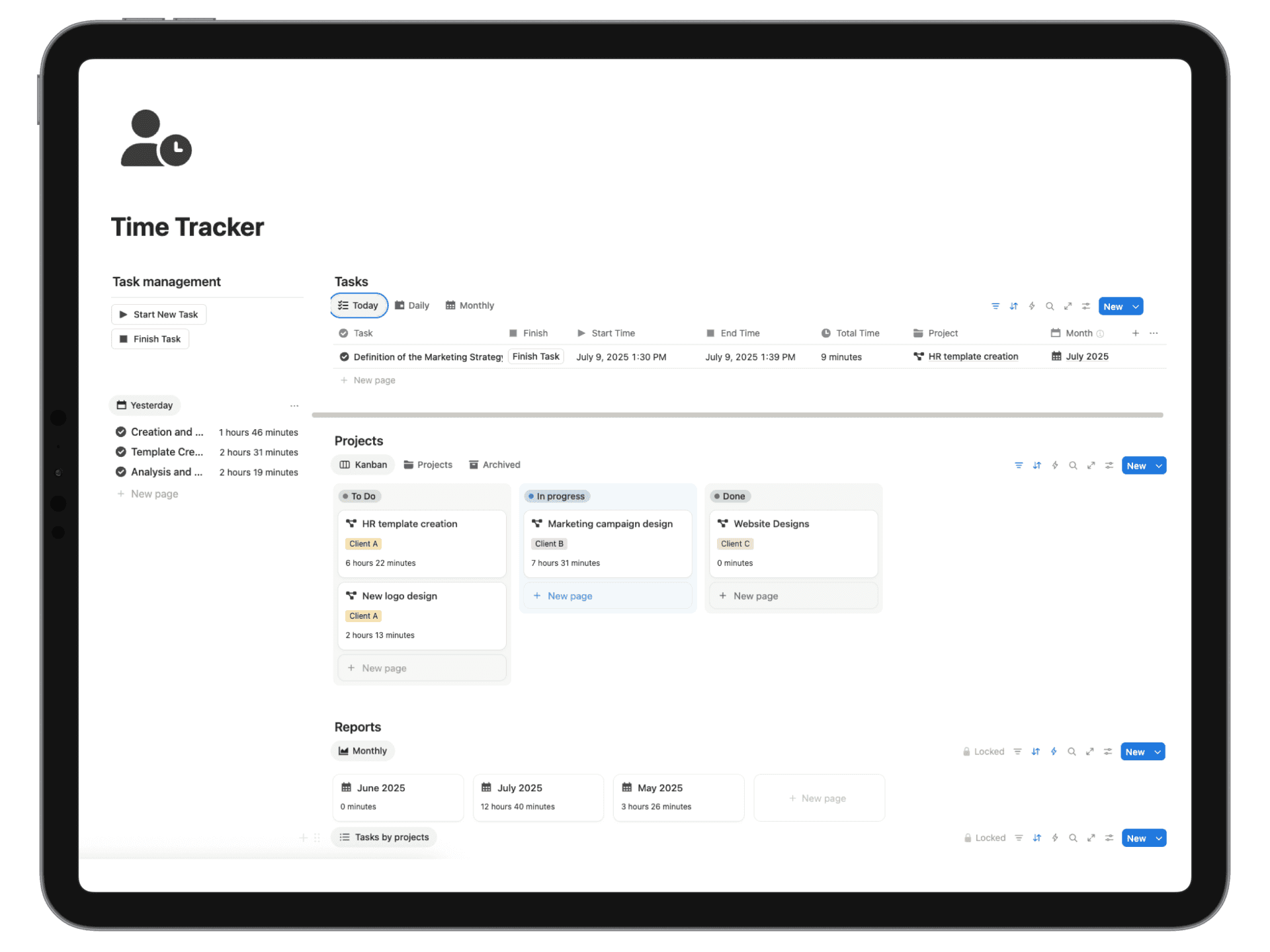
10 Student Organization Tips for 2025
Master your schedule with these 10 student organization tips. Learn practical strategies for time management, note-taking, and project planning.
The modern student juggles more than just classes and homework. Between labs, group projects, extracurriculars, part-time jobs, and a social life, staying organized can feel like a full-time job in itself. Generic advice like "use a planner" or "make a to-do list" often falls short because it lacks a practical system for execution. What students truly need are specific, battle-tested frameworks that streamline their workflow, reduce cognitive load, and free up mental energy for what matters most: learning and living a balanced life. This is where effective student organization tips become crucial for academic success and personal well-being.
This comprehensive guide moves beyond theory to provide ten powerful, actionable strategies you can implement today. We will explore everything from visual color-coding systems that make your notes instantly scannable to advanced digital frameworks for syllabus mapping and deadline tracking. Each tip is designed to be a complete, self-contained system. For every strategy, we'll provide a clear implementation plan, including how to use tools like Notion to create a centralized command center for your entire academic career. Get ready to transform your approach from chaotic to clear and achieve your most productive semester yet.
1. Implement a Visual Color-Coding System
A visual color-coding system is an organizational method that assigns distinct colors to different academic subjects, project types, or priority levels. This technique leverages cognitive psychology, as the brain processes colors faster than text. By associating a specific color with a category, you can instantly identify and sort information, reducing mental clutter and retrieval time. This is one of the most effective student organization tips for those who are visual learners.
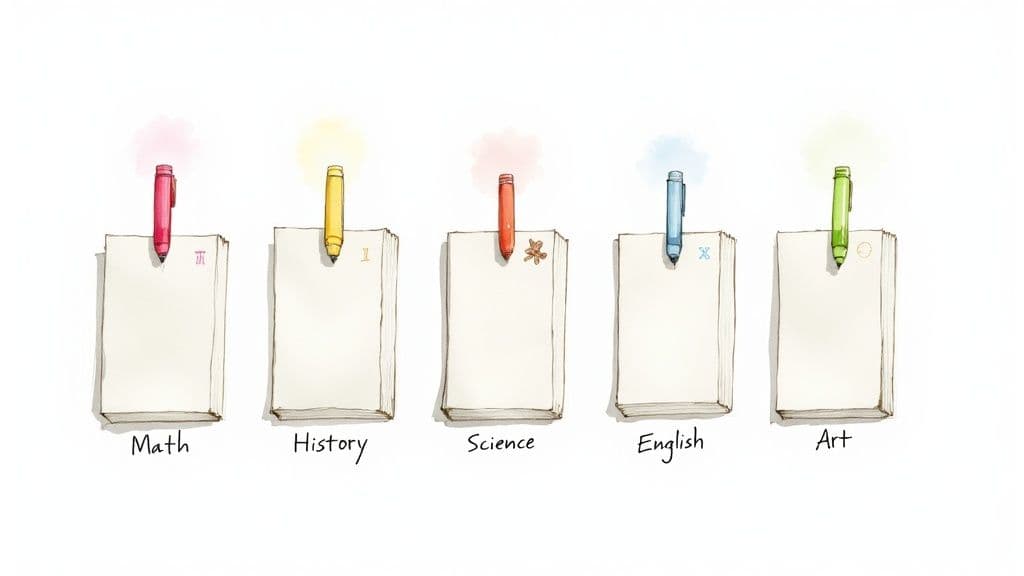
This system excels when you need to manage multiple subjects or responsibilities simultaneously. It creates a clear, at-a-glance overview of your commitments, whether you're looking at a packed weekly calendar or a shelf of notebooks. The immediate visual distinction helps prevent confusion and makes it easier to locate specific materials quickly.
How to Implement It
To get started, first establish a consistent color key. For example, you might assign blue to Math, red to History, and green to Biology. Then, apply this system universally across all your tools.
- Physical Materials: Use colored notebooks, folders, binder tabs, and highlighters that match your system.
- Digital Calendars: Assign corresponding event colors in Google Calendar or Outlook for each class, exam, and extracurricular activity.
- Note-Taking Apps: In Notion or OneNote, use colored tags, page icons, or database properties to categorize your notes and tasks.
Pro Tip: Keep your color palette limited to 5-7 distinct colors. Too many options can become more confusing than helpful. Establish your system before the semester starts and stick to it for maximum effectiveness.
2. Digital Note-Taking Apps and Systems
Digital note-taking apps are software platforms like Notion, OneNote, or Evernote designed for capturing, organizing, and retrieving information across all your devices. These tools transform traditional note-taking into a dynamic digital knowledge management system. They allow you to sync notes instantly, embed multimedia content, and search your entire library in seconds, making them one of the most powerful student organization tips available today.
<iframe width="560" height="315" src="https://www.youtube.com/embed/L9SLlxaEEXY" frameborder="0" allow="accelerometer; autoplay; clipboard-write; encrypted-media; gyroscope; picture-in-picture" allowfullscreen></iframe>This approach is ideal for managing large volumes of information from multiple classes and projects. Unlike physical notebooks, digital systems allow you to link ideas, tag concepts, and restructure information without rewriting anything. This flexibility helps you build a searchable, interconnected personal knowledge base that grows with you throughout your academic career. For comprehensive guidance on making your notes more effective, resources on how to improve your note-taking skills can be invaluable.
How to Implement It
To start, choose a primary application that fits your style. For example, Microsoft OneNote offers a structured, notebook-like hierarchy, while Notion provides customizable databases for more complex systems.
- Standardize Naming: Create a consistent naming convention for all your notes, pages, and folders (e.g., "COURSECODE - Topic - Date").
- Use Tags and Links: Apply tags for key themes or concepts to easily find related information across different subjects. Use internal links to connect lecture notes to relevant readings.
- Create Templates: Build templates for recurring note types like lecture summaries, meeting minutes, or project outlines. A well-designed note-taking template can save significant time.
Pro Tip: Commit to a single app to avoid fragmenting your knowledge. Master its features, such as advanced search, tagging, and integrations. Regularly archive old or irrelevant notes to keep your workspace clean and efficient.
3. Time-Blocking and Schedule Planning
Time-blocking is a powerful time management technique where you divide your day into specific blocks, dedicating each one to a single task or subject. Instead of working from a simple to-do list, you assign every task a home on your calendar. This proactive approach ensures that you allocate sufficient time to all your responsibilities, from studying for exams to personal well-being, transforming vague intentions into a concrete plan.
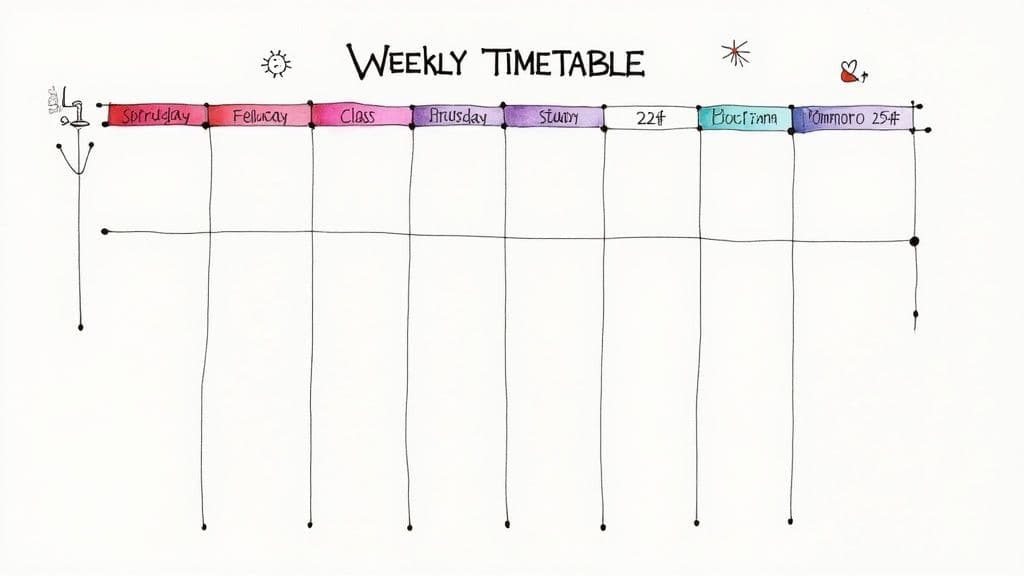
This method is particularly effective for students juggling multiple classes, extracurriculars, and a social life. By scheduling your study sessions in advance, you protect that time from distractions and eliminate the decision fatigue of figuring out what to work on next. It provides a clear roadmap for your day, which is one of the most impactful student organization tips for boosting productivity and reducing procrastination.
How to Implement It
Start by listing all your fixed commitments, like classes and appointments. Then, identify your most important tasks and estimate the time needed for each. From there, you can begin filling in the open slots in your weekly schedule.
- Dedicated Study Blocks: Schedule 90-minute to two-hour blocks for each subject after classes. For example, Monday from 2-4 p.m. is for Math, and 4-6 p.m. is for History.
- Use the Pomodoro Technique: For tasks requiring intense focus, block out time in 25-minute intervals (Pomodoros) followed by a 5-minute break.
- Digital Tools: Use Google Calendar or a similar app to create a visual time-blocked schedule. Assign different colors to activities for a clear overview.
Pro Tip: Always schedule buffer time between blocks to account for transitions or unexpected delays. Schedule your most challenging subjects during your peak energy hours, and don't forget to block out non-negotiable time for rest, meals, and socializing.
4. The Bullet Journal System
The Bullet Journal method, often called "BuJo," is a customizable analog organization system that combines a planner, diary, and task manager into a single notebook. Developed by Ryder Carroll, it uses a unique rapid-logging technique with symbols to capture tasks, events, and notes quickly. This flexibility makes it one of the most adaptable student organization tips, as it can be tailored to fit any workflow or academic need.
This system is ideal for students who find rigid, pre-printed planners too restrictive. It allows you to build your planner as you go, creating layouts (or "spreads") for semester overviews, weekly schedules, project timelines, and habit trackers. The core components like the Index, Future Log, and Monthly Log create a clear hierarchical structure, ensuring nothing gets lost.
How to Implement It
Start with a blank notebook and a pen. The first few pages become your Index, where you will log the page numbers of all your important collections and spreads.
- Set Up Core Collections: Create a Future Log for long-term deadlines, a Monthly Log for a calendar view, and a Daily Log for day-to-day tasks.
- Use Rapid Logging: Use simple symbols to denote tasks (•), completed tasks (x), events (o), and notes (-). This makes logging information fast and efficient.
- Create Subject-Specific Collections: Dedicate pages or sections to each class. You can track assignments, brainstorm project ideas, or consolidate key formulas and concepts for exam review.
Pro Tip: Focus on functionality before aesthetics. Master the core system of indexing and rapid logging before adding elaborate drawings or decorative elements. Regularly update your index to ensure you can always find what you need quickly.
5. Use a Priority Matrix (Eisenhower Box)
The Eisenhower Matrix is a decision-making framework that helps you categorize tasks based on urgency and importance. This method, popularized by Stephen Covey, forces you to distinguish between activities that demand immediate attention and those that contribute to long-term goals. By plotting your commitments into four distinct quadrants, you can make strategic decisions about where to focus your energy, making it one of the most powerful student organization tips for managing a heavy workload.
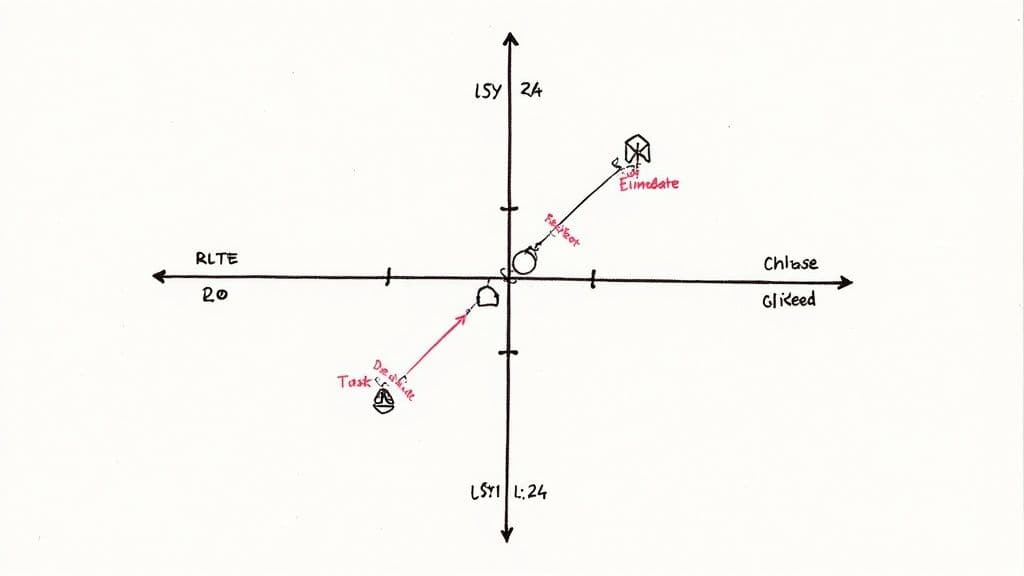
This system is especially effective when you feel overwhelmed by a long to-do list. It provides a clear, visual model for prioritizing, helping you avoid the common pitfall of reacting to urgent but unimportant tasks (like non-essential emails) while neglecting important, long-term work (like starting a research paper).
How to Implement It
First, draw a four-quadrant grid and label the axes Urgent/Not Urgent and Important/Not Important. Then, categorize your tasks into the quadrants.
- Quadrant 1 (Urgent & Important): Do these first. Examples include studying for an exam tomorrow or finishing an assignment due today.
- Quadrant 2 (Not Urgent & Important): Schedule these. This is for long-term project planning, skill development, and even self-care. This is where real progress happens.
- Quadrant 3 (Urgent & Not Important): Delegate or minimize. This includes some meetings that could be emails or certain social requests that distract from your goals.
- Quadrant 4 (Not Urgent & Not Important): Eliminate these. This quadrant contains time-wasters like mindless social media scrolling or unproductive entertainment.
Pro Tip: Aim to spend most of your time on Quadrant 2 activities. By planning ahead, you prevent tasks from becoming last-minute emergencies in Quadrant 1. Review your matrix weekly to adjust for shifting priorities and learn to politely decline requests that fall into Quadrants 3 and 4.
6. Study Space Organization
Study space organization involves the strategic arrangement of your dedicated learning environment to minimize distractions and maximize focus. A well-designed workspace directly impacts concentration, productivity, and information retention by creating a psychological cue that it's time to work. This is one of the most fundamental student organization tips because your physical surroundings heavily influence your mental state.

This approach is most effective for students who struggle with procrastination or find it hard to concentrate at home. By engineering an environment solely for academic tasks, you reduce decision fatigue and the temptation of distractions like television or social activities. It establishes a clear boundary between your personal relaxation space and your academic workspace.
How to Implement It
Start by selecting a dedicated, low-traffic area for your study zone. The goal is to create an ergonomic and clutter-free setup where everything you need is within arm's reach, and everything you don't is out of sight.
- Designate a Zone: Choose a location away from high-traffic areas, roommates, and entertainment systems.
- Declutter Ruthlessly: Keep only the materials for your current task on your desk. Store other books and supplies in labeled containers or vertical organizers.
- Optimize Your Setup: Use natural light when possible and supplement it with a focused desk lamp. Ensure your chair is comfortable for long study sessions.
- Organize Supplies: Use a small supply caddy or desk organizer to hold pens, highlighters, and sticky notes for quick access.
Pro Tip: Before each study session, take two minutes to tidy your desk. This simple reset ritual helps clear your mind and signals to your brain that it's time to focus. Remove your phone or place it in a drawer to eliminate the biggest distraction.
7. Syllabus Mapping and Deadline Tracking
Syllabus mapping is a proactive organizational strategy where you extract every key date, assignment, and exam from all your course syllabi at the very beginning of the semester. By consolidating this information into a single master calendar or tracker, you create a comprehensive overview of your entire academic workload. This method prevents last-minute surprises and allows for strategic, long-term planning.
This approach is one of the most powerful student organization tips because it shifts you from a reactive to a proactive mindset. Instead of waiting for deadlines to approach, you can identify potential crunch weeks where multiple major projects are due at once. This foresight enables you to start working on assignments well in advance, balance your workload, and avoid the stress of cramming.
How to Implement It
Dedicate time during the first week of classes to meticulously go through each syllabus. Your goal is to create one central source of truth for all your academic commitments.
- Digital Calendars: Use Google Calendar or Outlook to create a separate calendar for each course, then view them all in a unified master display. Add every due date as an all-day event.
- Spreadsheets: Create a simple spreadsheet with columns for "Course," "Assignment," "Due Date," and "Priority" to sort and filter your entire semester's tasks.
- Dedicated Trackers: Build a master assignment tracker in a tool like Notion. This allows you to link assignments to course notes and manage progress in a dynamic way. To see a powerful example, check out how to build a Notion assignment tracker.
Pro Tip: When you add a deadline to your calendar, also schedule reminders for one week and one day before it's due. Use this initial mapping to identify your busiest weeks and plan your study schedule by working backward from major exam dates.
8. Establish a File Organization and Naming Convention System
A file organization and naming convention system is a structured approach to categorizing and storing digital documents. This method involves creating hierarchical folder structures and consistent file names to ensure every document is easy to find, retrieve, and manage. It eliminates the digital chaos of a cluttered desktop or a disorganized downloads folder, preventing lost work and saving valuable time when deadlines approach.
This system is crucial for managing the high volume of digital files students handle, from lecture notes and research papers to assignment drafts and submitted work. A logical structure means you know exactly where to save a new file and precisely where to find an old one, making it one of the most fundamental student organization tips for academic success.
How to Implement It
Begin by creating a top-level folder for your academic work, then create subfolders for each semester and each course. From there, establish a consistent naming convention for all your files.
- Folder Structure: Create a clear hierarchy, such as
University > 2024-Fall > PSYC101 > Assignments. - Naming Convention: Adopt a standard format like
YYYY-MM-DD_CourseCode_Assignment_Version.docx. For example:2024-10-25_PSYC101_ResearchPaper_Final.docx. Using theYYYY-MM-DDformat ensures files automatically sort chronologically. - Version Control: Use suffixes like
_Draft,_v2,_Final, or_Submittedto track revisions and avoid accidentally submitting the wrong version. - Cloud Backup: Mirror your folder structure in a cloud service like Google Drive or OneDrive and enable automatic syncing to prevent data loss.
Pro Tip: At the end of each semester, move completed course folders into an "Archive" folder. This keeps your current workspace clean and focused while ensuring you can easily access past work for your portfolio or future reference.
9. Assignment Breakdown and Project Planning
Assignment breakdown is a project management strategy that involves deconstructing large, complex assignments into a series of smaller, manageable subtasks. Each subtask is given its own deadline, converting an overwhelming project into an actionable, step-by-step plan. This method combats procrastination by making it easier to start and maintain momentum, which is why it's a cornerstone of effective student organization tips.
This approach is most valuable for long-term projects like research papers, capstone assignments, or group presentations where the final deadline is weeks or months away. By creating a detailed timeline, you can identify task dependencies, allocate resources efficiently, and track progress against clear milestones. This ensures steady progress and significantly improves the quality of the final output.
How to Implement It
The most effective way to start is with backward planning. Identify the final due date and work backward, assigning deadlines to each major step. For a 15-page research paper, your plan might look like this: select a topic, conduct research, create an outline, write the draft, edit, and proofread.
- Create a Task List: List every single action required to complete the project, no matter how small.
- Use Visual Tools: Implement a Gantt chart or timeline view in a tool like Notion or Asana to visualize dependencies and deadlines for all subtasks.
- Assign Deadlines: Give each subtask a specific due date, staggering them logically to lead up to the final submission. For group projects, assign individual responsibilities and deadlines clearly.
Pro Tip: Build a 20% time buffer into your schedule for each major phase. This accounts for unexpected delays or tasks that take longer than anticipated, preventing last-minute stress.
10. Establish a Regular Review and Reflection System
A regular review and reflection system is a scheduled practice for assessing your progress, organizational methods, and overall academic performance. This technique involves setting aside dedicated time to look back at what worked, what didn't, and what needs adjustment. By creating a continuous feedback loop, you can dynamically refine your strategies, making this one of the most powerful student organization tips for long-term success.
This system is crucial for preventing burnout and ensuring your organizational methods evolve with your changing workload and priorities. It moves you from a reactive state of constantly putting out fires to a proactive one where you anticipate challenges, celebrate progress, and make intentional improvements. It ensures your systems are serving you effectively, not just creating more work.
How to Implement It
The key is to schedule these sessions like non-negotiable appointments. Start by blocking out time in your calendar for weekly, monthly, and semester-end reviews.
- Weekly Review: Every Friday afternoon, review your past week. Check off completed tasks, identify any roadblocks you encountered, and migrate unfinished items. This helps clear your mind for the weekend.
- Monthly Check-in: Once a month, zoom out to analyze bigger trends. Review your grades, assess your time management effectiveness, and look at your habit tracker data for patterns in sleep, study, and exercise.
- Semester Reflection: At the end of each semester, write down which organizational systems were most effective and which ones failed. Note what you'll carry forward and what you'll discard for the next term. You can learn more about building a system for this with a Notion journal template.
Pro Tip: Use simple reflection prompts to guide your sessions. Ask yourself: What was my biggest win this week? Where did I get stuck? What is the single most important thing I can change to make next week better? Focus on making 1-2 small, specific adjustments at a time.
Top 10 Student Organization Strategies Compared
| Method | 🔄 Implementation complexity | ⚡ Resource / time efficiency | ⭐ Expected outcomes | 📊 Ideal use cases | 💡 Key advantages / Tips |
|---|---|---|---|---|---|
| Color-Coding System | Low — quick to adopt; needs consistency | Low cost; minimal time after setup | ⭐⭐⭐ — improves visual recall and retrieval | Quick subject identification, notebooks, calendars | Limit to 5–7 colors; add patterns/symbols for accessibility |
| Digital Note-Taking Apps and Systems | Medium–High — setup & learning curve for advanced features | High efficiency for search/sync; needs device/internet | ⭐⭐⭐⭐ — centralized, searchable, multimedia notes | Long-term knowledge management, collaboration, multimedia notes | Pick one app, use templates and consistent tags; back up regularly |
| Time-Blocking and Schedule Planning | Medium — initial planning and discipline required | High for daily productivity; calendar integration speeds use | ⭐⭐⭐⭐ — reduces procrastination; improves time allocation | Daily routines, exam prep, balancing classes and personal time | Block hardest tasks at peak energy; include buffers between blocks |
| The Bullet Journal System | Medium — learning the system and regular upkeep | Low-tech but time-consuming to maintain | ⭐⭐⭐ — flexible, reflective, personalized organization | Analog planners, habit tracking, students who prefer paper | Start simple; use index; prioritize function over decoration |
| Priority Matrix / Eisenhower Box | Low — simple 4-quadrant method | Very quick for triage; needs periodic reevaluation | ⭐⭐⭐ — clarifies priorities; reduces busywork | Task triage, weekly planning, deciding what to defer or delegate | Review weekly; focus effort on Quadrant 2 (important, not urgent) |
| Study Space Organization | Medium — may require purchase and setup | Improves focus and efficiency long-term; ongoing maintenance | ⭐⭐⭐⭐ — better concentration and study quality | Extended study sessions, focused tasks, ergonomic work | Invest in a good chair; minimize visual distractions; declutter weekly |
| Syllabus Mapping & Deadline Tracking | Low–Medium — time-consuming initial extraction | High payoff for preventing missed deadlines; needs updates | ⭐⭐⭐⭐ — fewer surprises; better semester planning | Semester planning, conflict detection, heavy course loads | Map all deadlines in week 1; set reminders 1 week and 1 day prior |
| File Organization & Naming Conventions | Medium — upfront planning and discipline required | Saves retrieval time; needs consistent habits and backups | ⭐⭐⭐⭐ — fast file retrieval and reliable versioning | Digital coursework, group projects, long-term archives | Use YYYY‑MM‑DD format, document conventions, enable cloud backup |
| Assignment Breakdown & Project Planning | Medium — requires detailed upfront decomposition | Reduces last-minute work; initial time investment | ⭐⭐⭐⭐ — manageable progress, higher final quality | Large papers, group projects, multi-step assignments | Backward plan from due date; set sub-deadlines and a 20% buffer |
| Regular Review & Reflection System | Low–Medium — schedule recurring review sessions | Time cost per review but prevents recurring inefficiencies | ⭐⭐⭐ — continuous improvement and adaptive systems | Ongoing optimization of study habits and organizational systems | Schedule non-negotiable reviews; track metrics and implement 1–2 changes |
Building Your Personal Productivity Engine
The journey to effective student organization isn't about adopting a rigid, one-size-fits-all methodology. Instead, it’s about architecting a personalized productivity engine, a custom-built system that adapts to your unique workflow, academic demands, and personal preferences. The ten strategies we've explored, from color-coding your notes to implementing a regular review system, are not isolated tricks; they are the fundamental components of this engine. Your task now is to select, combine, and refine these components into a cohesive system that works for you.
True mastery of these student organization tips comes from understanding that they are interconnected. Your Digital Note-Taking App becomes exponentially more powerful when paired with a consistent File Naming Convention. Your Time-Blocking schedule is far more effective when informed by a clear Priority Matrix. The goal is to create a low-friction workflow where each part supports the others, transforming disparate actions into a streamlined process that minimizes stress and maximizes output.
From Theory to Actionable Habit
The most significant barrier to getting organized isn't a lack of information but a failure to implement. To bridge this gap, focus on building momentum with small, consistent actions. Don't try to overhaul your entire life overnight.
- Start Small: Choose just one or two tips that resonate most strongly. Perhaps it’s setting up your Syllabus Map for the semester or dedicating 30 minutes to organizing your digital study space.
- Commit to Consistency: Practice your chosen method for two weeks. The initial effort of building a new habit is the most difficult part. Consistency will forge the neural pathways that make organization feel automatic rather than like a chore.
- Review and Refine: At the end of that period, reflect on what worked and what didn't. Did time-blocking feel too restrictive? Maybe a more flexible to-do list is better. Was your filing system too complex? Simplify it. This iterative process of review and refinement is the secret to building a system that lasts.
The Lasting Impact of Organization
Developing these skills is about more than just achieving better grades. It’s about building a foundation for future success in any field. The ability to manage complex projects, prioritize tasks under pressure, and maintain a clear, organized digital environment are invaluable assets in the professional world. By investing the time to build your personal productivity engine now, you are equipping yourself with a lifelong competitive advantage. As you build your system, remember that modern technology can significantly amplify your efforts. To further empower your personal productivity engine, exploring the 12 best AI study tool options can provide invaluable support for various academic tasks, from research to writing.
Ultimately, the most effective system is the one you actually use. The principles outlined in this guide provide the blueprint, but you are the architect. Experiment, adapt, and build a workflow that not only helps you conquer your academic responsibilities but also frees up your time and mental energy to truly enjoy the student experience.
Ready to skip the setup and jump straight to an optimized system? Flowtion offers a suite of pre-built Notion templates, like the comprehensive Student OS, designed specifically to implement these student organization tips. Start managing your courses, assignments, and notes in minutes with a proven framework from Flowtion.