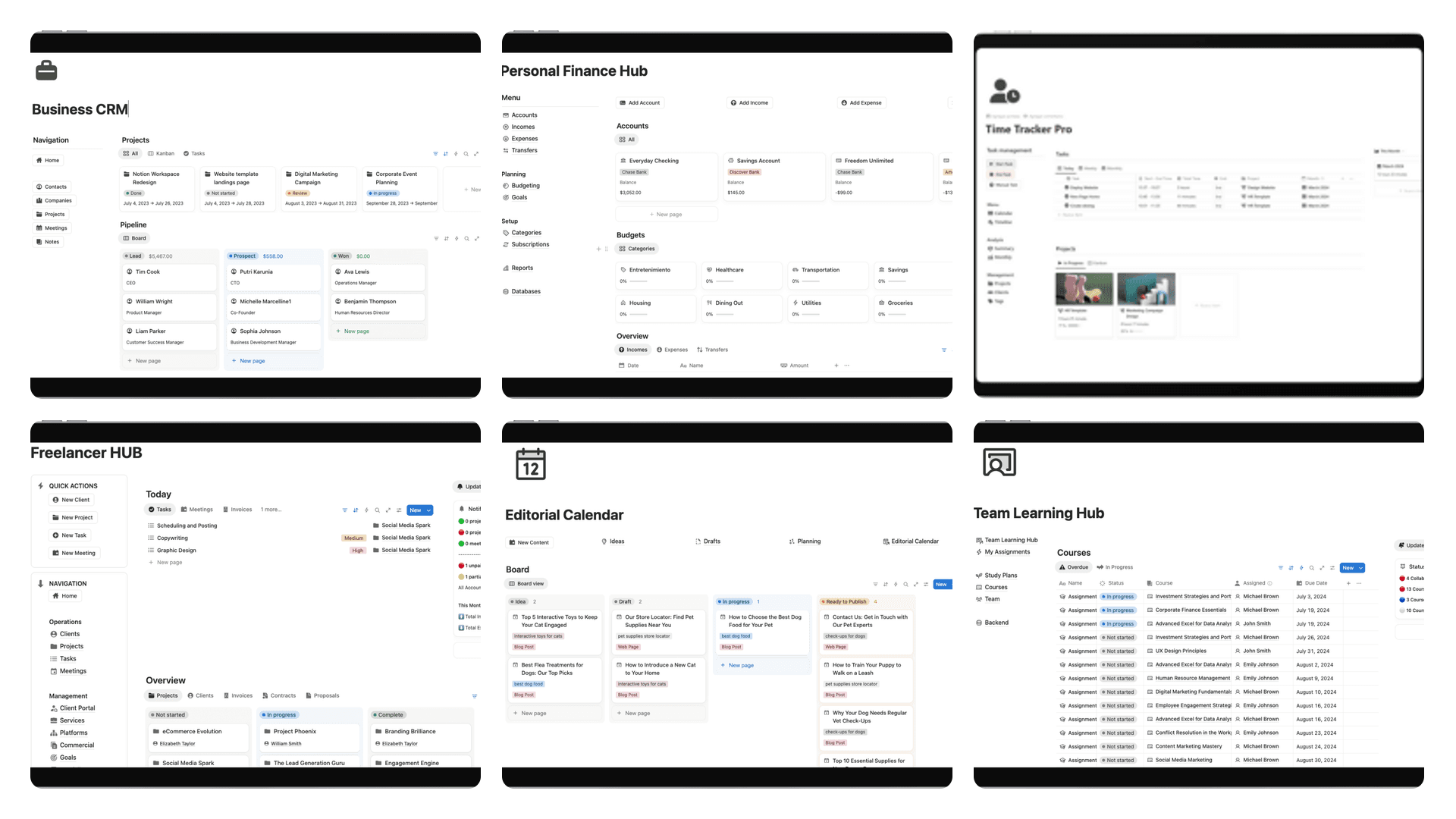
Delete these Notion CRM fields. Keep four.
Cut the Notion CRM to four fields you can update after a call: name, next step, due, money.
A CRM in Notion dies when every deal has a second status, a life-area tag, and a score formula. You hang up from a call and you cannot update the row from memory. You open the page. You hunt for Stage, then Pipeline, then Health, then a multi-select you never agreed on. You close the tab. The deal goes quiet.
Delete fields that duplicate a decision. Keep four you can update from memory after a call: Name, Next step, Due, Money.
This is not a weekly review. This is not a second brain. It is a pipeline you can still touch on a Thursday.
If you still need the long version of how a Notion CRM is put together, that is the Notion CRM template guide. This post is the cut.
Delete these
Open the database. Scroll the property list until it feels like a product spec. Most of it is a second copy of something you already decided.
Duplicate status
One select. Five options: lead / talking / waiting / won / lost. That is the pipeline.
Delete Stage. Delete Pipeline. Delete Status 2. Delete the board view that uses a different select than the table. If two properties can disagree about whether a deal is alive, one of them is lying and you will believe the prettier one.
A Kanban is a view of that one select. It is not a second field. If you need a board, group the existing Status. Do not clone it.
Area of life
A CRM is not a life OS. Health, friends, spiritual, “personal growth” — those tags do not tell you who to call. They tell you the database was copied from a second-brain template.
One Personal checkbox is the most you get, and only if you actually mix friends-who-might-pay with real deals. If every row is a business, you do not need the checkbox either.
Unused tags
Delete tags with zero rows. Delete tags you cannot define in one sentence. “Hot,” “strategic,” “maybe later,” “VIP,” “inbound-ish” — if two people would file the same deal in two places, the tag is not a filter. It is a mood.
Keep only the tags you actually use as a weekly filter. If you never open a view that is “this tag, this week,” the tag is dead weight. Dead tags still slow the property picker after a call.
Score formulas
Lead score. Health. “Priority” as a formula of recency plus dollar plus a gut-feel number you typed once. You will not recompute that after a call. You will glance at it and trust a number that is three weeks stale.
Use Money and Due instead. A deal with a date and a number already has a score: it is due, and it is worth something. If it has neither, it is not a deal. It is a contact you are pretending to pipeline.
Keep these four
These four fields are the ones you can fill without opening notes.
| Field | Type | What goes in it |
|---|---|---|
| Name | Title | The person or company. One row, one name. |
| Next step | Text | One line. A human action. “Send the revised scope by Friday.” Not “follow up.” |
| Due | Date | When that next step is due. One date. Not a range. |
| Money | Number (one currency) | What this is worth if it closes. One currency for the whole database. |
Next step is the field that keeps the CRM honest. If you cannot write a next step after the call, you did not have a next step. Write that. Then either invent one before you hang up, or archive the row.
“Follow up” is not a next step. “Ping” is not a next step. “Waiting on them” is a status, and you already have Status. A next step names who does what, in language you could read out loud to the other person.
Due belongs to that next step, not to “when we hope it closes.” Close dates without a next step are fiction. The date on the row is the date you will do the line of text.
Money is one number in one currency. Not MRR and ARR and “potential” and “weighted.” If you sell in two currencies, pick the one you think in and convert the other when you type. A second money column is how a pipeline learns to argue with itself.
Optional: one Status, one URL
Status is the select from earlier: lead / talking / waiting / won / lost. It is optional only in the sense that the four fields already tell you the story. Keep it if you want a board. Do not invent a fifth religion around it.
One URL. The deck, the Notion page, the Stripe invoice, the calendar event — pick the one you actually open. A gallery of links is a bookmarks folder wearing a CRM costume.
That is it. No owner formula. No last-touched rollup you will not look at. No related-contacts database until these four fields are full on every live row.
How to cut
Do this once. Not as a Sunday ritual.
-
Duplicate the database, or hide the properties. Duplicate if you need a parachute. Hide if you already trust the cut. Do not delete yet. Hidden is reversible. Deleted is a conversation with yourself at 11pm.
-
Hide everything except the four + Status. Table view. Properties: Name, Next step, Due, Money, Status. If you kept a URL, that too. Turn the rest off. The database should fit on a laptop without horizontal scroll.
-
Run one real pipeline session. Open the view. Walk every live row. You are not decorating. You are asking: can I update this from memory after the last call? If a hidden field is the only reason you still understand the row, unhide it and put it on trial.
-
Delete what stayed hidden. If you did not need it in that session, you do not need it. Stage clones, life-area tags, empty multi-selects, score formulas — gone. Views that only existed to display those fields: gone.
-
Rewrite Next step. Archive rows you cannot fill. Every live row gets one human action and a date. If you cannot fill Next step, the row is not live. Archive it. Do not keep a graveyard in the pipeline so the board looks busy.
When you finish, the database should look slightly embarrassing. Too few columns. That is the point.
What this is not
This is not a weekly review. A review looks backward on purpose. A CRM looks at the next action. If you want a one-page review, that is a different page, with a different job.
This is not a second brain. You are not capturing every conversation, every life area, every spark. You are tracking who you owe a step, by when, and what it is worth. Notes belong in the page body of the row, or they belong nowhere.
If a property exists so the CRM can feel like a dashboard, it is already the wrong property.
A pipeline you can update after a call is a pipeline you will still have in a month. If you want that as a Notion system instead of a database you have to strip yourself — the four fields, the one status, no score formula waiting to rot — that is Flowtion.