A weekly review that fits on one Notion page
A weekly review that actually gets used: five properties, five headings, and what to leave off the page.
Most weekly reviews die because they are a system. They want a dashboard, a habit grid, a life-areas wheel, and a second database to roll the first one up. You open it on Sunday. You close it. The week already happened.
A review that fits on one page gets used. The page is the review. Nothing syncs in from five other databases unless you typed it there.
This is a structure, not a mood board.
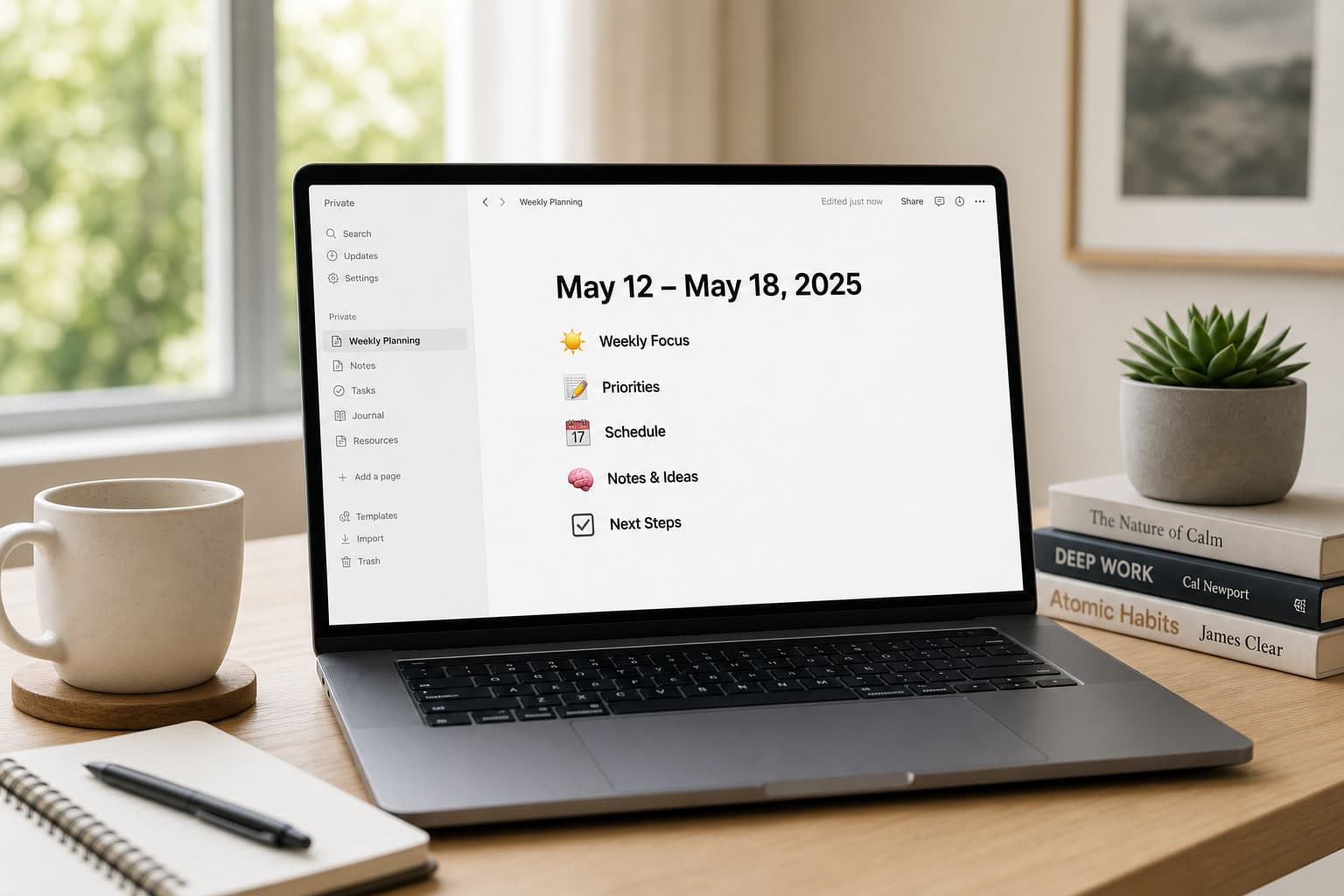
One page. These properties. Nothing else.
Create a page in a database called Weekly — or a standalone page you duplicate. Either works. The properties are the header. The body is the review.
Properties (the header):
| Property | Type | What goes in it |
|---|---|---|
| Week of | Date | Monday of that week. One date, not a range you will argue with. |
| One win | Text | One sentence. If you need three, you are writing a recap, not a review. |
| One stuck | Text | The thing that did not move. Name it. |
| Next week's one bet | Text | The single outcome you will protect hours for. |
| Energy | Select: high / mixed / flat | How the week felt to work in. Not a wellness score. |
That is the whole header. No tags for "area of life." No rollup of tasks completed. No formula that computes a productivity score.
If you cannot fill those five fields in two minutes, the week was noise. That is useful information.
Body: five headings, in this order
1. What shipped
Three bullets, maximum. A bullet is something a stranger could click, read, or pay for. "Worked on the landing page" is not shipped. "Published the pricing section" is.
If you shipped nothing, write None. Do not pad it with meetings.
2. What stalled — and why, one line each
Name the work. Then the blocker in the same line.
- Checkout copy — waited on a Stripe question I did not send
- Directory submissions — homepage still says coming soon
The "why" is the review. Without it this is a graveyard of titles.
3. Money and pipeline
Only what you can see without opening five tabs:
- Invoices sent / paid (counts, not a speech)
- Conversations that could become a customer
- Anything that leaked (refund, churn, a trial that went quiet)
Skip this heading if you are not selling anything this month. An empty money section is theatre.
4. Attention leak
One paragraph, four lines at most. What stole hours that were not the bet. A rabbit hole in the codebase. A tool you reconfigured. A thread. Be specific enough that next Sunday you recognize the pattern.
5. Next week
- The one bet (same sentence as the property — repeat it so the body stands alone)
- Three supporting tasks, each starting with a verb
- One thing you will not do, written as a refusal
The refusal is the most useful line on the page. Without it the bet is a wish.
What to leave out
Leave these off the page even if a template offered them:
- Habit trackers and mood calendars. They belong on a daily page, if they belong anywhere.
- A 14-column dashboard. If you need a chart to know the week, you already failed the review.
- "Areas of life" (health, friends, finance, spiritual). That is an annual review pretending to be weekly.
- Auto-imported task lists from every tool you use. You will skim them and feel busy.
- Quotes, cover images, and a second toggle called "notes." If it is a note, it is a bullet under stall or leak.
A weekly page that looks designed is usually unread.
How to run it
Fifteen minutes. Same day each week. Phone in another room. Fill properties first, body second. If a heading takes more than three minutes, you are writing a memoir.
Duplicate last week's page. Do not start from blank. Delete last week's sentences; keep the headings.
At the end, read only: one win, one stuck, one bet, one refusal. If those four lines are honest, the page did its job.
If you want this as a Notion system instead of a blank page you rebuild every Sunday — properties, headings, the refusal line already there — that is Flowtion.